75
Engine Management Module (EMM)
Diagnostic Software Functions
4
identified by the EMM. DO NOT install an injector
without updating the compensation software.
To install a service injector, click the “Replace”
button on the Injector Coefficients screen and
select the file for the replacement injector. Refer to
Fuel Injector Service on p. 152.
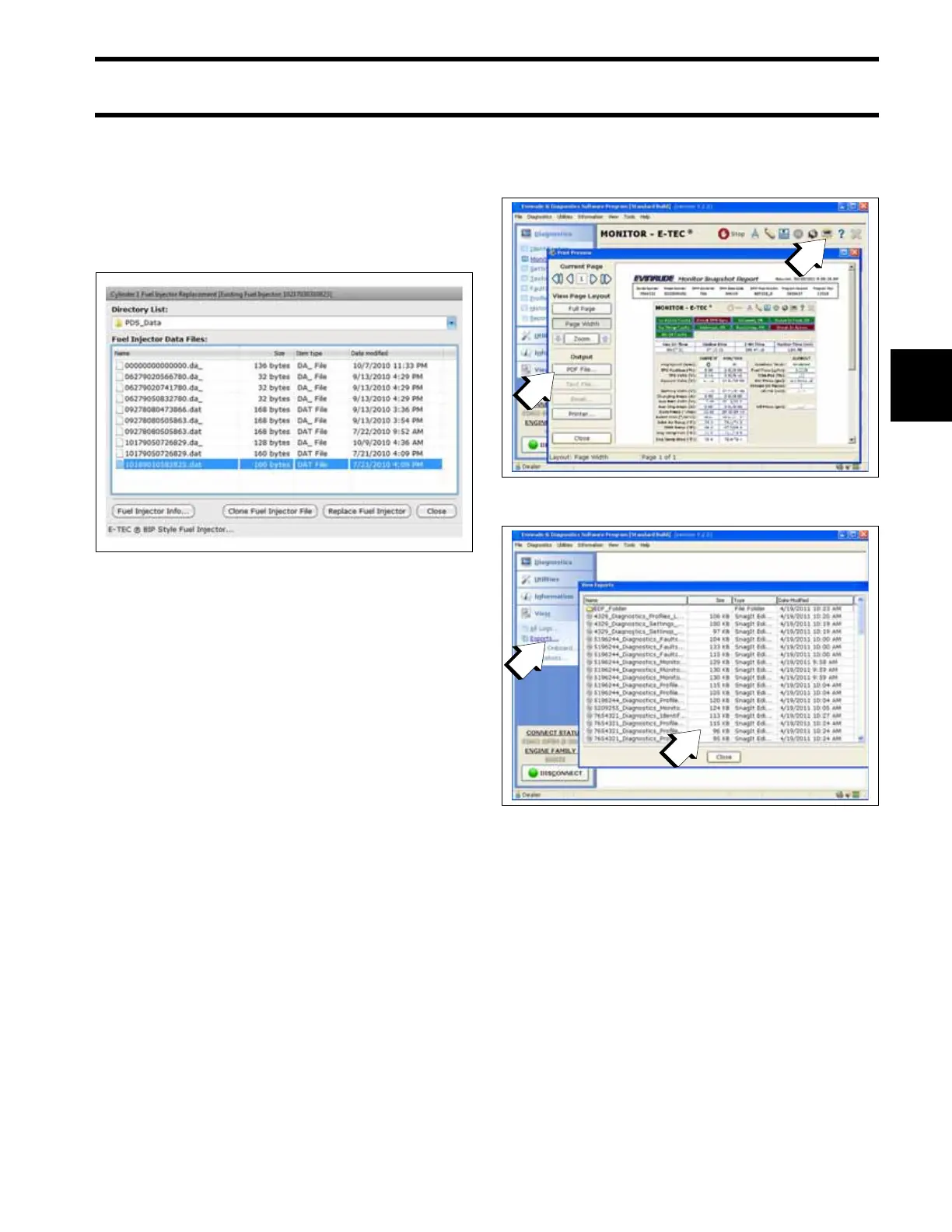
Reports
Engine reports provide service records and can
be used to document the running history of an out-
board. Reviewing this information can help iden-
tify or resolve some service issues.
Click the print button in a window of the diagnos-
tics software to print engine data, or to export the
information to a computer file.
Software Replacement
Engine Management Software is loaded into the
EMM at the factory. Periodically, a new program
may be available to enhance the operation of an
outboard. Select Engine Software Update from
008573
1. Print button
2. Print/Export options
008592
Engine Report data files
1. Exports button
2. Data files
008593







 To Next Page