What to do if gas begins leaking through a needle port on BTG Medical Equipment?
- UufletcherAug 28, 2025
Disconnect the needle and move it to a different channel. Conduct the Needle Integrity and Functionality Test again on the needle.
What to do if gas begins leaking through a needle port on BTG Medical Equipment?
Disconnect the needle and move it to a different channel. Conduct the Needle Integrity and Functionality Test again on the needle.
What to do if needle is not freezing during Needle Integrity and Functionality Test on BTG Medical Equipment?
Ensure the gas cylinder valve is open by turning it counterclockwise to allow sufficient gas flow, and verify that appropriate pressure is displayed on the Gas Indicator. If the needle might be clogged, try the test again. If the needle still does not freeze, stop all activity on the channel, disconnect the needle, move it to a different channel, and run the test again. If the problem persists, replace the needle with a new one.
What to do if BTG Medical Equipment touch screen does not respond?
Turn OFF and restart the system using the power control switch on the rear of the system.
Why is the gas pressure too low on the Gas Indicator of BTG Medical Equipment?
Make sure the Argon Shutoff Valve is open. Verify that the argon cylinder valve is sufficiently opened to allow gas flow; if needed, open the valve approximately another half turn. Check that the cylinder contains sufficient pressure using the gauge on the cylinder, and replace the cylinder if necessary.
What to do if USB flash drive is not recognized by BTG ICEfx Medical Equipment?
Remove the USB flash drive from the USB port on the Console, wait a few seconds, and then reconnect it. If the problem continues, try using a different Galil Medical supplied USB flash drive. If still not recognized, replace the USB flash drive with a new Galil Medical supplied one.
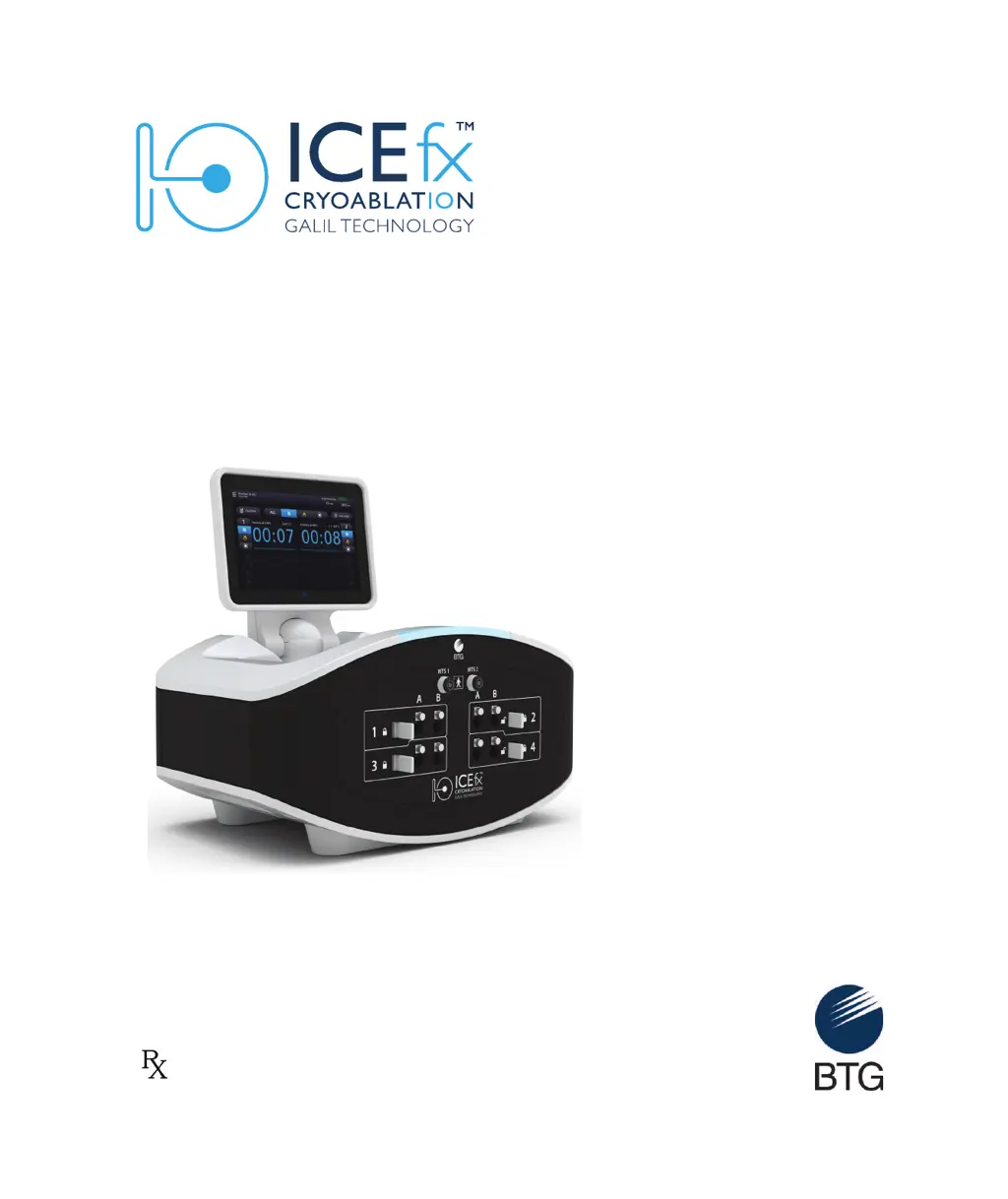
Provides an overview of the ICEfx Cryoablation System and its function.
Details the components included with the ICEfx Cryoablation System and accessories.
Defines the system's purpose and indications for cryoablative tissue destruction.
Lists the specific medical fields and conditions for which the system is indicated.
States any conditions or situations where the system should not be used.
Highlights critical safety information and potential hazards associated with system use.
Outlines important steps and considerations for safe operation and handling.
Lists potential side effects or complications that may occur during or after procedures.
Describes the main unit of the ICEfx Cryoablation System, including its interface and ports.
Details the optional cart used for supporting and moving the ICEfx Console.
Steps to inspect and prepare the system components before operation.
Instructions for securing the Console onto the ICEfx Cart.
Procedure for powering on, configuring, and logging into the system.
Steps for safely connecting the argon gas supply to the system.
Explains the typesetting conventions used throughout the user manual.
Details the process for accessing the system software via username and password.
Guides users on how to interact with the system's graphical interface.
Initiates the cryoablation procedure setup and wizard.
Optional step to input patient and procedure-specific details.
Describes the main interface for controlling and monitoring cryoablation.
Information on viewing, saving, and exporting procedure reports.
Options for customizing system parameters and user preferences.
Access to advanced features like software updates and user management.
Essential steps to test needles and sensors before patient treatment.
Detailed steps for conducting the cryoablation treatment.
Procedures for safely powering off and venting the system.
Instructions for detaching the Console for storage or service.
Guidelines for cleaning the system components after use.
Information on scheduled maintenance and authorized service.
Procedures for decommissioning and disposing of the system.
Steps to restore or update the system software in case of failure.
Troubleshooting for hardware, electrical, and user-caused problems.
Solutions for problems related to argon gas supply and pressure.
Guidance for resolving issues with physical components of the system.
Troubleshooting for problems with gas cylinders and supply lines.
Specific troubleshooting steps for cryoablation needles.
Solutions for issues related to MTS sensor readings and connectivity.
Explanation of system messages and recommended actions for errors.
Defines the environmental parameters for system operation.
Specifies the temperature and humidity ranges for system storage.
Guidelines for safely transporting the ICEfx Cryoablation System.
Details the physical dimensions, weight, and footprint of the system.
Requirements for the argon gas used with the system.
Information on pressure and volume for gas cylinders.
Specifies the precision of system measurements for temperature and pressure.
Provides details on power input, frequency, and ports.
Defines the core functional capabilities of the ICEfx System.
Information on patents covering the ICEfx Cryoablation System.
Lists trademarks associated with the system and related products.
Provides contact information for Galil Medical Customer Service and support.
| Brand | BTG |
|---|---|
| Model | ICEfx |
| Category | Medical Equipment |
| Language | English |