298
298
298cab Produkttechnik GmbH & Co KG
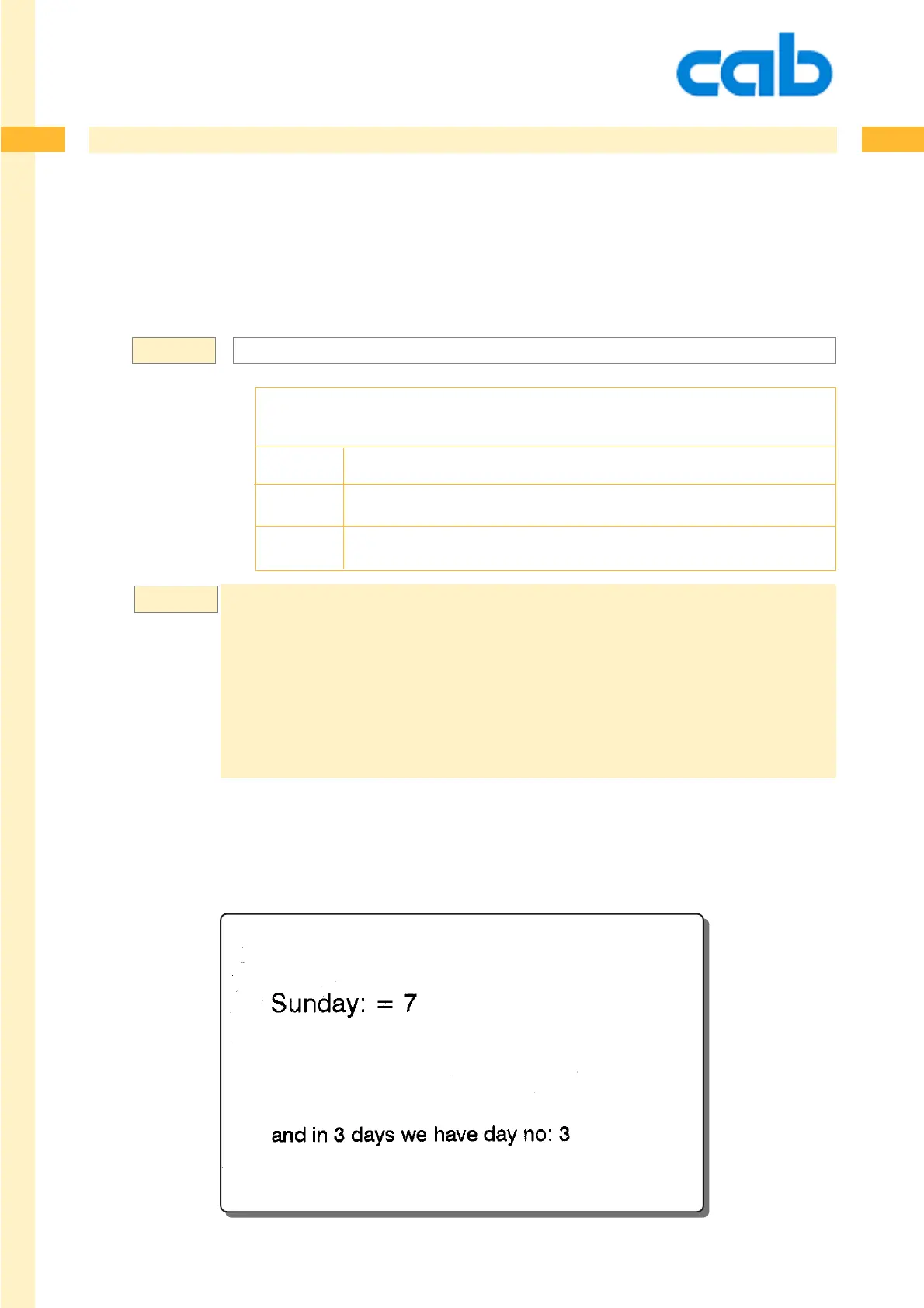
Example:
Date Functions
[ISOWDAY: ...] Print date following the ISO specs
This function prints the numeric week day - starting on monday with 1 and it ends at sunday with 7.
Please see also the [WDAY] command which numbers each weekday from 0-6, starting on sunday.
[ISOWDAY{:+DD{,+MM{,+YY}}}]
[ISOWDAY...] - print date following the ISO specifications
+DD = adds the amount of additional days as numerical value
+MM = adds the amount of additional months as numerical value
+YY = adds the amount of additional years as numerical value
m m
l UK
s 060326184500
J
S l1;0,0,68,71,100
T 8,30,0,3,5;[wday]: = [ISOWDAY]
T 8,55,0,3,4;and in 3 days we have day no: [ISOWDAY:3,0,0]
A1
Following are the results:
1 = monday 4 = thursday 7 = sunday
2 = tuesday 5 = friday
3 = wednesday 6 = saturday
For further information, please refer to ISO standard 8601-2000.
Syntax:



 To Next Page