393
393
393cab Produkttechnik GmbH & Co KG
Installation
Step 1
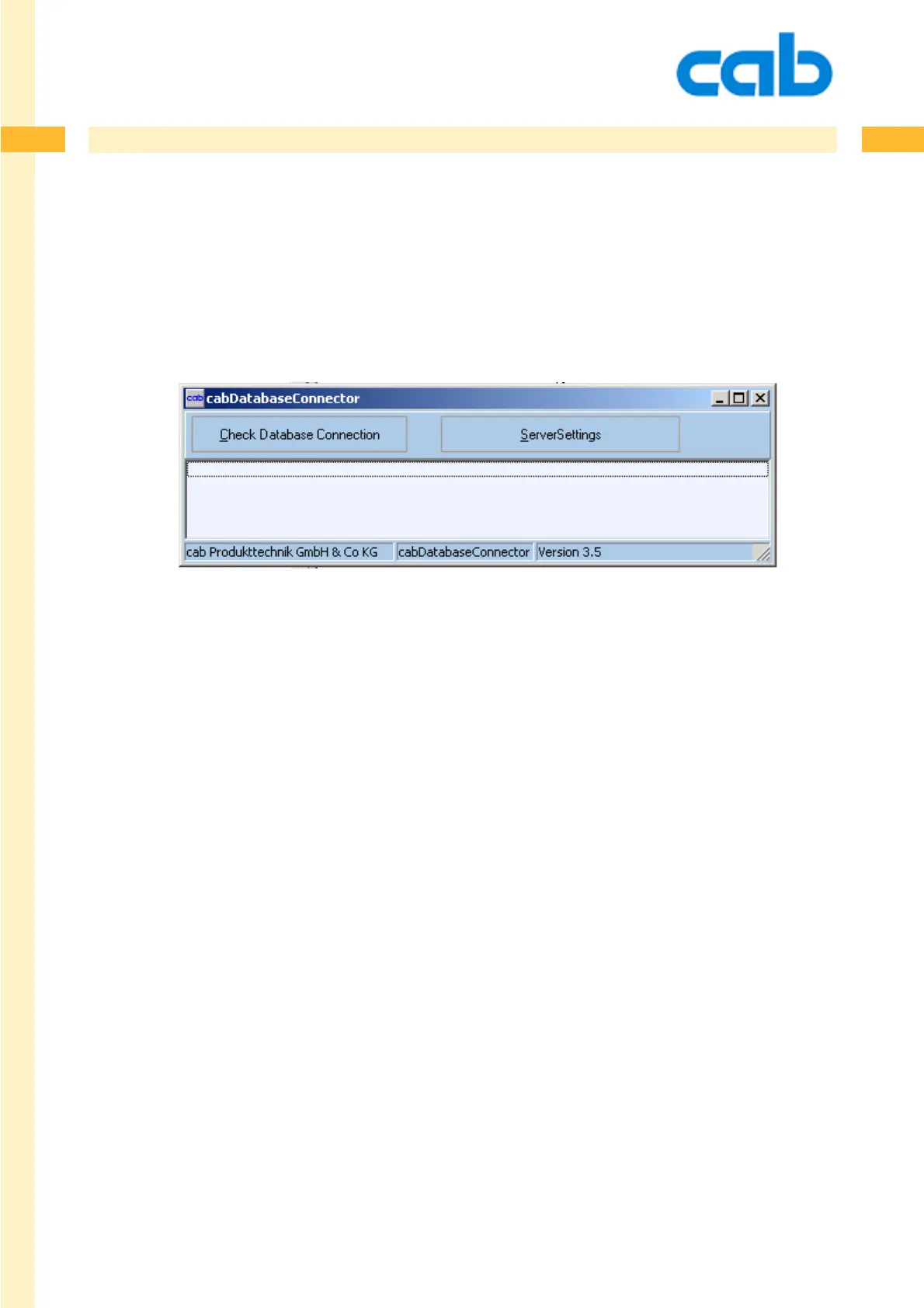
Simply copy the program cabDatabaseConnector.exe on any PC in your network and start it.
The program appears on screen as shown on the picture below.
Step 2
Click on [Server Settings] and type in the complete database connection string. Database connector
has an implemented wizard, to help you to find the correct settings. This requires your knowledge about
your database !
Sample connectionstrings
MSAccess: Provider=Microsoft.Jet.OLEDB.4.0;Data-Source=<DatabasePath+MDB-Filename>
ODBC: in most cases simply type in the ODBC-Datasourcename
MSSQLServer: Provider=SQLOLEDB.1;Integrated Security=SSPI; Persist SecurityInfo=False;Initial
Catalog=cab; Data Source=hostname
ORACLE: Provider=MSDAORA.1;User ID=User; Data Source=Prod;Persist Security Info=False
Dbase: DSN=ExampleDatasource;DBQ=<DatabasePath>; DefaultDir=<DatabasePath>;FIL=dBase IV
cab DataBase Connector



 To Next Page