3-25
Playback
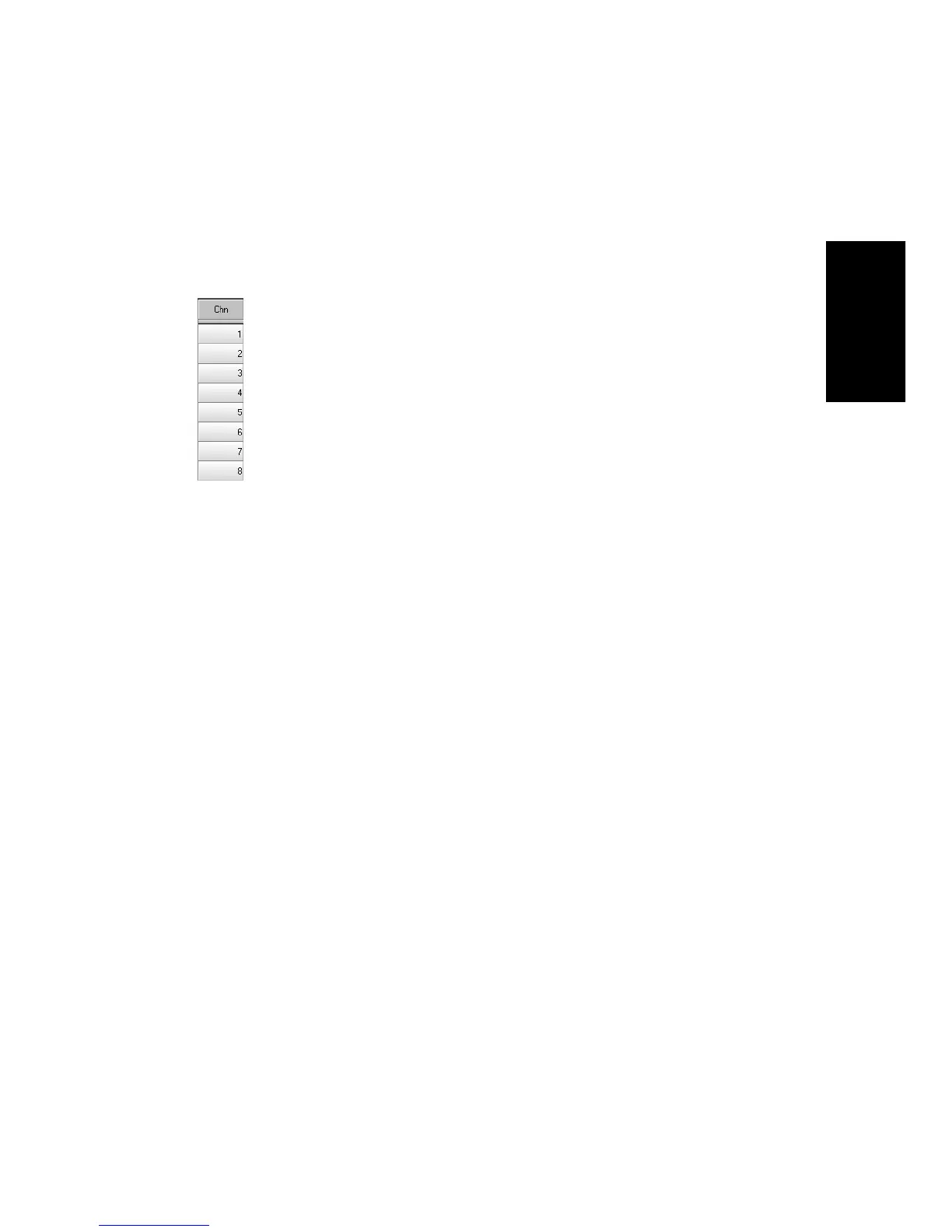
The Chn parameter in the Track view redirects all events in the track to
the speciÞed channel, ignoring the channel number stored with each
event. If this parameter is left blank, all events in the track are sent to
their original channels.
This parameter does not affect the channel information that is stored
with each MIDI event. When the track is displayed in other views, like
the Piano Roll or Event List view, you will see the original channel that
is stored in the Þle. You can edit the channel values in those views or use
the Edit-Interpolate command.
You can also change the channel setting in a variety of other ways, as
described on page 3-15. To change the channel assignment for more than
one track at a time, select the tracks you want to change and choose
Track-Channel.
To Set the Channel for a Track…
1. Move the highlight to the Channel (Chn) column of the track you
want to change.
2. Press the + or – key until the channel you want is displayed.



 To Next Page