9-13
Mixing & Effects
Audio Track Modules
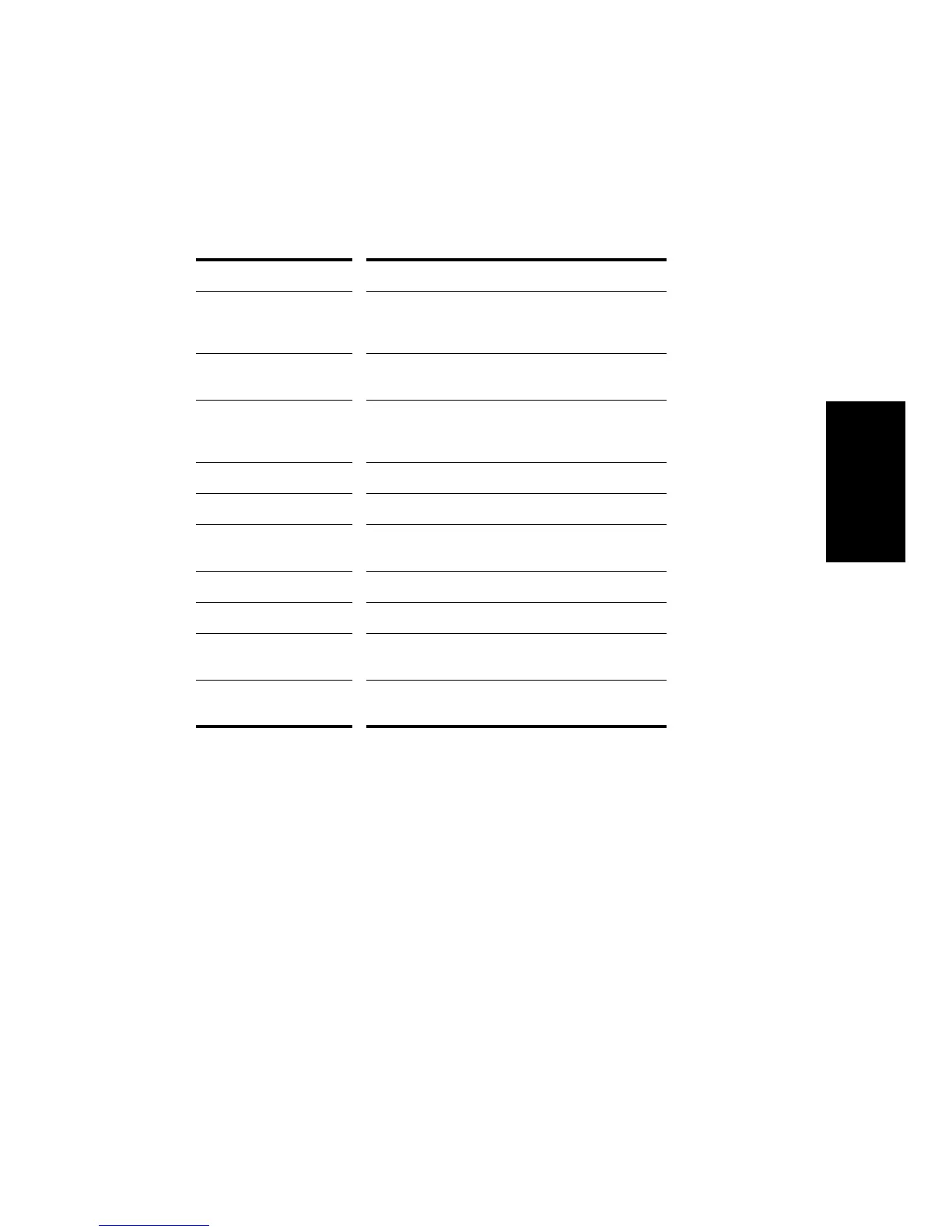
You control the mixing and playback of an audio track as follows:
When moving the Volume fader and Aux Send Level knobs, the Value
box in the toolbar displays the value in dB (decibels). A value of 0 dB
indicates full signal strength; negative values indicate an attenuated
signal. When you move the Pan slider, the Value box displays the pan
value on a scale that ranges from 0 (hard left) to 64 (center) to 127 (hard
right).
Aux Busses
Aux busses are useful for mixing together different audio tracks (in
stereo) and applying effects to the mix. You can mix the tracks at
different volume levels by adjusting each trackÕs aux send level. Each
trackÕs Pan control is used to determine its right/left position in the mix.
To do this... Do this...
Add a real-time audio
effect to the track
Right-click in the Effects patch point and select an
effect from the list (for more information, see
“Using Real-Time Effects” later in the chapter)
Remove an effect Select the effect and press
Delete
or right-click and
select
Delete
.
Send audio data from the
track to an aux bus
Select the corresponding Aux Send Enable and set
the Aux Send Level (for more information, see “Aux
Busses,” the next section)
Mute the track Click the Mute button
Solo the track Click the Solo button
Arm the track for
recording
Click the Arm button
Set the Pan level Adjust the Pan control
Set the Volume level Adjust the Volume fader
Select the output port Click the Output Port button and choose one from
the list
Select the input source Click the Input Source button and choose one from
the list



 To Next Page