16-2
Creating and Running CAL Programs
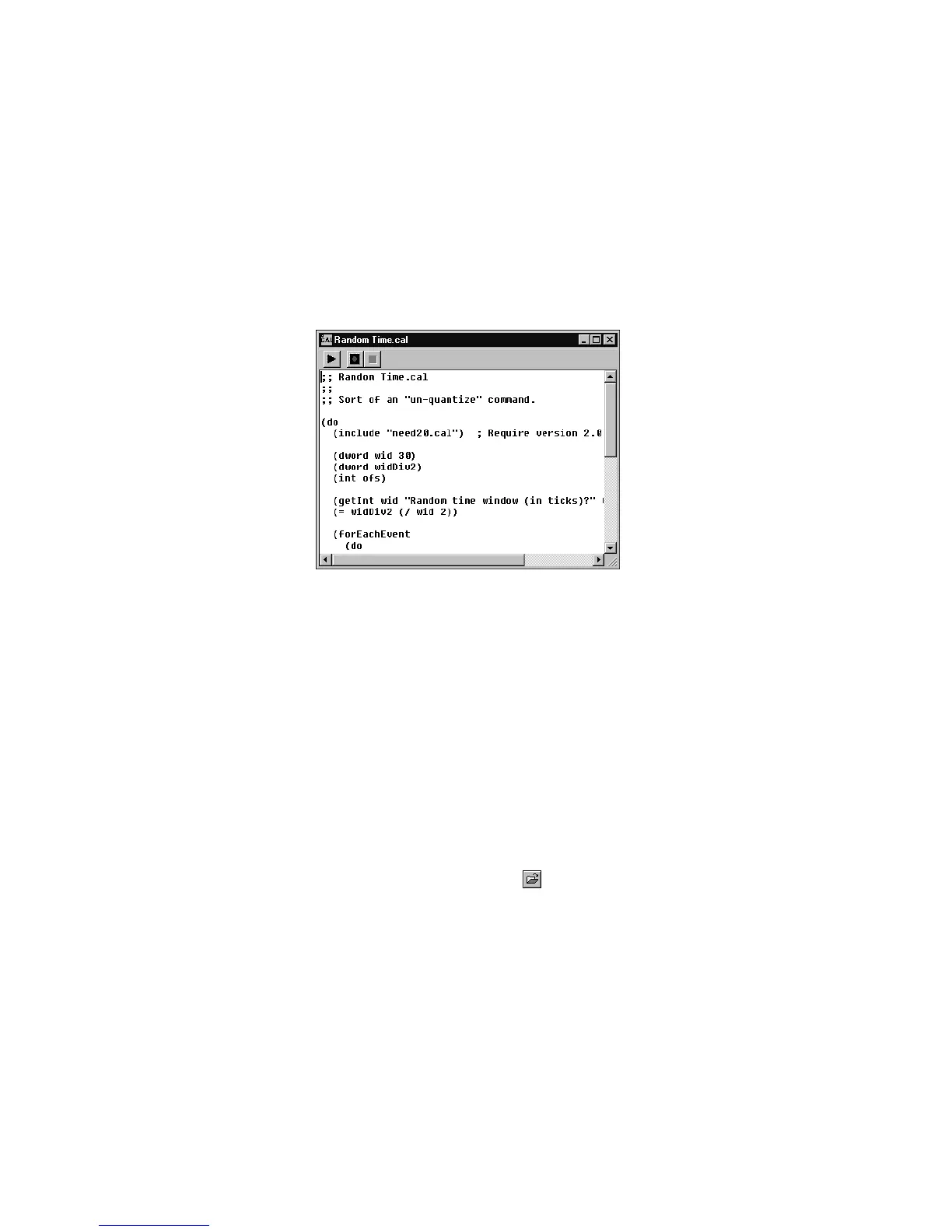
The CAL view is a small notepad-like editor for creating, editing, saving,
recording, and running CAL programs.
The CAL view works like a basic text editor, allowing you to enter and
edit your programs freely. The editor supports Cut, Copy, and Paste,
and you can also paste information into a CAL view from a word
processor or other text editing program.
While you can run a CAL program from within the CAL view, you can
also run an existing CAL program without displaying it in the CAL view.
To interrupt a CAL program while it is running, press the Esc (Escape)
key. Press OK to conÞrm that you want to interrupt the CAL program.
As a rule, you shouldnÕt interrupt a CAL program in this way unless you
suspect it is stuck in an inÞnite loop.
To Open a CAL Program…
1. Choose
File-Open
or click in the toolbar.
2. Choose CAL from the Files of Type list.
3. Choose the file you want to open and click Open.
The CAL view displays the program. Use the CAL view to edit or
modify the program.



 To Next Page