3-28
Adjusting the Time Alignment of a MIDI Track
(Time+)
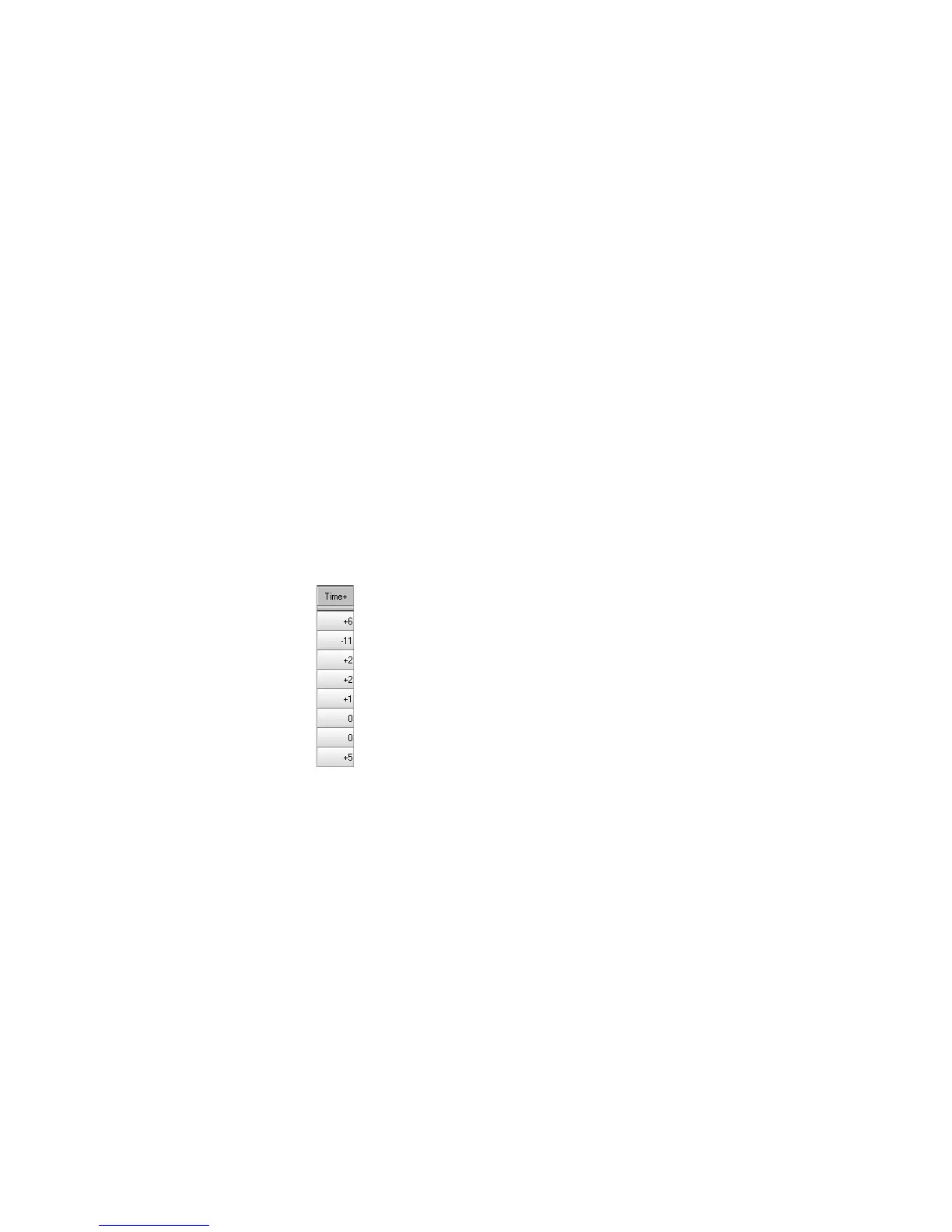
Each event takes place at a known point in the project. On playback, the
time offset (Time+) parameter adjusts the times for MIDI events in the
track by the designated amount. The value can be as small as a single
clock tick or as large as you want.
This parameter can be used to make a part play behind the beat or in
front of it or to compensate for tracks that sound rushed or late. The time
shift can be used to create a chorus or slap-back echo effect by making a
copy of a track and then applying a small offset to the copy. You can use
larger time offsets to shift a track earlier or later by several beats or
measures.
Note that you cannot shift any event earlier than 1:01:000. For example,
if the Þrst event in the track starts at 2:01:000, you cannot shift its start
time earlier by more than one measure.
This parameter does not affect the time that is stored for each note
event. When the clip is displayed in other views, like the Piano Roll,
Staff, or Event List view, you will see the original times as they are
To Set the Velocity Offset for a Track…
1. Move the highlight to the Vel+ column of the track you want to
change.
2. Press the + or – key until you reach the value you want. Use the
[ or ] key to increase or decrease the value by 10.
You can also change the velocity offset in a variety of other ways, as
described on page 3-15. To change the velocity offset for more than
one track at a time, select the tracks you want to change and choose
Track-Property-Vel+
.



 To Next Page