10-5
Instruments
Creating Instrument Definitions
Pro Audio lets you create and edit instrument deÞnitions. To create an
instrument deÞnition, you must answer these types of questions:
¥ What are the names of the patches in each bank?
¥ Which note names should be used for each patch?
¥ What are the names of the MIDI Controllers for this instrument?
¥ Which RPN and NRPNs are available on the instrument?
¥ Which Bank Select method does the instrument use?
To collect this information, you need the MIDI documentation for your
instrument.
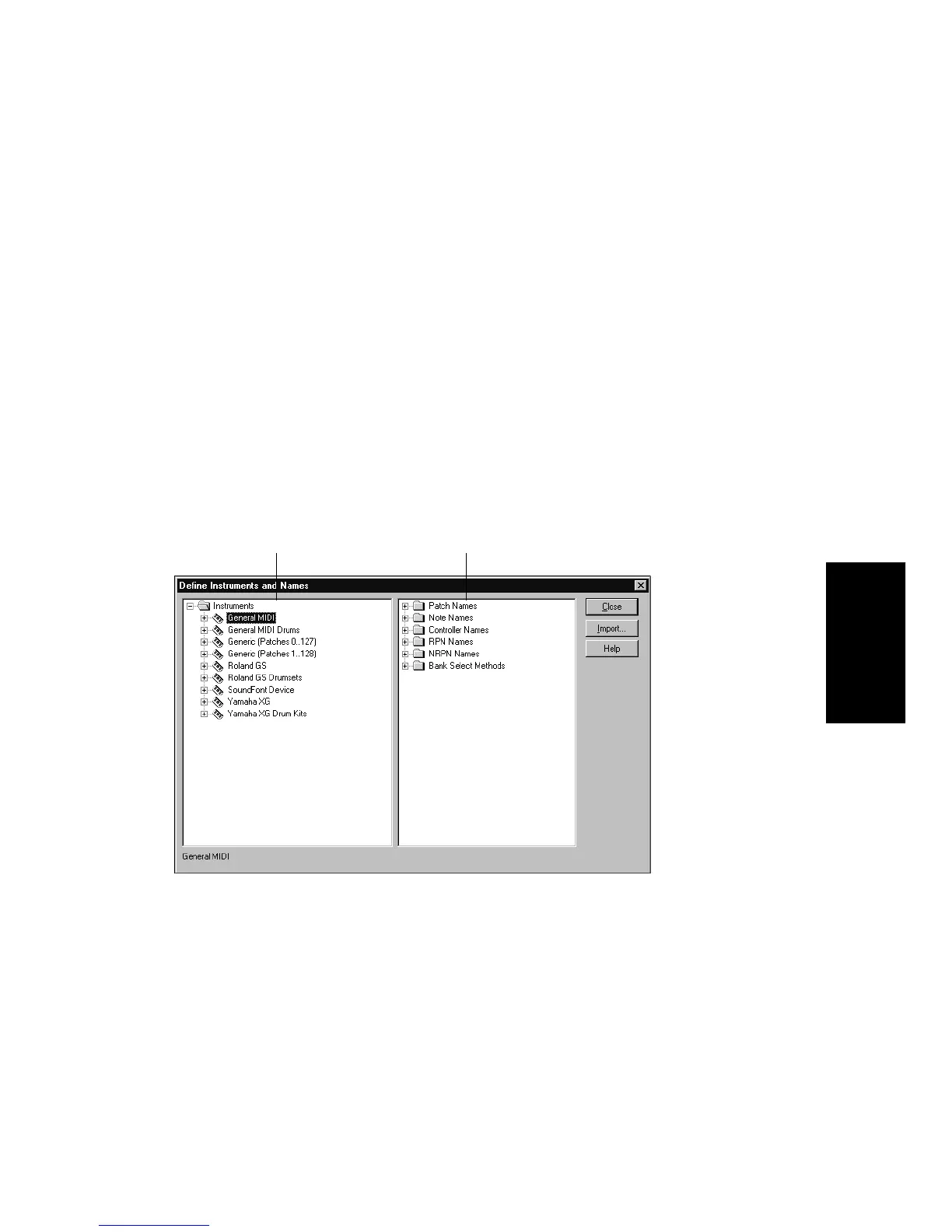
You deÞne instruments in the DeÞne Instruments and Names dialog
box, shown below:
The DeÞne Instruments and Names dialog box contains two trees:
¥ The Instruments tree lists all deÞned instruments and their
characteristics
¥ The Names tree shows all the resources you use to deÞne an
instrument
The Instruments tree
The Names tree



 To Next Page