9-2
The Console View
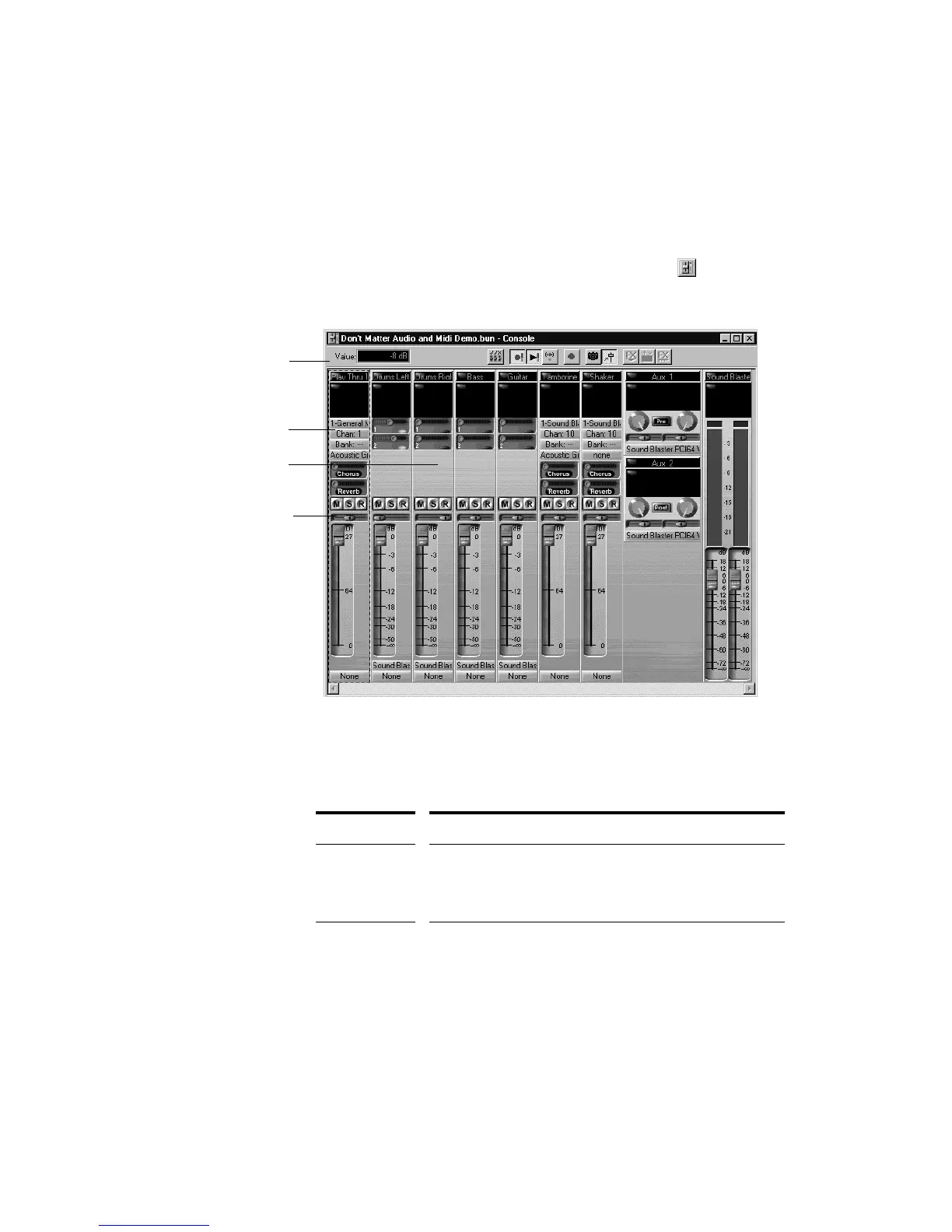
The Console view contains all the controls you need to mix your project.
To open the Console view click the Console view button or choose
View-Console.
Sound controls in the Console view are grouped in modules. There are
four types of modules:
Module type... What you can do...
MIDI track Set the track’s output port, channel, bank, and patch; set the
input source; mute, solo, and arm the track; set channel
volume, panning, chorus, and reverb levels; apply real-time
effects
Audio track Set the track’s output port; set the input source and monitor
input levels; mute, solo, and arm the track; set track volume
and panning; apply real-time effects; send audio data to aux
busses
MIDI module
Audio module
Toolbar
Mute/Solo/Arm
buttons



 To Next Page