9-3
Mixing & Effects
One module is always outlined with a broken line. This corresponds to
the track with the focus in the Track view. You can change the focus by
clicking to the right of the moduleÕs volume fader.
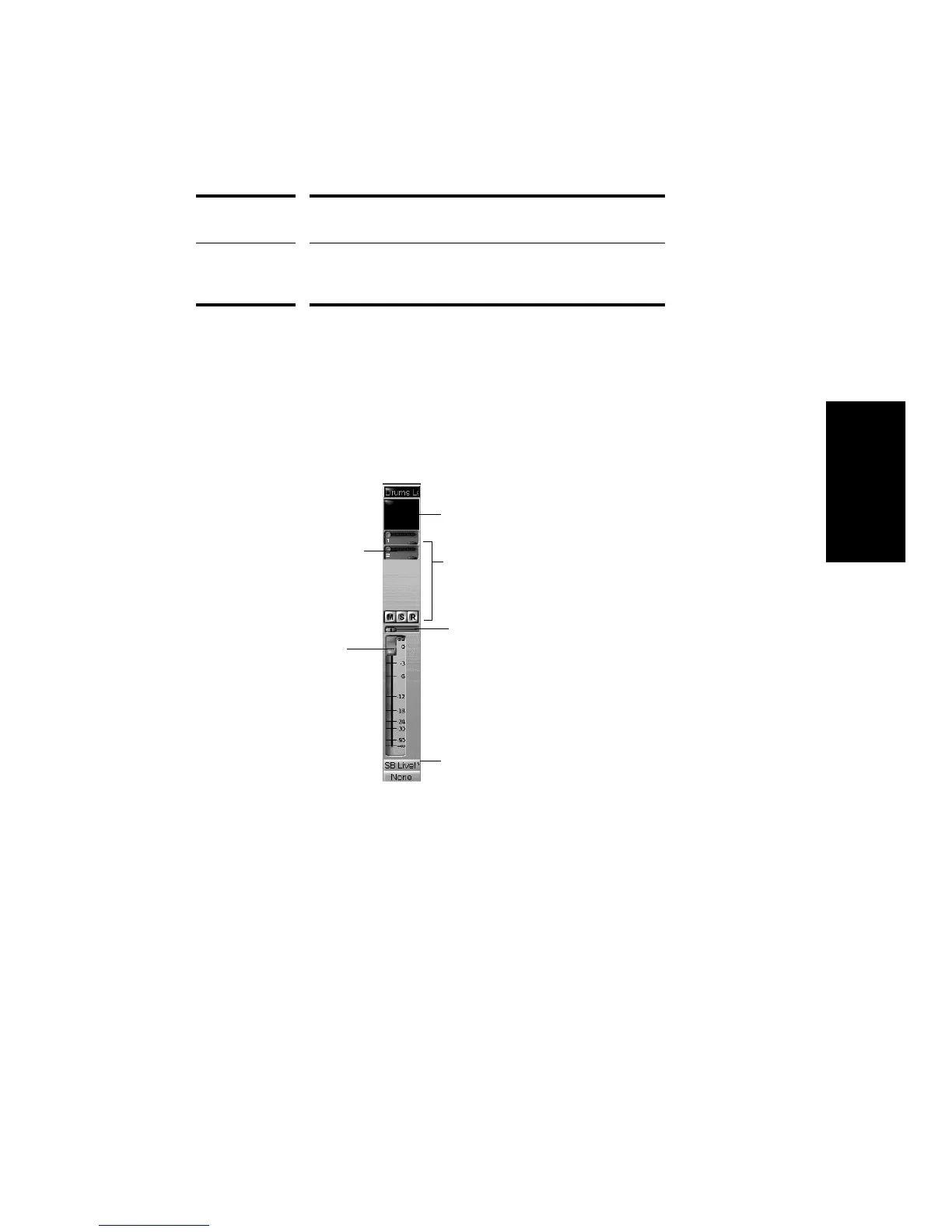
The Console view contains several different types of controls. HereÕs how
they are used:
You can adjust knobs in four different ways:
¥ Click along the outer edge of the knob to move the knob to that
position
¥ Drag the outer edge of the knob in a circular motion to set the
desired position
¥ Click on the center of the knob and drag the mouse up or down to
adjust the knob
¥ Double-click the center of the knob to return it to its snap-to position
Aux bus Receive input from one or more audio tracks, apply real-time
effects, and send the results to an output port
Main Apply real-time stereo master effects; monitor output levels
using meters; control the stereo volume of audio output to an
audio port
Right-click to patch an effect
Click a button to enable/disable it
Adjust the slider to
the desired setting
Drag the pan fader left or right
Drag the volume fader up or down
Click the button to select from a menu



 To Next Page