8-17
Notation
following it. It is recommended that you turn off the Fill Durations and
Trim Durations options when entering notes; these options are more
appropriate for looking at notes you recorded.
Using Enharmonic Spellings
Any musical note can be referred to by several different names. For
example, C#3 and Db3 identify the same pitch, as do G4 and Abb4. The
most appropriate name depends upon the current key signature, but can
also depend on musical context.
Pro Audio uses a set of rules to automatically add accidentals (sharps or
ßats) to notes based on the current key signature. These rules cover the
most common musical situations and usually lead to pleasing results.
However, there is no guaranteed right way to resolve accidentals. Doing
so ultimately requires knowledge regarding what key or scale is being
evokedÑknowledge that only the composer possesses. For example, if a
modulation is being prepared, then the new key signature has not yet
been completely established, and the harmony has already begun to
shift. In fact, there may not even be a scale in a diatonic sense:
chromatic scales, for instance, are supposed to sharp on the way up and
ßat on the way down. Because no set of rules will sufÞce for all
situations, the composer needs the ability to override any default choice.
Notes in Pro Audio normally do not have a forced enharmonic spelling.
This means that they will automatically change to match the default for
a new key signature. If you specify spelling that matches the default
choice, Pro Audio will drop any forced spelling and switch back to default
behavior. Otherwise, the forced spelling is remembered for that note,
and will not change to follow the key signature. If you change the pitch
of a note by some other means (for instance, by dragging it up or down),
it will lose any forced spelling, because it very likely no longer applies to
the new pitch. Enharmonic spelling overrides for each note are saved in
the project Þle.
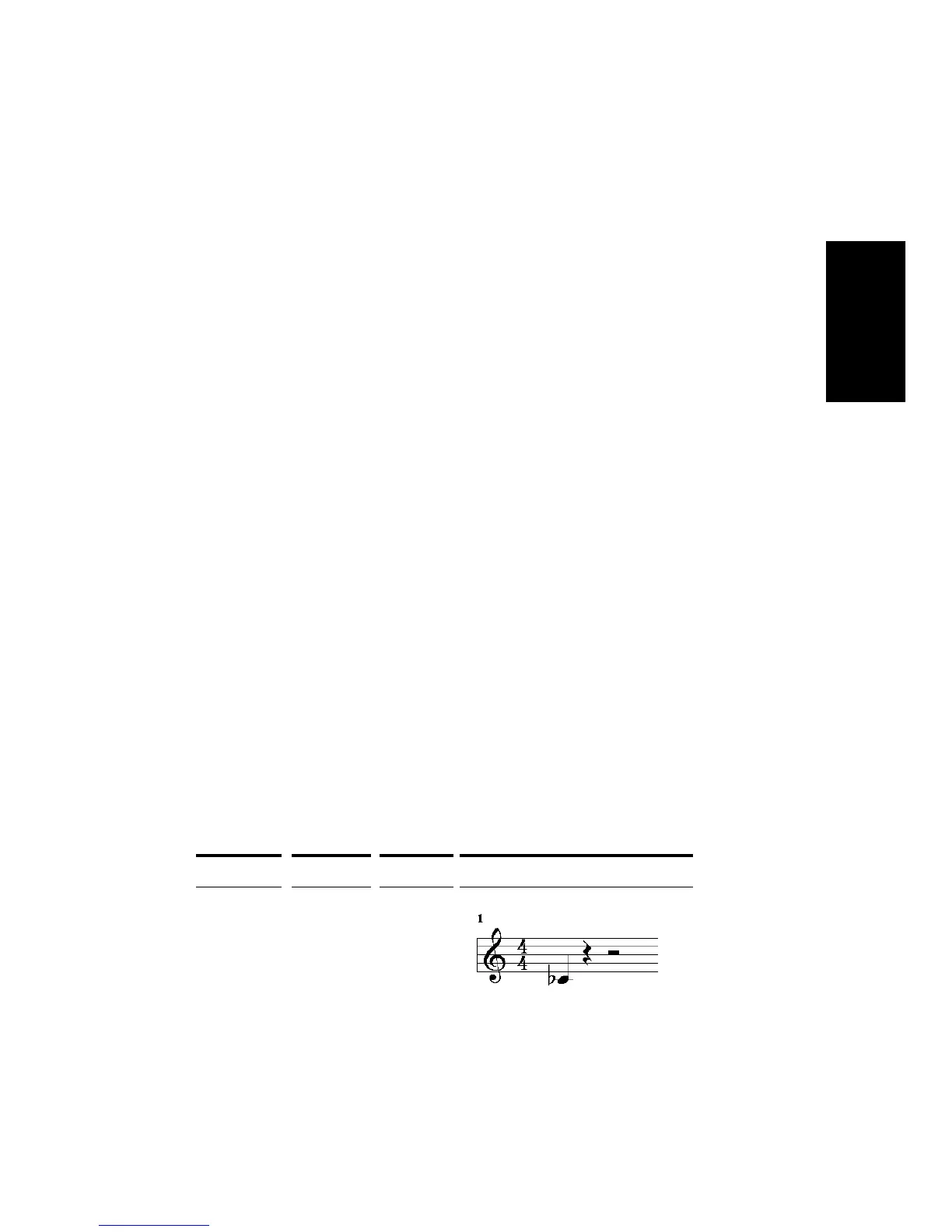
When you type a noteÕs enharmonic spelling, use the following table as a
guide:
Accidental... Character... Example... Displays as...
Flat b Cb5



 To Next Page