10-14
Assigning Controller, RPN, and NRPN Names
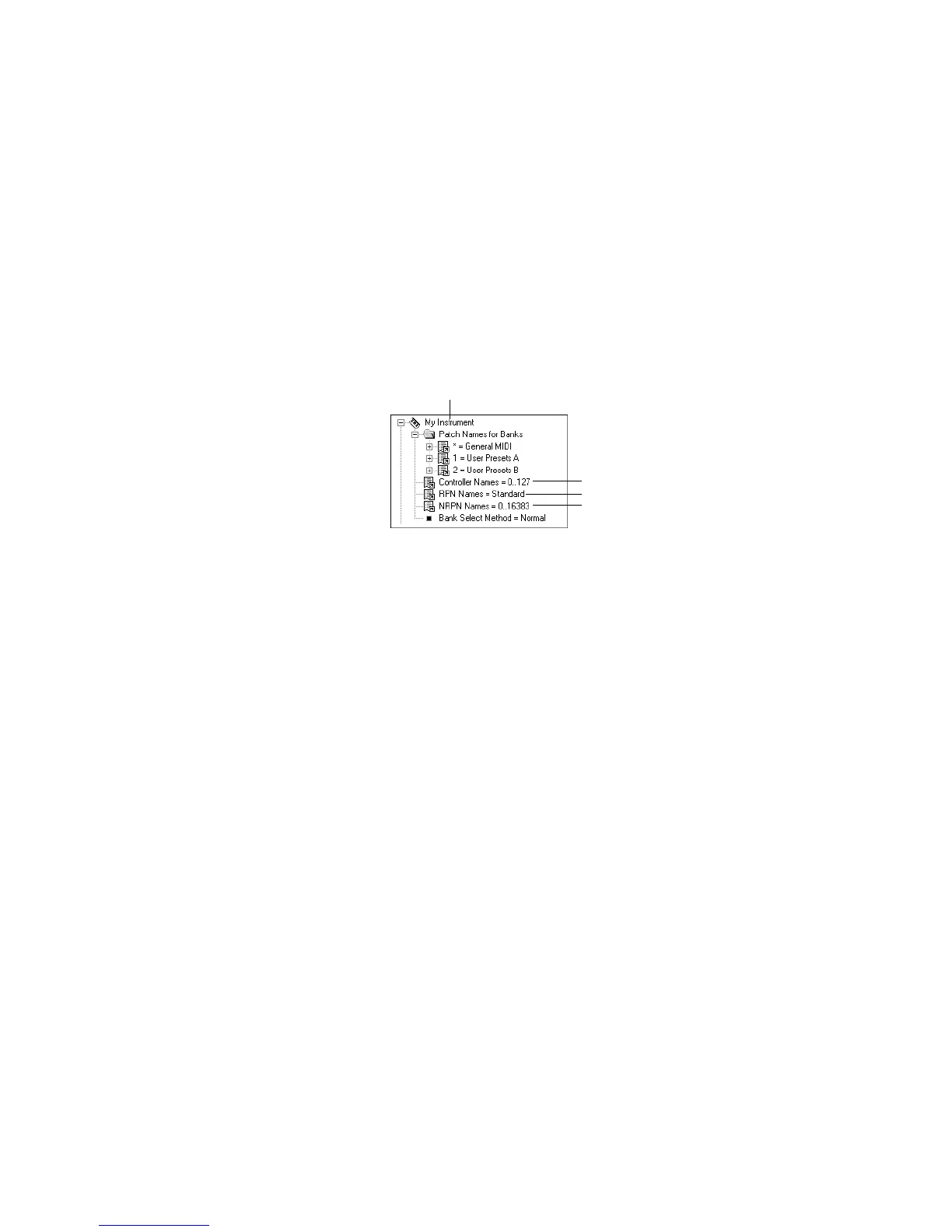
Pro Audio lets each instrument have its own lists of controller names,
RPN names, and NRPN names. There is always exactly one list of each
type per instrument.
To See the Controller, RPN, and NRPN Name Lists…
1. Expand the instrument definition by clicking the + sign next to
the instrument name.
To Change the Controller, RPN, or NRPN Name List…
1. In the Names tree, expand the branch containing the Controller
name lists, RPN name lists, or NRPN name lists.
2. Drag the desired name list from the Names tree onto the
corresponding branch of the Instrument tree.
Pro Audio displays the updated Controller, RPN, or NRPN name lists.
RPN name list
Instrument name
NRPN name list
Controller name list



 To Next Page