2-5
Getting Started
The current song contains several markers. LetÕs try starting playback
from the marker labeled C:
For more information about markers, see ÒCreating and Using MarkersÓ
on page 5-17.
Restarting the Song Automatically
WouldnÕt it be easier to practice your solo if you didn't have to rewind
and restart the song each time it ended? Rather than manually
rewinding and restarting the song, you can make Pro Audio
automatically jump back to the beginning and keep playing.
Looping Over the Entire Song
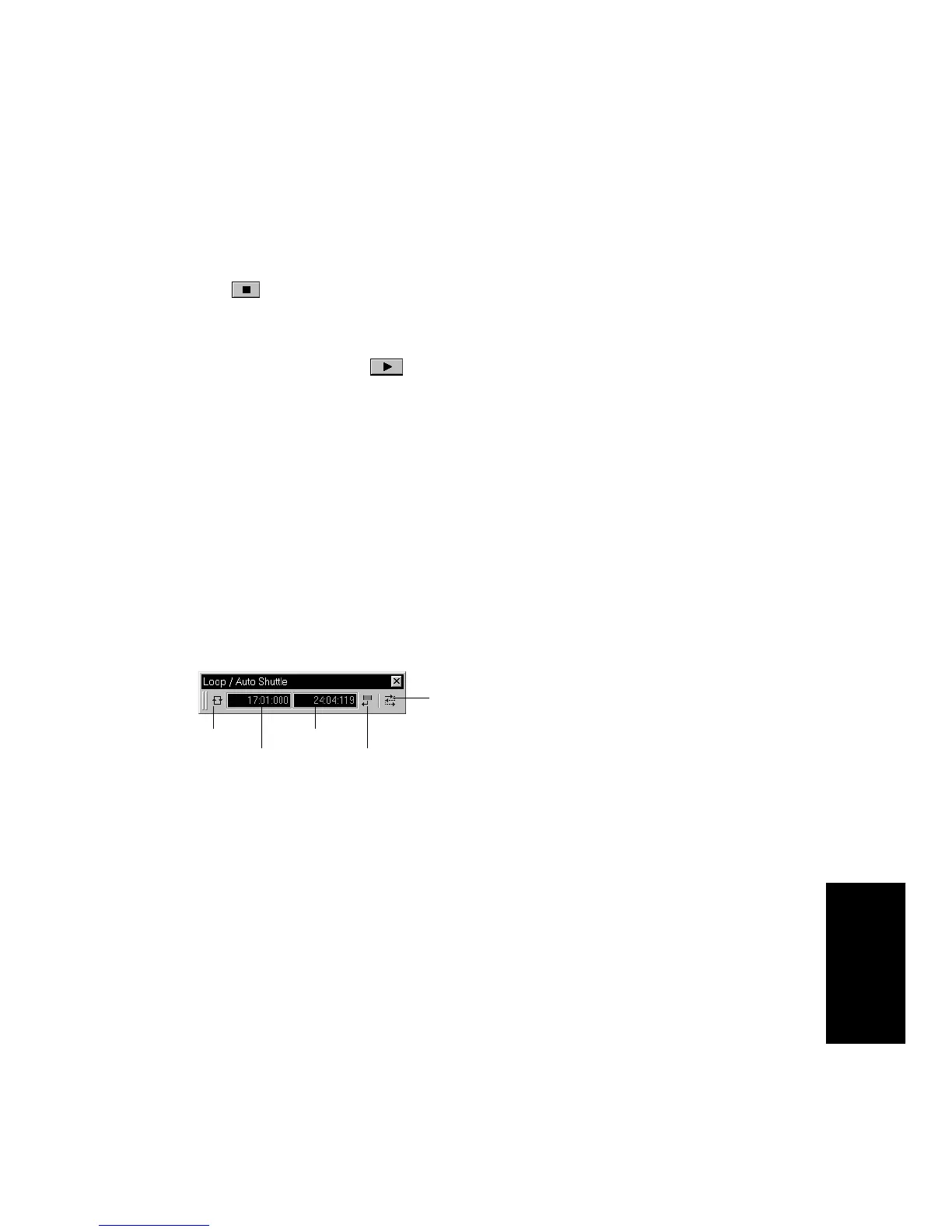
To control looping, use the tools in the Loop/Auto Shuttle toolbar. If you
donÕt see this toolbar, choose View-Toolbars and check Loop.
To loop over the entire song, do the following:
1. If the song is playing, pause playback by clicking the Stop button
.
2. In the drop-down list in the Markers toolbox, select the marker
labeled C. The Now time moves to the start of measure 17.
3. Click the Play button .
1. Click the Loop From time. The time display changes to an edit box
with spin controls.
2. To loop over the entire song, the loop must start at 1:01:000. If
the Loop From time is not already set to 1:01:000, use the
keyboard or spin controls to enter this value.
3. Click the Loop Thru time.
4. Press F5 to open the Markers dialog box.
Loop properties
Loop On/Off
From time
Thru time
Copy selection time



 To Next Page