3-27
Playback
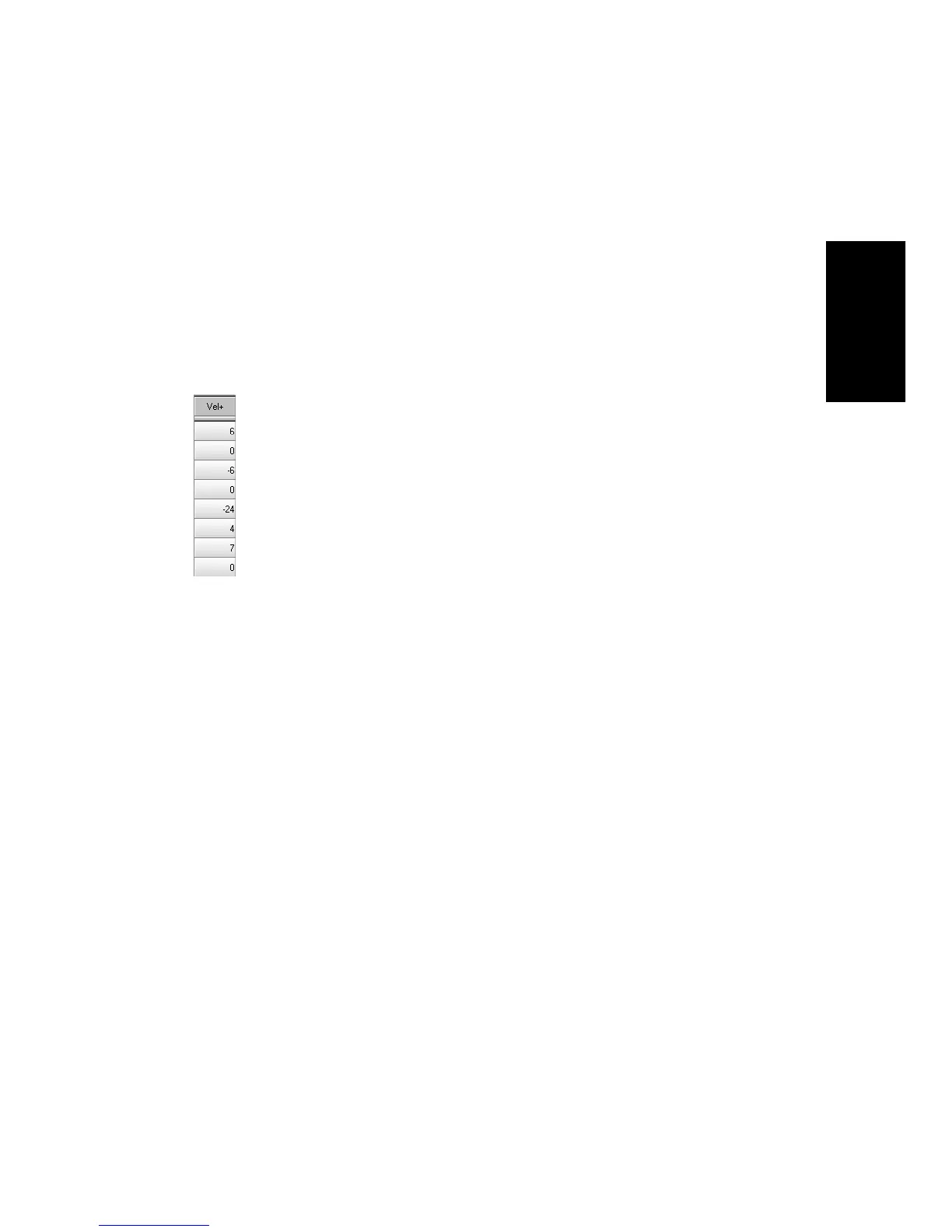
Adjusting the Note Velocity (Vel+)
Each MIDI note event has a velocity, which represents how fast (or how
hard) the key was struck when the track was recorded. On playback, the
velocity offset parameter adjusts the velocity data for all notes in the
track by the designated amount. The value can range from -127 to +127.
The effect of changing velocities depends on the synthesizer. Some
synthesizers do not respond to velocity information. For others, the effect
varies depending on the sound or patch you have chosen. Normally,
higher velocities result in louder or brighter-sounding notes.
This parameter does not affect the velocity that is stored for each note
event. When the clip is displayed in other views, like the Piano Roll,
Staff, or Event List view, you will see the original velocities as they are
stored in the Þle. You can edit the velocity values in those views, or use
the Edit-Scale Velocity or Edit-Interpolate command.
Velocity is also meaningful for digital audio tracksÑthose that are
assigned to an audio output port. Every audio clip consists of one or more
audio events. Each audio event has an associated velocityÑa number
between 0 and 127Ñwhich represents an amount by which the eventÕs
volume will be boosted or cut on playback. A velocity of 0 mutes audio
events, a velocity of 127 represents +18 dB, and a velocity of 103
represents +0 dB. The track velocity functions as a master volume for all
audio clips in the track.
Velocity is different from volume in that it is an attribute of each event,
rather than a controller that affects an entire MIDI channel. HereÕs an
example of where this distinction might be important. Suppose you have
several tracks containing different drum parts. All of these parts would
probably be assigned to MIDI channel 10 (thatÕs the default channel for
percussion in General MIDI). If you change the volume setting for any
track that uses channel 10, all the different drum partsÑregardless of
what track theyÕre inÑwould be affected. If you change the note velocity
for one drum track, it will be the only one whose volume is affected.



 To Next Page