9-29
Mixing & Effects
Preparing Audio for Distribution
You can use Pro Audio to prepare audio Þles, or audio/video Þles for
distribution via the World Wide Web or other electronic means. Four
formats are supported:
To Mix Down Audio Tracks...
1. Set all volume, pan, effects, and automation settings just as you
want them.
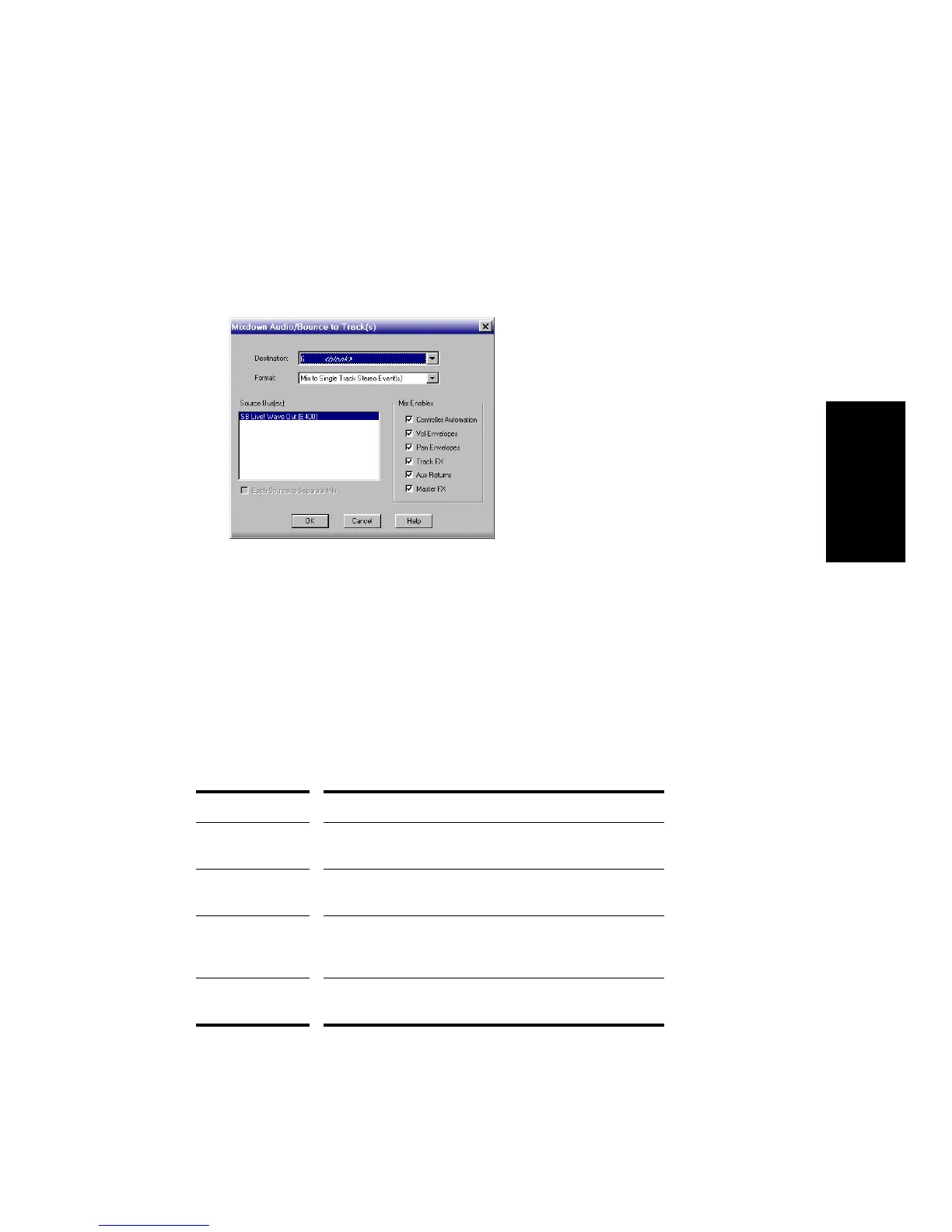
2. Choose Tools-Mixdown Audio-Bounce to Track(s) to open the
Mixdown Audio/Bounce to Track(s) dialog box.
3. Select the destination track for the mixdown.
4. Click OK.
Pro Audio mixes the audio data and a new track(s) appear(s) on the
destination track.
Format... Definition...
Wave The standard digital audio format used under Windows,
with a file extension of .
wav
RealAudio Digital audio encoded and compacted for streaming over
the Internet, with a file extension of .
ra
Windows Media
Advanced
Streaming Format
Compressed digital audio for streaming over the Internet,
with the file extension .WMA.
MP3 Highly compressed digital audio designed for quick
downloads via the Internet, with the file extension .MP3.



 To Next Page