4-3
Recording
Setting the Time and Key Signatures
By default, a new Pro Audio project is in 4/4 time and the key of C major.
You can change these settings to any desired time signature or key.
These settings apply to all the tracks in a project. You cannot set
different time or key signatures for different tracks.
The time or key signature of a project can change at any measure
boundary. To insert changes in the time or key signature, use the View-
Meter/Key command to display the Meter/Key view, or use the Insert-
Meter/Key Change command.
If you are creating a new project that will contain only audio material
(no MIDI material), you do not need to set the time and key signatures.
The key signature controls how Pro Audio displays notes in the Staff
view, the Event view, and elsewhere. The time signature, or meter, tells
Pro Audio the number of beats per measure and the note value of each
beat. Common meters include:
¥ 2/4 (two beats per measure, each quarter note gets a beat)
¥ 4/4 (four beats per measure, each quarter note gets a beat)
To Create a New Project…
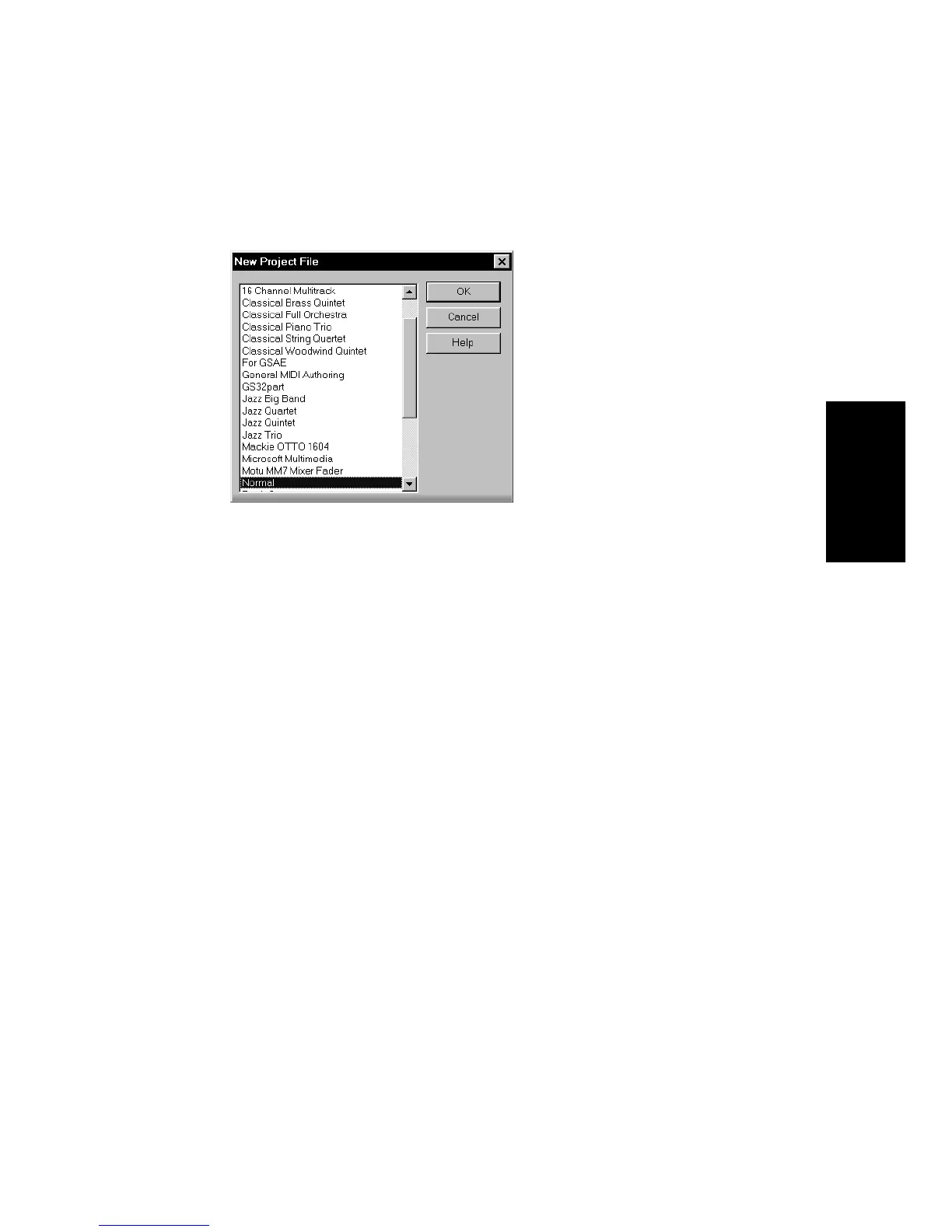
1. Choose
File-New
to display the New Project File dialog box.
2. Choose a template from the list.
3. Click OK.
Pro Audio creates the new project and displays it in the Track view.



 To Next Page