3-19
Playback
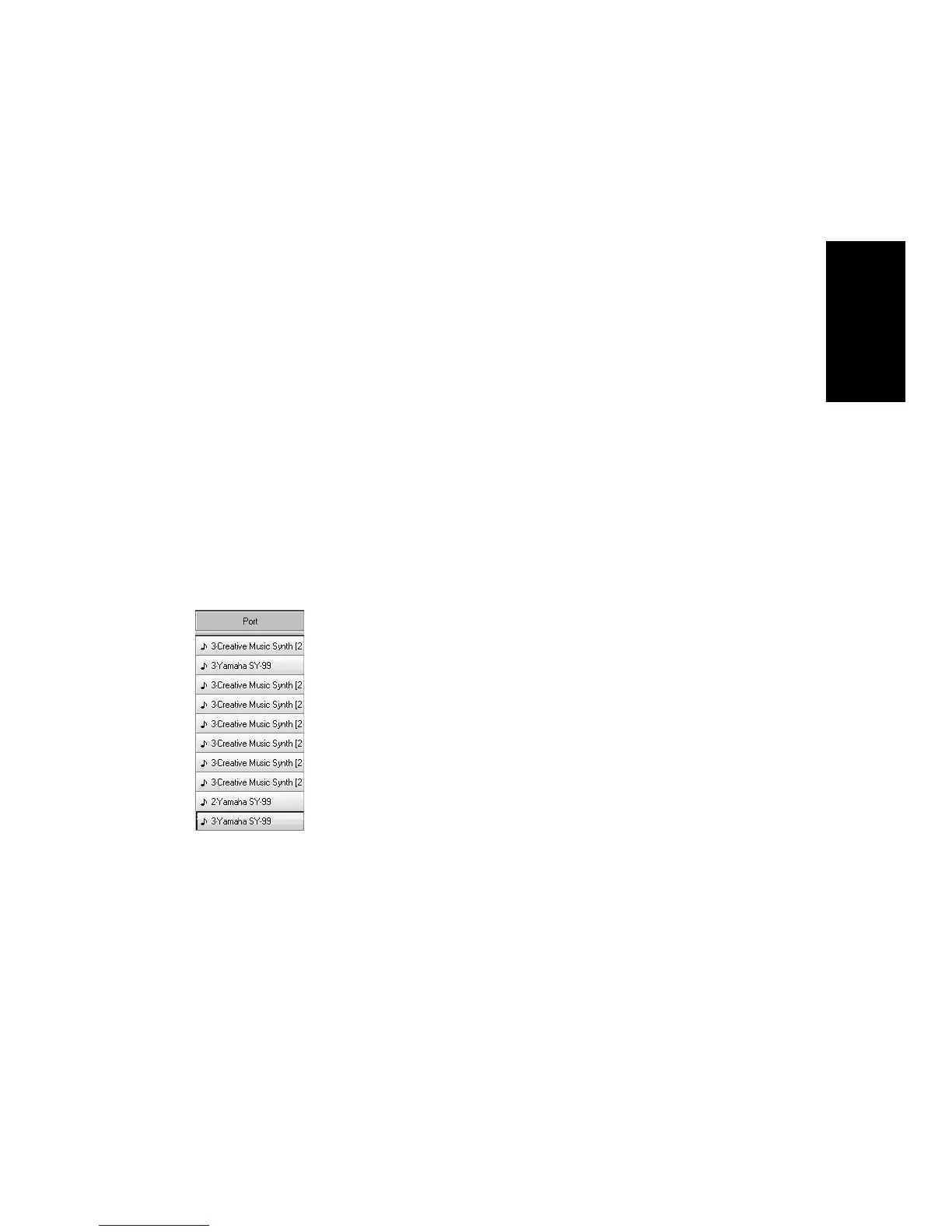
Assigning Tracks to Ports
You assign each track to a MIDI or an audio port using the Port column
in the Track view. From then on, material on that track will be sent to
the appropriate output device. In the preceding example, you could send
tracks 1 through 8 to the MIDI synthesizer on your computer sound
card, tracks 9 through 12 to your MIDI keyboard, and tracks 13 through
16 to different audio outputs.
To Choose MIDI Devices...
1. Choose
Options-MIDI Devices
to display the MIDI Ports dialog
box.
2. Click on any MIDI device in the Output Ports list.
3. Click Move to Top to move the selected devices to the top of the
list.
4. When all devices are selected in the order you want, click OK.
The first selected MIDI output device will be assigned to Port 1, the
second to Port 2, and so on.



 To Next Page