1-18
Starting Pro Audio
There are many different ways to start Pro Audio. Here are a few:
¥ Click on the Pro Audio icon on your desktop.
¥ Click on the Start button, and choose Cakewalk-Cakewalk Pro
Audio 9 from the Programs menu.
¥ Right-click on the desktop, and choose New-Cakewalk Song. When
the song icon appears, type a name for the song. Then double-click
the icon to start Pro Audio.
¥ Click the Start button, point to Documents, and choose a Pro Audio
project from the menu.
¥ Double-click the Pro Audio program or any Pro Audio document
from the Windows Explorer or the Find menu.
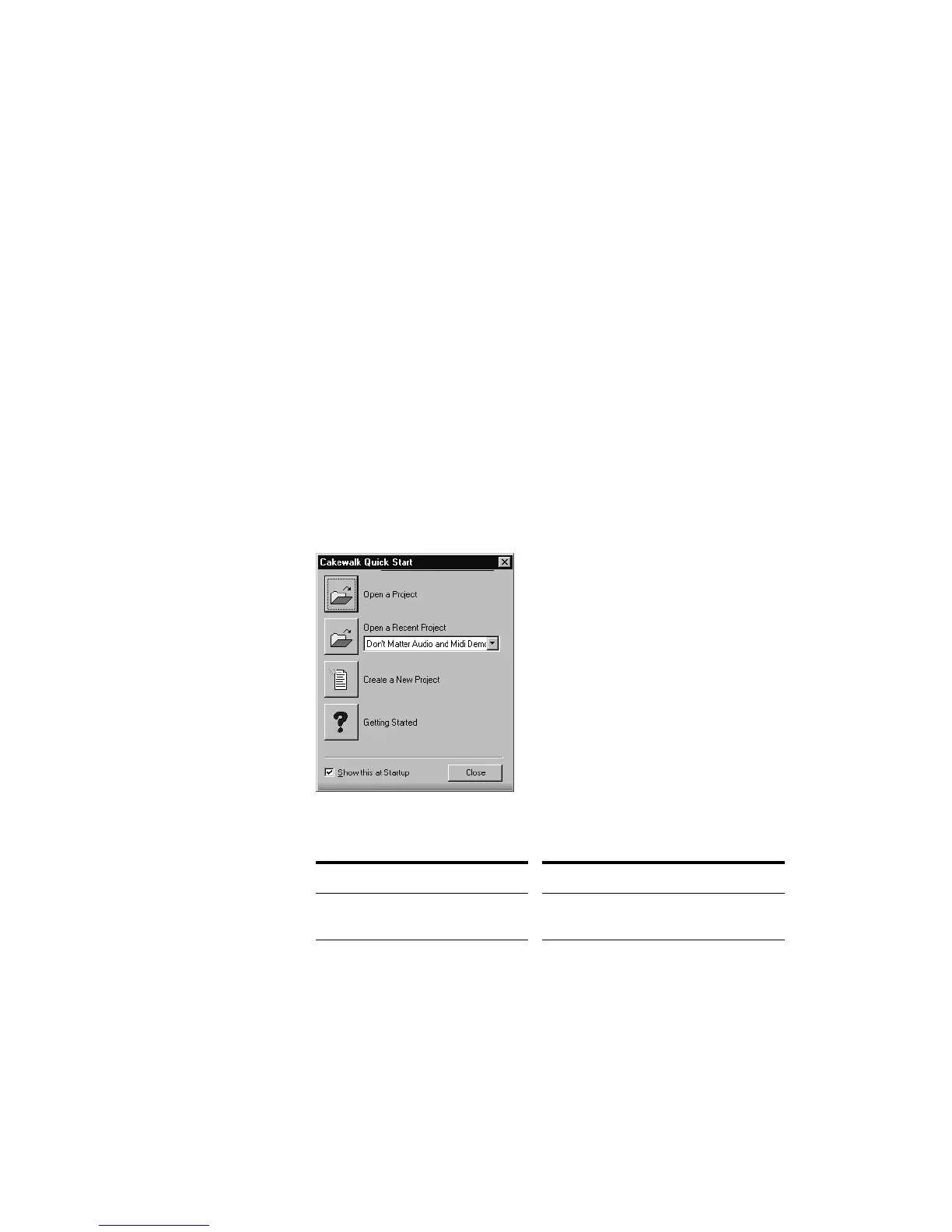
When you start Pro Audio, you see the Quick Start dialog box:
The Quick Start dialog box has several options:
Option… How to use it…
Open a Project Choose a project from the Open File
dialog box to open it
Open a Recent Project Select a project from the list, and click
this button to open it



 To Next Page