7-8
Similar decibel scales are used in other branches of science and
engineering to measure electrical power levels and other signal levels,
always with respect to some reference level.
In Pro Audio, decibels are used in several places:
¥ To scale the amplitude of the waveform (3dB Louder and 3dB
Quieter commands)
¥ To indicate volume levels of audio tracks in the Console view
¥ To indicate the effects of Þlters and equalizers
The reference level (0 dB) usually corresponds to the current loudness of
the sound. A positive change in decibels makes the sound louder; a
negative change makes the sound quieter.
Audio Events
If you have read from the beginning of the chapter, you should have a
good idea of what is contained in a Pro Audio audio event. An audio
event contains a long series of numbers, or samples, representing the
ßuctuating amplitude of a waveform. Audio events are typically quite
large, hundreds of kilobytes to many megabytes in size. By comparison,
a MIDI event takes only a few bytes to store.
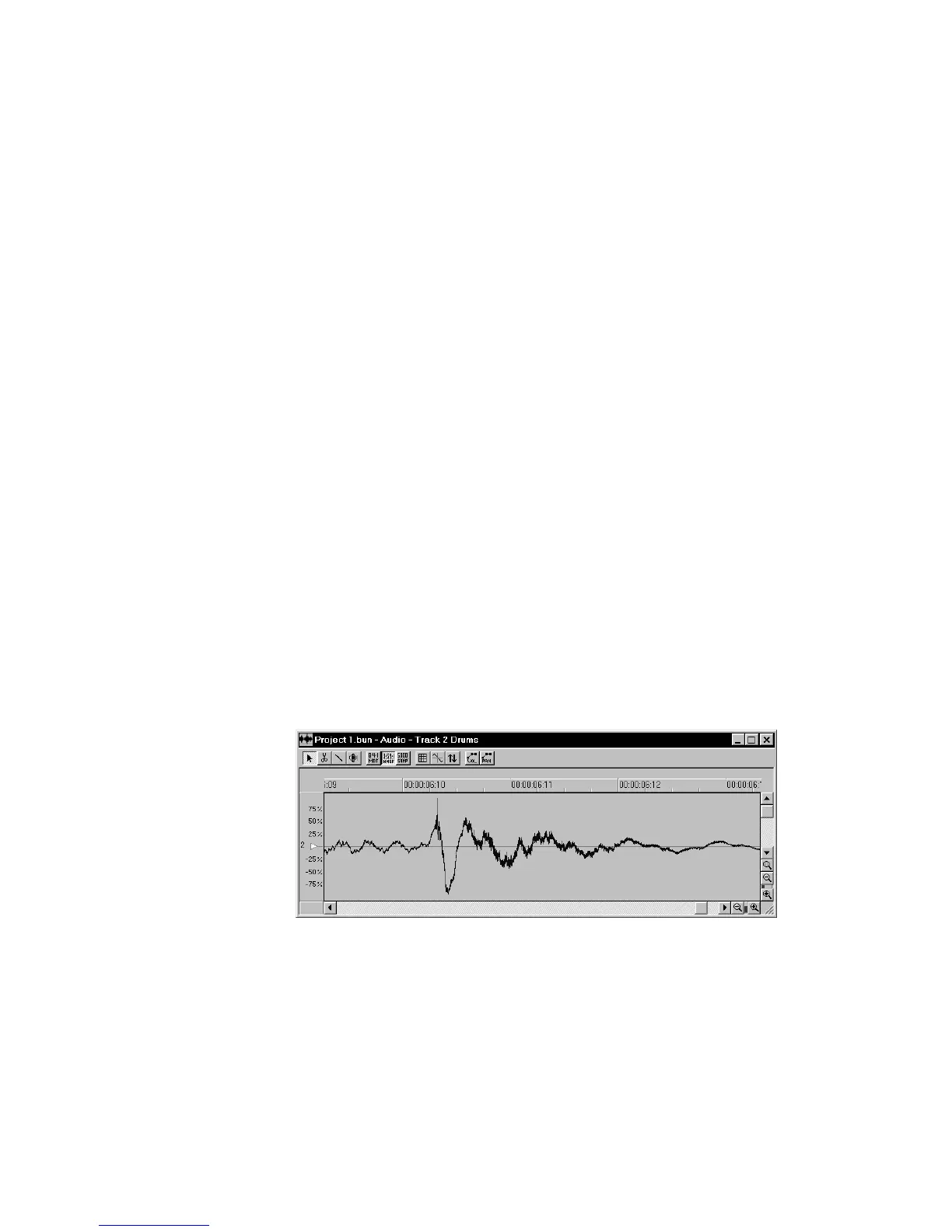
The Audio view lets you see your audio waveforms in great detail; you
can zoom in until you see the individual samples. To change the display,
right-click the track number to the far left in the Audio view. Pro Audio
can display the amplitude of the waveform as a percentage in the range
Ð100% to +100%, as dB, or as actual sample values.
You should also now be aware of some things to watch out for when
editing your audio data. First, if you cut audio events apart or splice
them together, you should do so at zero-crossings in the waveform, in
order to avoid sudden changes in amplitude that may cause clicks and
pops. Second, you should beware of clipping. Clipping of the audio



 To Next Page