4-15
Recording
Recording Music from a MIDI
Instrument
Once you have set your tempo, metronome, and source and armed one or
more tracks, you are ready to start recording.
Pro Audio displays a clip containing the new material in the Track
window. To listen to the new material, set the Now time to the start of
the clip and press the space bar or click . If youÕre not happy with
the recording, use Undo to erase the new material.
If you do not see a new clip in Track window, you may have a problem
with MIDI input. See Appendix A: Troubleshooting, for more
information.
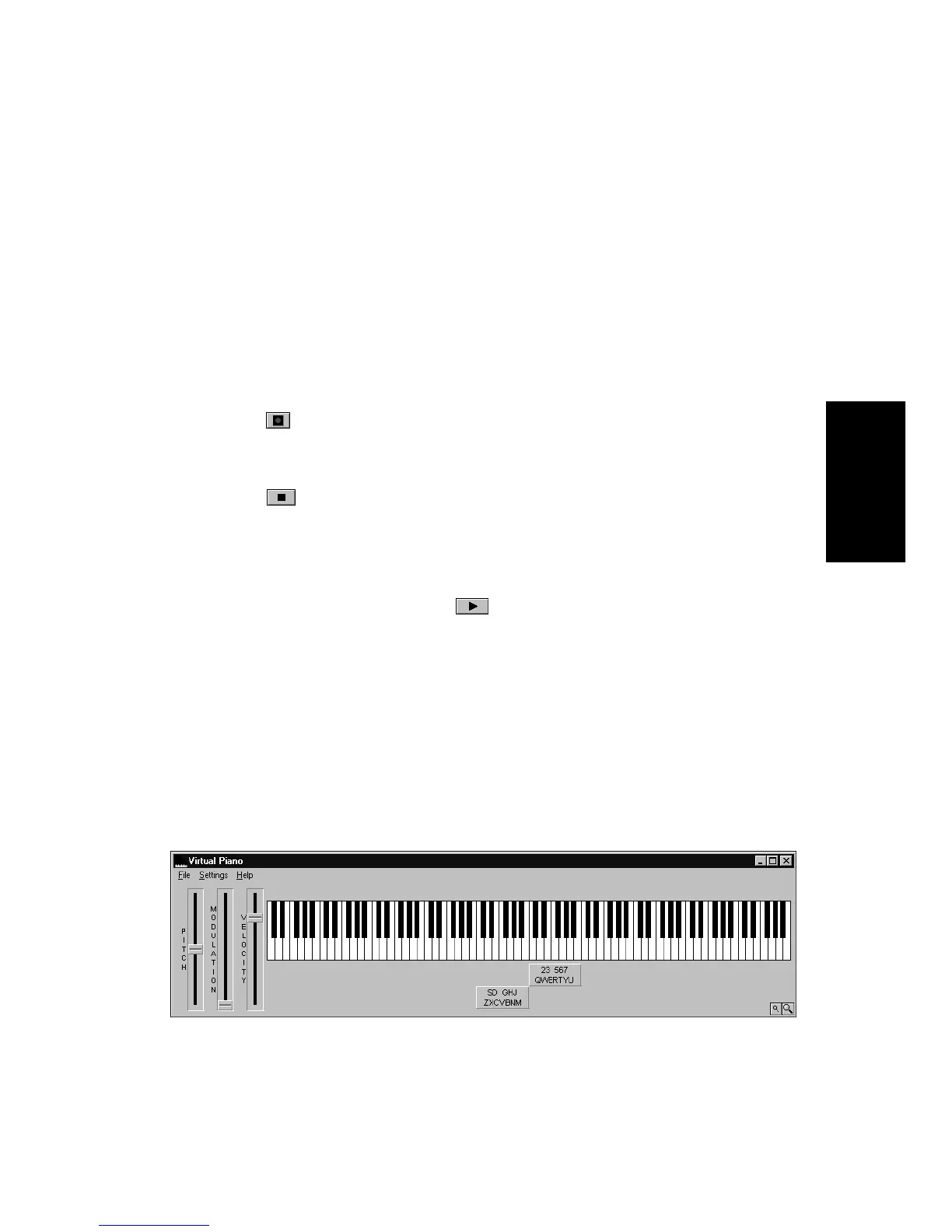
Virtual Piano
Even if you donÕt have a real MIDI instrument, you can still record MIDI
in your projects using the Virtual Piano. The Virtual Piano is a utility
that lets you use your computer keyboard and mouse to make music. The
Virtual Piano looks like this:
To Record MIDI…
1. Set the Now time to the point in the project where you want to
start recording.
2. Click , press R, or choose
Realtime-Record
. If your
metronome count-in is turned on, it will play the count-in.
3. Play or perform the material you want to record.
4. Click , press the space bar, or choose
Realtime-Stop
to stop
recording.



 To Next Page