7-33
Editing Audio
Parametric Equalization
The Parametric EQ command lets you apply a high-pass, low-pass,
band-pass, or band-stop Þlter to your audio data. You must specify the
Þlter type and parameters as follows:
To Generate MIDI Notes from Audio Data...
1. Select the audio data to be analyzed.
2. Choose
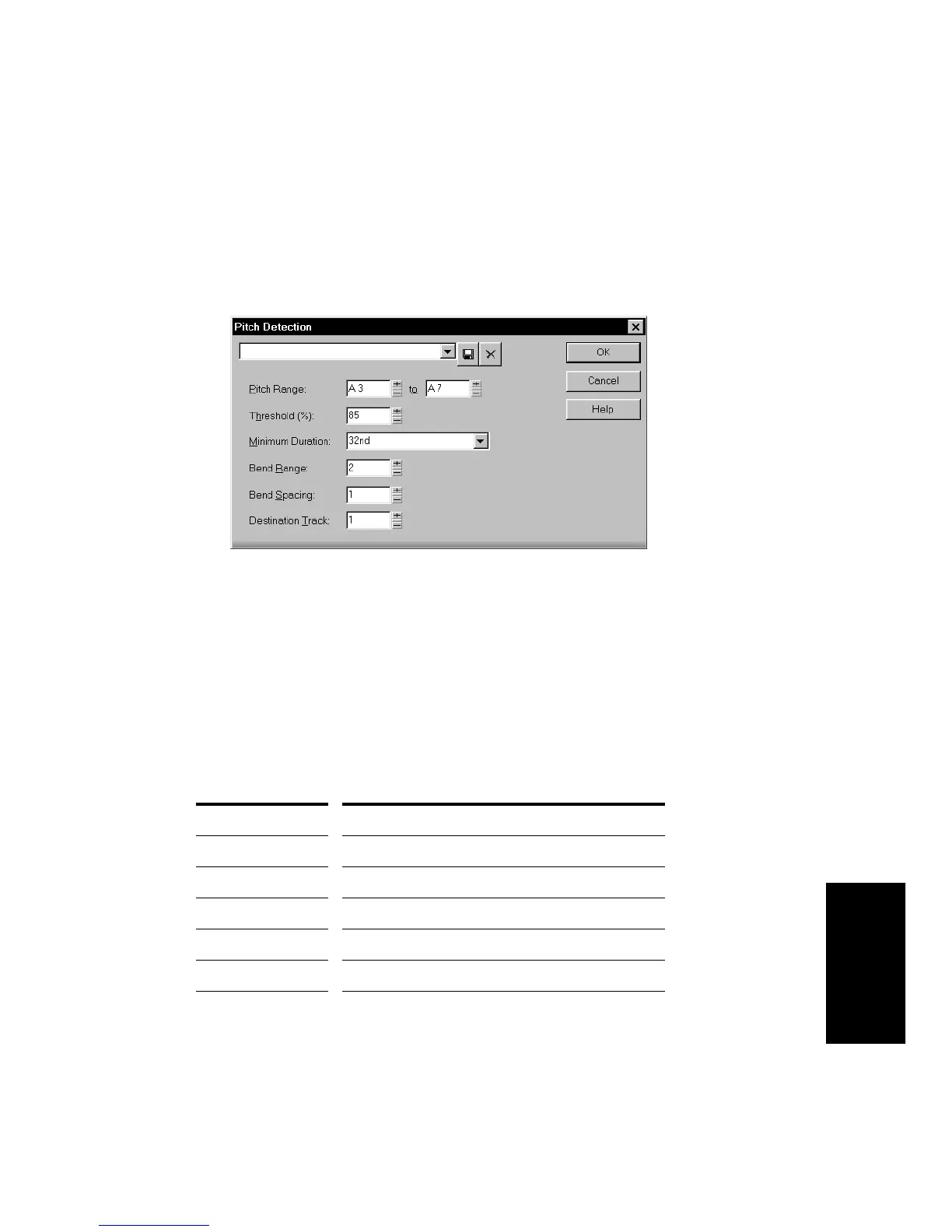
Edit-Audio-Pitch Detection
, or right-click and choose
Pitch Detection
from the menu, to open the Pitch Detection
dialog box.
3. Set the Pitch Detection parameters as described in the table
above.
4. Click OK.
The generated MIDI events are placed in the destination track you
specified.
Parameter/Option... Meaning...
High pass Removes frequencies that are below the cutoff F1.
Low pass Removes frequencies that are above the cutoff F1.
Band pass (Peak) Removes frequencies that lie outside the range F1-F2.
Band stop (Notch) Removes frequencies that lie within the range F1-F2.
F1 (Hz) First frequency cutoff.
F2 (Hz) Second frequency cutoff.



 To Next Page