7-34
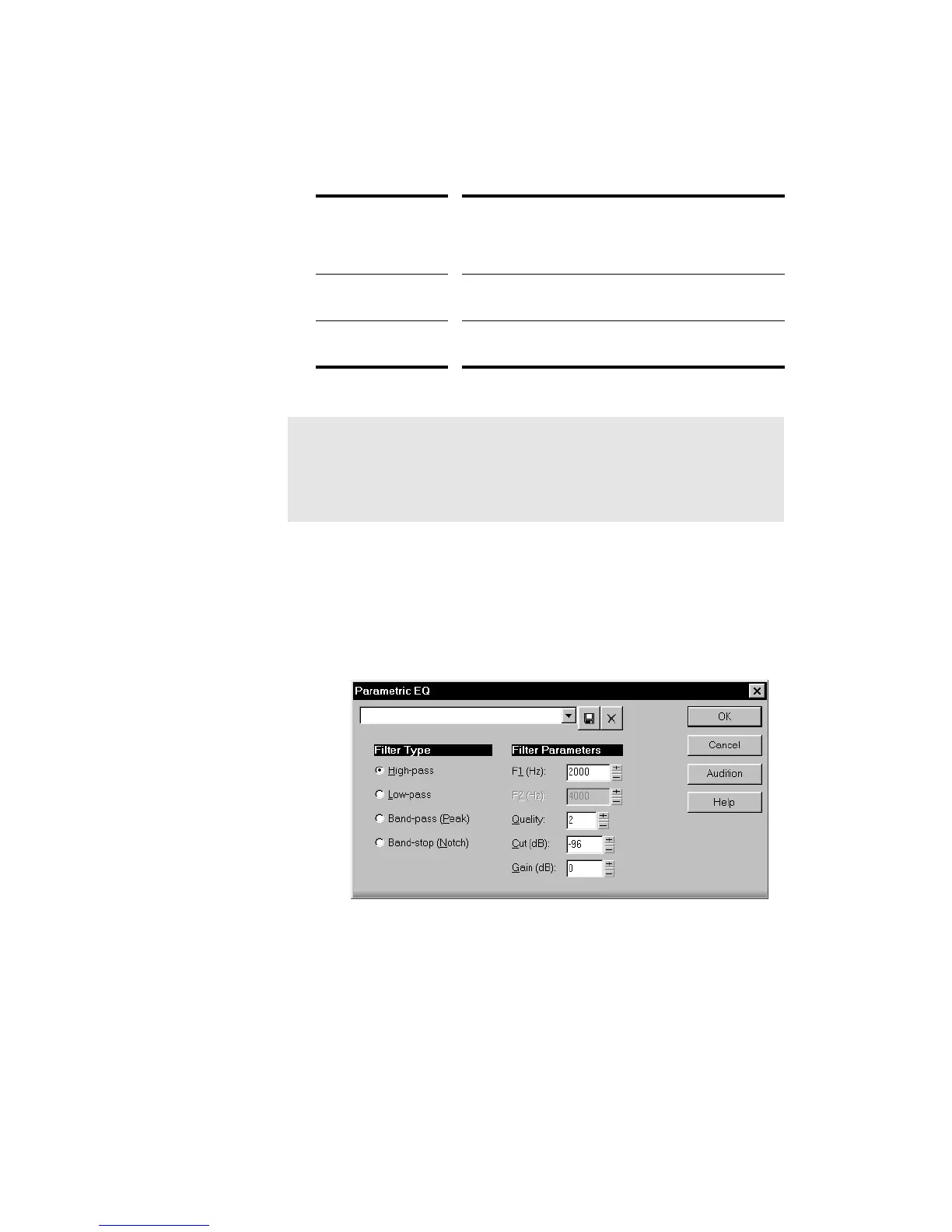
Quality The sharpness the frequency cutoff, that is, how far
outside the cutoff range a frequency must be for its
gain to be fully reduced. Higher Quality values are
sharper.
Cut (dB) The maximum amount of gain reduction to apply to
stopped frequencies.
Gain (dB) The overall level for the filtered audio. Setting the gain
too high may result in clipping or distortion.
To Apply the Parametric Equalizer to Audio Data...
1. Select the audio data to be affected.
2. Choose
Edit-Audio-Parametric EQ
, or right-click and choose
Parametric EQ
from the menu, to open the Parametric EQ dialog
box.
3. Set the filter type and parameters as described in the table above.
4. Click OK.
Pro Audio applies the specified filter to the selected data.
Note:
For band Þlters, setting F1 and F2 close together may cause
distortion or ringing.



 To Next Page