8-21
Notation
Chords and Marks
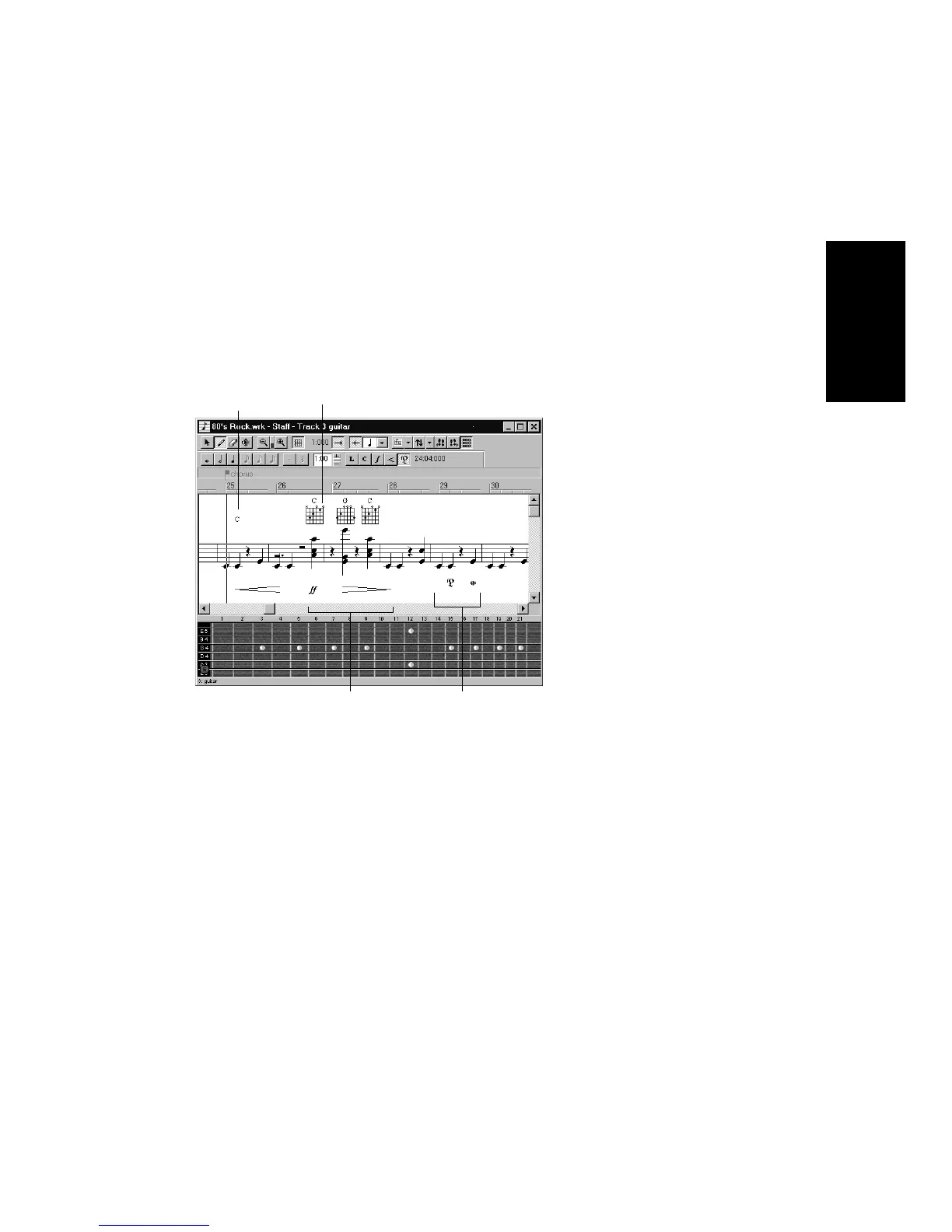
The Staff view lets you add and edit chord symbols, dynamic markings,
hairpin symbols, and pedal events. Like notes, these symbols are placed
in the score with the Draw tool. They can be selected, cut, copied, pasted,
deleted, and dragged and dropped. With the exception of pedal marks,
though, these symbols have no audible effect; they serve only to enhance
and clarify the printed score.
Adding Chord Symbols
The Staff view lets you enter chord symbols above the staff. You can
enter both ordinary chord names and guitar chord symbols, which
display both the chord name and Þngering. Pro Audio has a large
number of predeÞned chords from which you can choose. You can also
deÞne and save your own chords.
If a track is split into treble/bass staves, chords are allowed only above
the upper (treble) staff.
Pro Audio stores its library of chords in the Þle chords.liw. The chords in
the library are sorted into groups. You can add and remove chords from
the library, create new groups (i.e., for alternative guitar tunings), and
add chords from a different library Þle.
Chord symbols Guitar chord grids
Pedal marks
Expression marks



 To Next Page