11-4
Using Panels
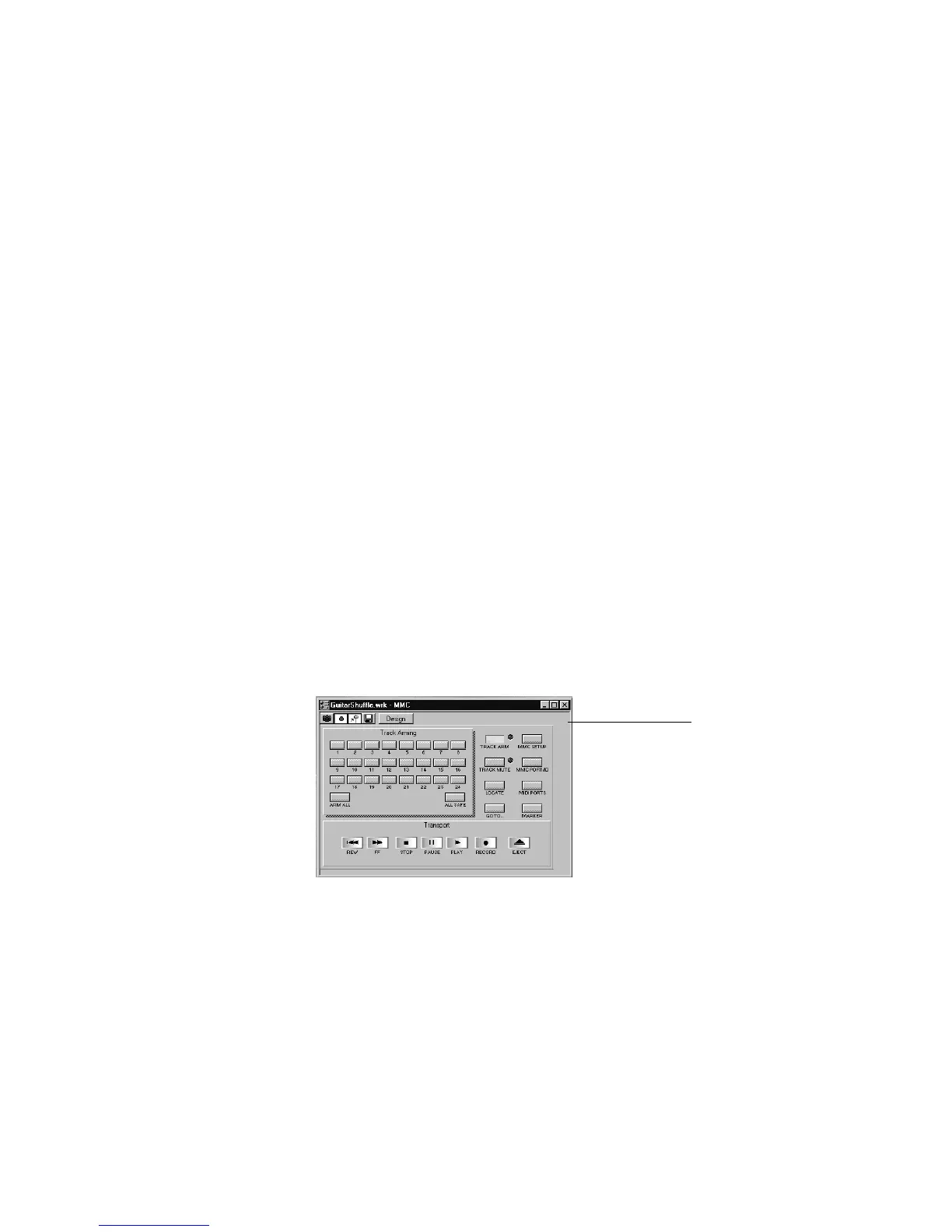
Every StudioWare panel is made up of a collection of controls and other
information displays. The controls are software representations of the
knobs, buttons, and sliders on an external MIDI device. By moving the
controls on the screen, you adjust the controls on the external MIDI
device. If you want, you can also conÞgure the StudioWare panel so that
moving the controls on the external device adjusts the controls on your
computer screen. Some StudioWare panels contain controls that perform
other functions within Pro Audio, such as changing track parameters or
running CAL programs.
Because StudioWare panels can be used to control many different types
of devices, and because each and every panel can be tailored for a speciÞc
application and hardware environment, it is impossible to explain here
all the different ways to use a particular panel. Instead, this section tells
you how to use the different types of controls and how to record the
changes you make to each control as part of your project.
There are three types of controls in most StudioWare panels: buttons,
knobs, and sliders. In addition, panels may contain LED indicators, level
meters, text, and bitmap images. The appearance of controls and other
displays may vary greatly from panel to panel. They may be of very
different sizes, and they may be designed with custom styles, bitmaps,
and colors. In addition, sliders and meters may be laid out either
horizontally or vertically.
MMC



 To Next Page