11-5
StudioWare
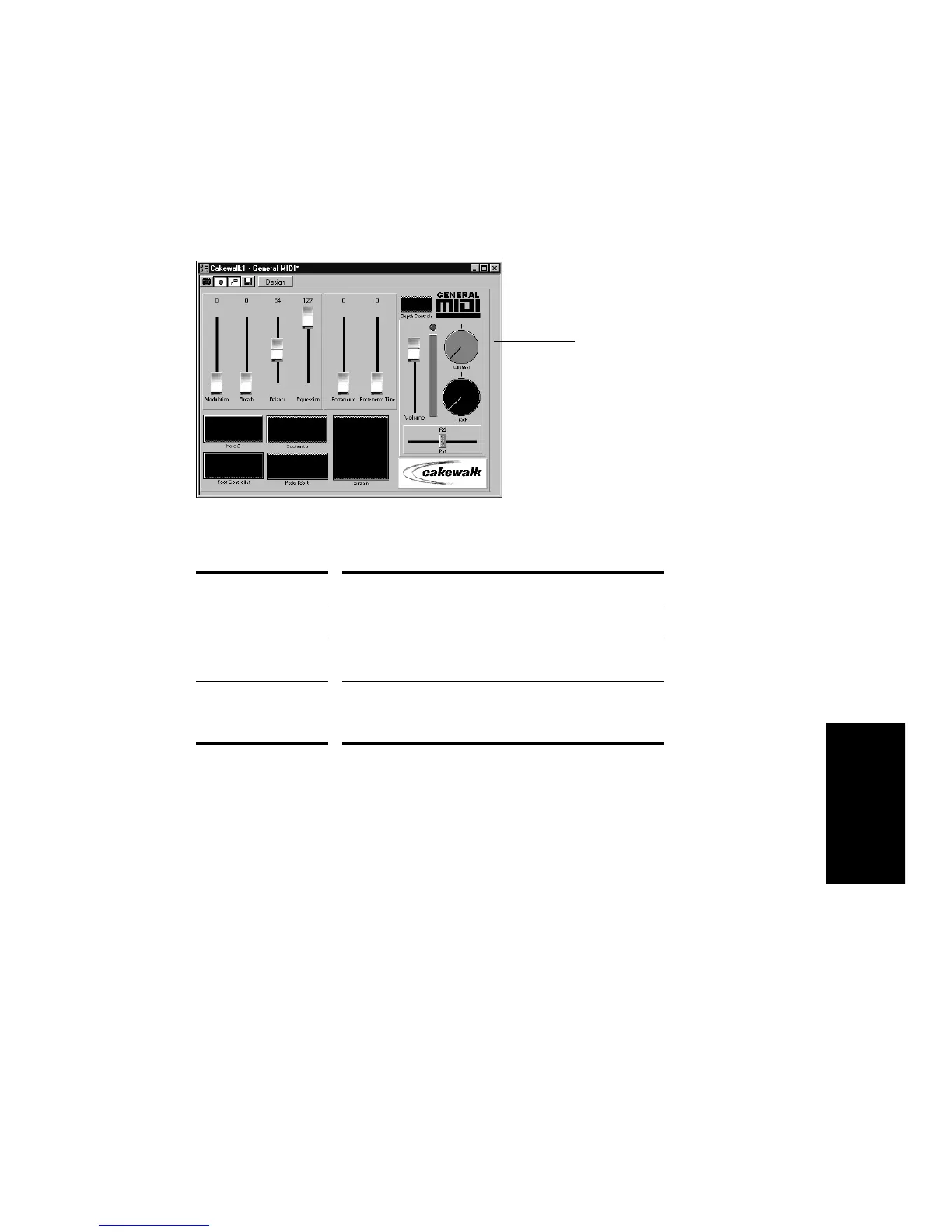
There are a variety of ways to adjust the values of buttons, sliders, and
knobs:
To change the value of a knob or slider using the keyboard, you must
Þrst select the control:
¥ To select a control that has a numeric value display or label, click on
the value or the label.
¥ To select a control without a numeric value display, click on the
control, being careful to click at the current control position. If you
do not click at the current control position, the control will change
values as a result of the mouse click.
To adjust a knob or slider using the keyboard:
¥ Press the - and + keys to decrease or increase the value of the
selected control by the smallest amount
¥ Press the [ and ] keys to decrease or increase the value of the
selected control by steps of 10
To change this… Do this…
The status of a button Click on the button
The value of a slider Click on the desired slider position to move the slider to
that position, or drag the slider to the desired position
The value of a knob Click along the outer edge of the knob to move the
knob to that position, or drag the outer edge of the
knob in a circular motion to set the desired position
General MIDI



 To Next Page