B-4
Virtual Jukebox
The Virtual Jukebox is a stand-alone program that lets you play up to
999 songs or audio Þles in sequence. Virtual Jukebox lets you create play
lists (.ply Þles) containing Þles in the following formats: project (.wrk),
bundle (.bun), play list (.set), MIDI (.mid), and wave (.wav). You can
create and edit a play list using menu commands or using drag-and-drop
Change the order of songs Drag the file to a new location in the
play list
Copy a song to another
location in the play list
Ctrl-drag the file to a new location in
the play list
Remove a song from the play
list
Select the song and click or
press the Delete key
Save the play list Choose
File-Save
; or choose
File-
Save As
, enter a file name, and click
Save
To Play Files from the Play List View…
1. To play back files from the Play List view, follow the instructions
in the table.
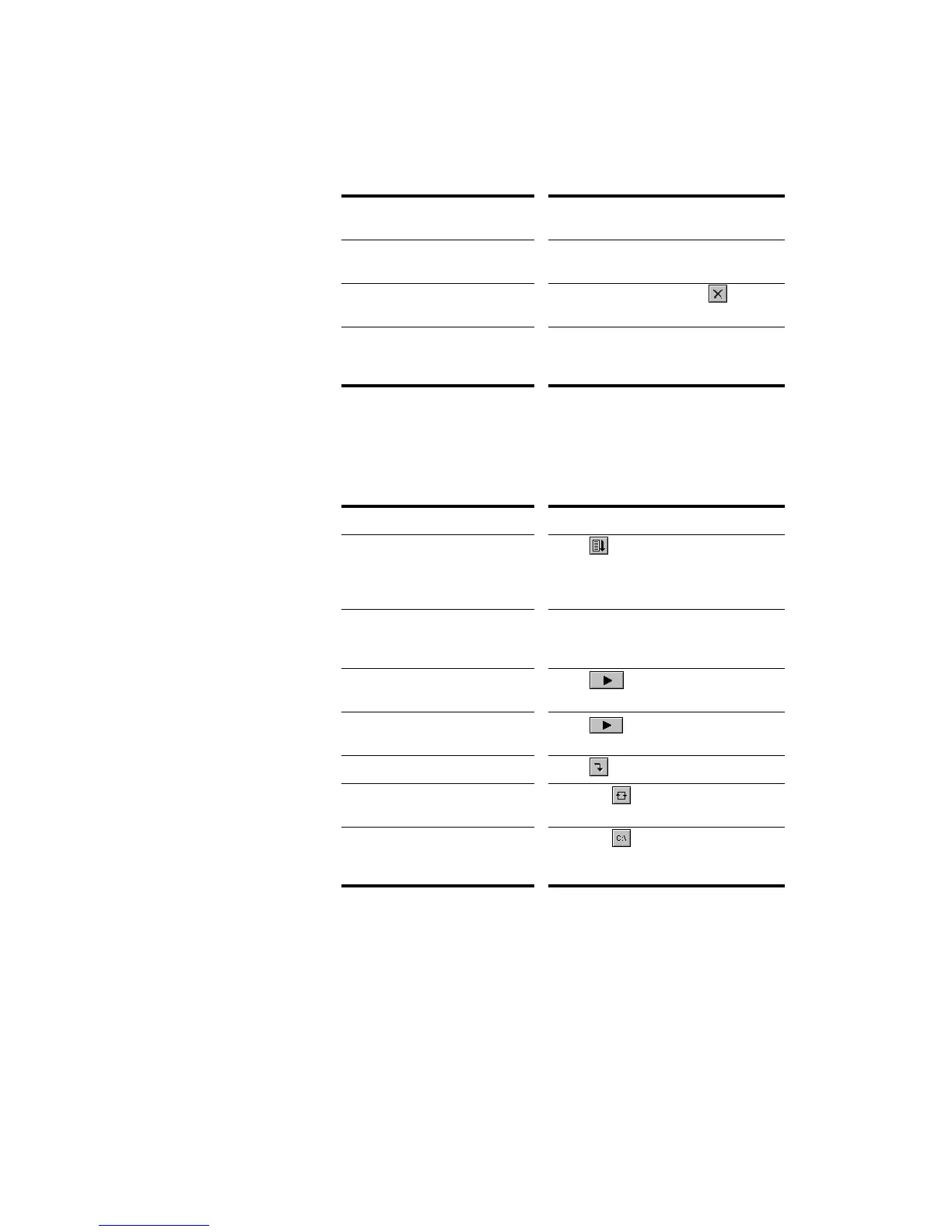
To do this… Do this…
Activate the play list Click in the Play List view toolbar
so that the button is pressed. If this
button is not pressed, only a single
file will play when you start playback.
Choose the starting song Double-click the file you want to start
with. The project is opened and
displayed as usual.
Start playback Click , choose
Realtime-Play
,
or press the space bar.
Stop playback Click , choose
Realtime-Stop
,
or press the space bar.
Skip to the next file Click in the Play List view toolbar.
Loop continuously over
the play list
Click the button in the Play List
view toolbar.
Show or hide file name
extensions and folder names
(path)
Click the button to enable or
disable the display of folder.



 To Next Page