2-6
When looping is enabled, the time ruler displays special ßag markers
that indicate the loop start and end times. You can drag these markers to
change the loop start and end times.
To turn looping off, click the Loop button again.
Looping Over a Section of the Song
Maybe you would like to practice one section of the song over and over.
Or, maybe you'd like one section played repeatedly so you can practice an
extended solo. In either case, you need to set the start and end times of
the loop section. Let's have Pro Audio loop over the section between
markers C and D:
5. Select the marker named <End> and click OK. The Loop Thru
time is set to the end of the song.
6. Click the Loop button to enable looping.
7. Click Play.
1. Click on the Loop From time.
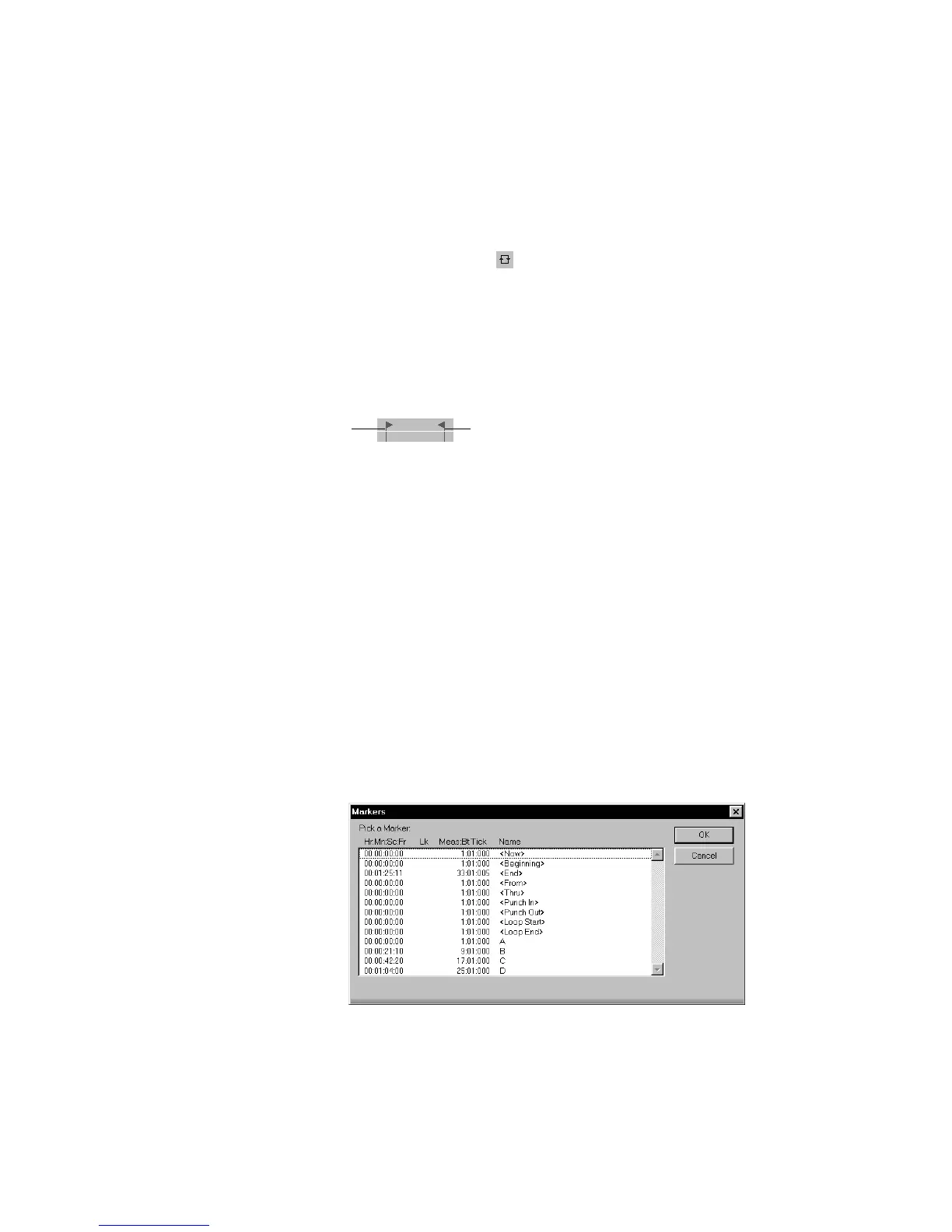
2. Press F5 to open the Markers dialog box.
3. In the Markers dialog box, select marker C and click OK. The loop
start time is set to the marker time.
4. Click on the Loop Thru time.
5. Press F5.
Loop From Loop Thru



 To Next Page