2-4
The Now Time
The Now time is the current time in the song. In the Clips pane of the
Track view, the Now time is indicated by a vertical line. The Now time is
also shown in the Transport toolbar, both in MBT (measure/beat/tick)
format and in time code format (hour/minute/second/frame). During
playback, the Now time increases in accordance with the progress of the
song.
You can set the Now time of the song by clicking in the ruler in the Clips
pane or (when playback is paused) by dragging the Now slider in the
Transport toolbar.
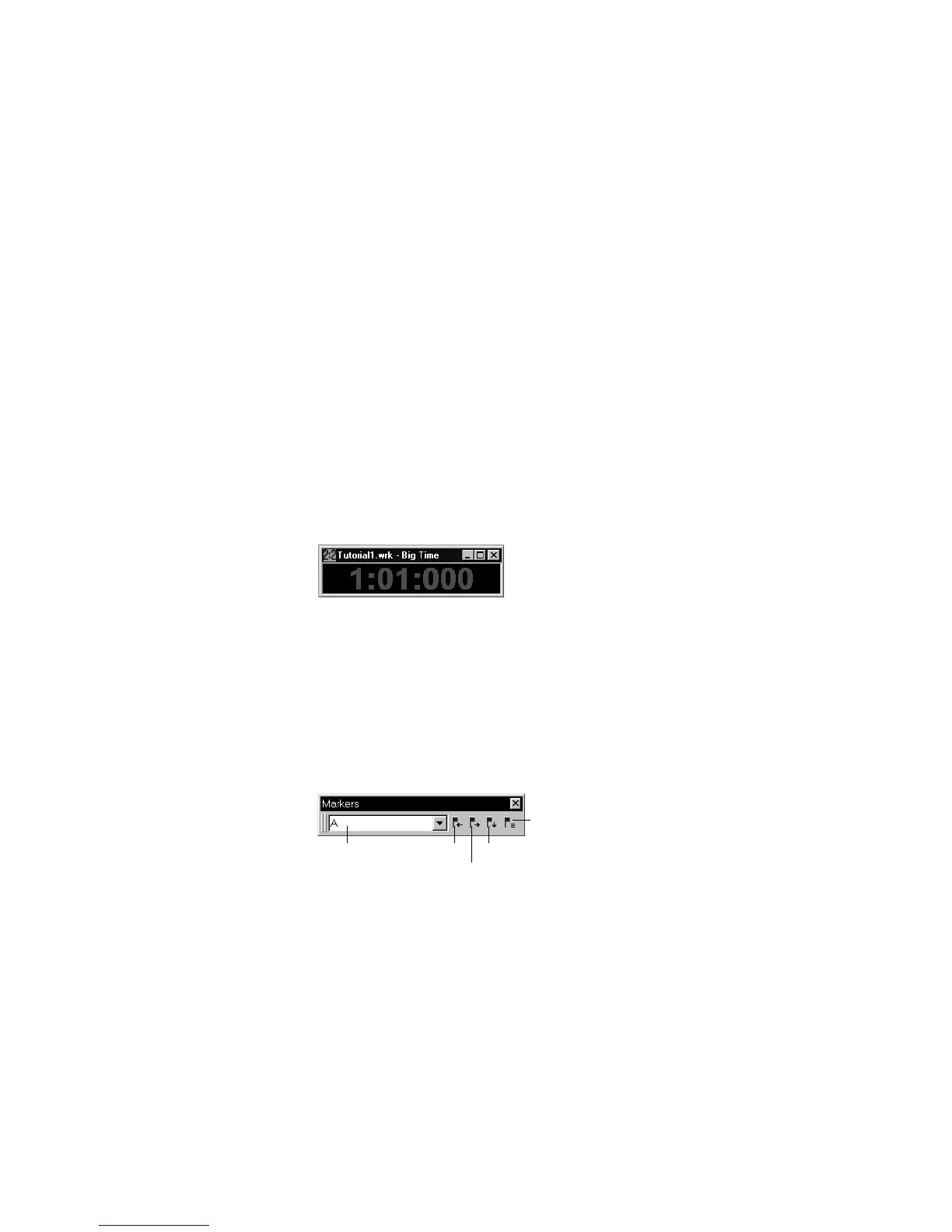
While you are playing with the song, you may want to keep an eye on the
Now time. The Big Time view displays the Now time in a large font so
you can more easily see it from a distance. To open this view, choose
View-Big Time. You can change the time format displayed in the Big
Time window by clicking on it. You can change its font by right-clicking
on it.
Starting from a Marker
Markers make it easier to Þnd certain points within the song. You may
want to set markers at the beginning of each section of your song or at
times with which some event must be synchronized. The Markers
toolbar lets you move the Now time to a marker, add a new marker at
the Now time, and edit the marker list. If you donÕt see the Marker
toolbar, then choose View-Toolbars and check Markers.
Marker list Previous
marker
Next marker
Insert marker
View markers



 To Next Page