10-13
Instruments
To Change the Note Names for a Patch…
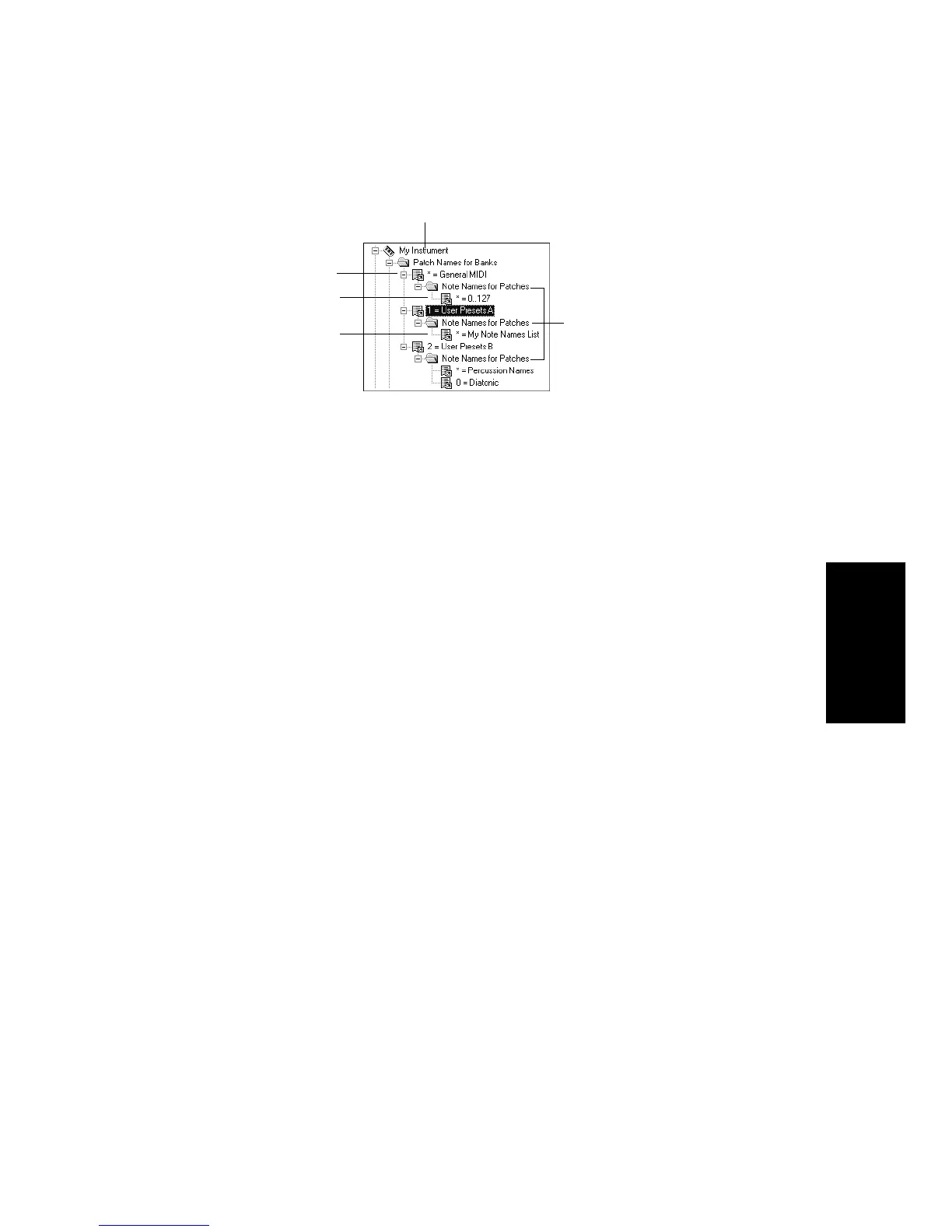
1. Drag a note name list from the Names tree onto the Note Names
for Patches folder.
2. Enter a patch number, or enter –1 to indicate that this list of note
names should be used as the default.
3. Pro Audio displays the updated patch and note name lists. If
necessary, Pro Audio adds a new patch to the instrument
definition.
To Remove a Note Name List…
1. Highlight the patch in the Instrument tree.
2. Press the Del key, or right-click on the note name list and choose
Delete
from the menu.
To Set or Clear the Drum Flag…
1. Right-click on the patch in the Instrument tree, and choose
Drums
from the menu.
Instrument name
Note name lists are
defined for three
different patches
The * indicates that
this note name list is
the default
This is the name of
a note name list
Bank



 To Next Page