5-7
Arranging
Zoom Out Ctrl-Alt-O
Zoom All the Way Out Ctrl-Alt-Shift-O
Undo Zoom Ctrl-Alt-U
Turn On Zoom Lasso (use the
Zoom Lasso to select the area
to zoom to)
Ctrl-Alt-Z
Turn Off Zoom Lasso Ctrl-Alt-Z
Display Now Time in Center
of Clips Pane
Ctrl-Alt-G
To Display Clip Names and Contents…
1. Right-click in the Clips pane, and choose
View Options
from the
menu.
2. Check the Display Clip Names option to show clip names, or leave
it unchecked to hide them.
3. Check the Display Clip Contents option to show clip contents, or
leave it unchecked to hide them.
4. Click OK.
Pro Audio modifies the clips pane to show the information you want.
To Change Clip Names…
1. Select the clips you want to rename.
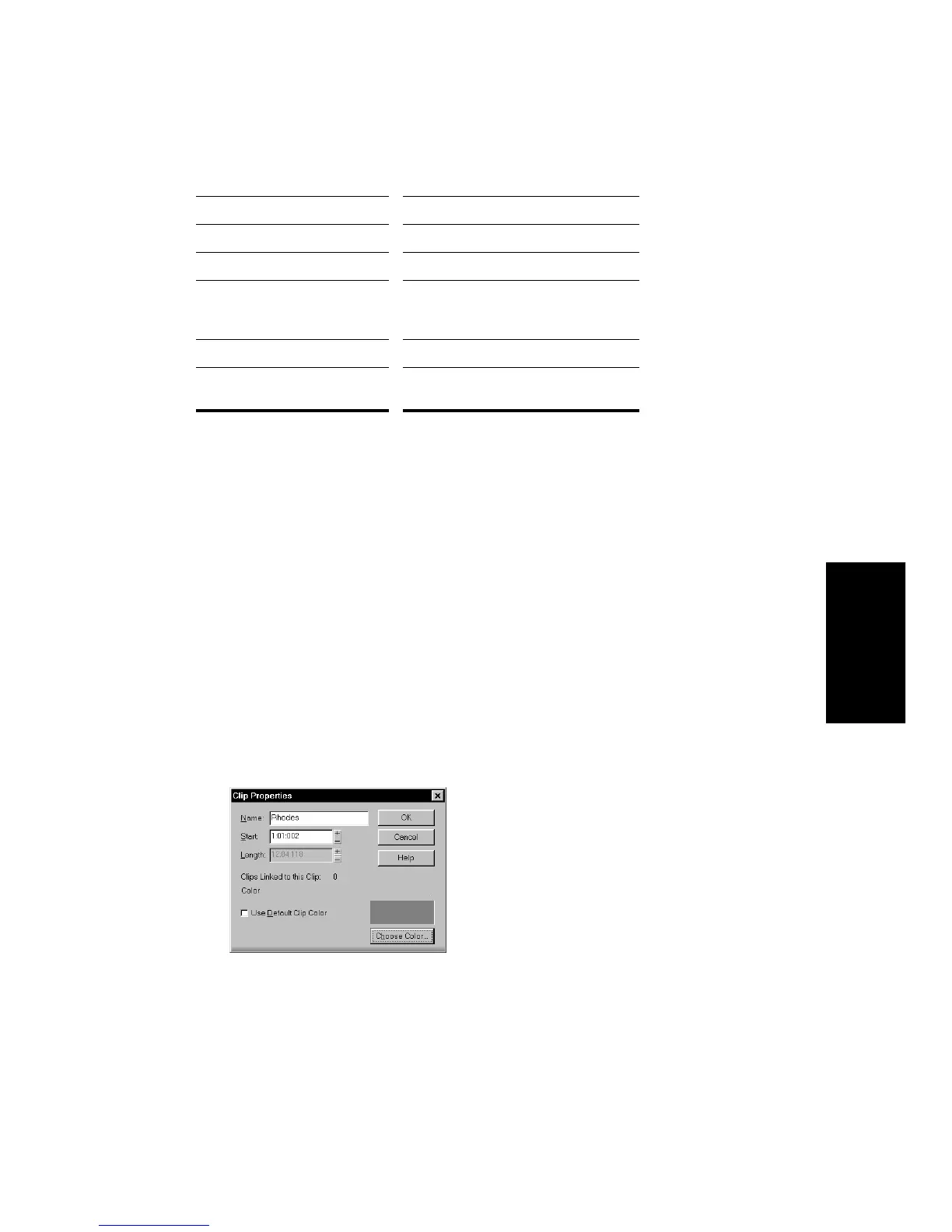
2. Right-click on one of the selected clips and choose
Properties
.
Pro Audio opens the Clip Properties dialog box.
3. Enter a name for the selected clips, and click OK.
Pro Audio renames the selected clips.



 To Next Page