5-18
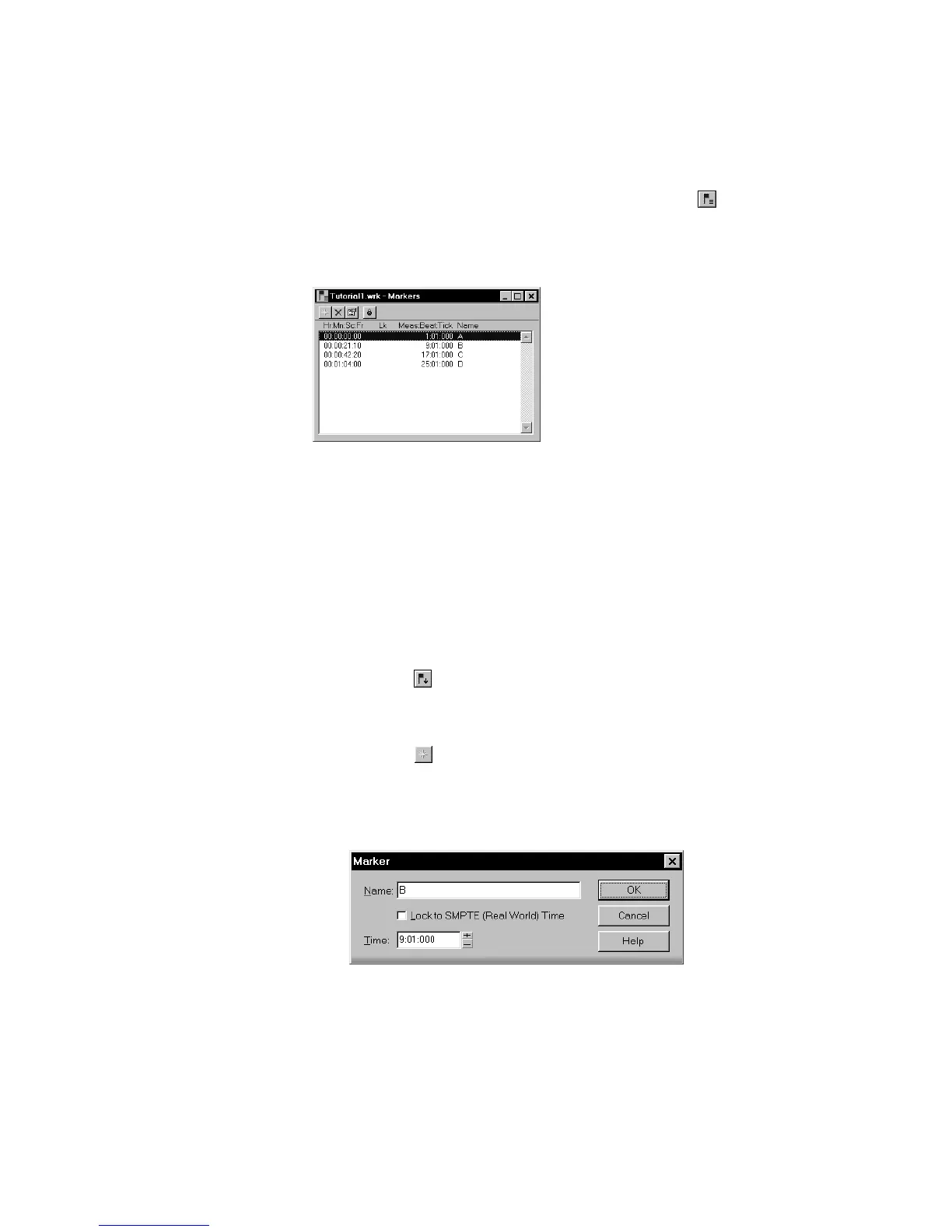
To display the Marker view, choose View-Markers or click on the
Views toolbar. From the Markers view, you can use the File-Print and
File-Print Preview commands to print a listing of markers.
You can add markers while playback is stopped or while playback is in
progress (on the ßy). When you add a marker while playback is stopped,
you can enter a name for the marker and either use the Now time or
enter a different time. When you add a marker on the ßy, the marker is
named automatically and assigned the Now time. Using the Markers
view, you can edit the names and times whenever you want.
To Add a Marker…
1. There are six ways to add a new marker:
• Click in the Markers toolbar.
• Press F11.
• Choose
Insert-Marker.
• Click in the Markers view.
• Ctrl-click in the marker section of the time ruler.
• Right-click in the Time ruler and select
Insert Marker
Pro Audio displays the Marker dialog box.
2. Enter a name for the marker in the Name box.



 To Next Page