5-28
The tempo ratio buttons temporarily change the speed of playback,
without affecting the actual tempo that is stored with your song. During
playback, the tempo is multiplied by the current tempo ratio. By default,
the three tempo ratios are 0.50 (half speed), 1.00 (normal speed), and
2.00 (double speed). You can change the tempo ratios that are associated
with each button.
Note that tempo ratios cannot be used when using any form of
synchronization. For more information, see Chapter 15, Synchronizing
Your Gear.
To Change the Current Tempo in the Tempo Toolbar…
1. Click the current tempo in the Tempo toolbar.
2. Type a new value or use the spinners to change the tempo value.
Pro Audio changes the current tempo to the desired value. If Stretch
Audio is enabled, after a Ω -second delay, Pro Audio shrinks or
stretches the song’s audio events to conform to the new tempo.
Lowering the tempo will shrink the audio; increasing the tempo will
stretch the audio.
To Set the Tempo Ratio…
You can set the tempo ratio in several ways:
• Click one of the tempo ratio buttons.
• Choose
Realtime-Tempo Ratio 1
,
2
, or
3
.
• Press Ctrl-1, Ctrl-2, or Ctrl-3.
Pro Audio changes the speed of playback.
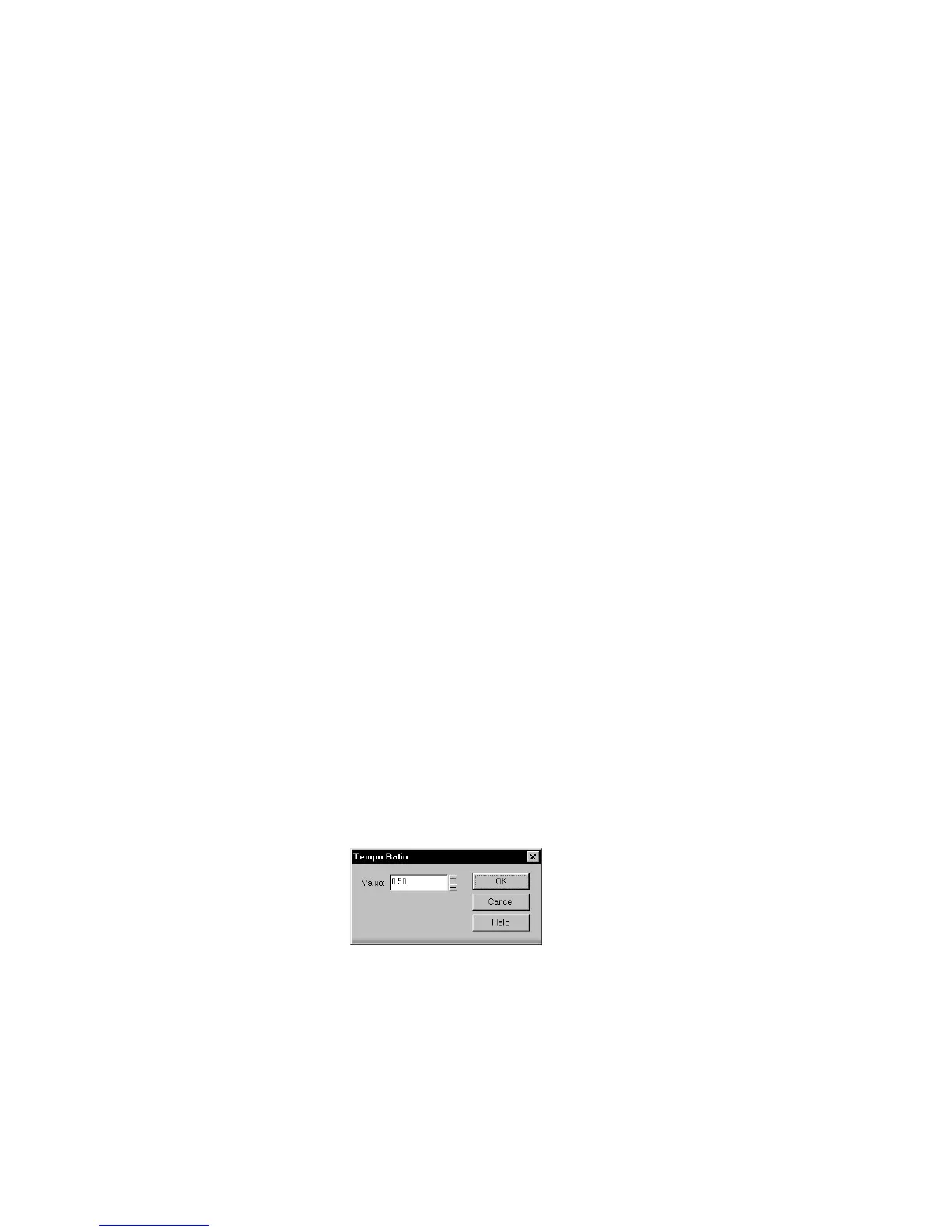
To Change the Tempo Ratio …
1. Shift-click one of the tempo ratio buttons to display the Tempo
Ratio dialog box.
2. Enter a new value for the tempo ratio.
3. Click OK.
From now on, that tempo ratio button uses the ratio you entered.



 To Next Page