6-13
Editing Events
Here are some examples:
¥ If your project contains background music and a voice-over, you
might want to change the tempo of the background music without
altering the voice-over
¥ If youÕre trying to modify the speed of some MIDI tracks to match a
sampled drum groove, you want to leave the audio unchanged
¥ If your audio consists solely of sound effects, you most likely do not
want to adjust them
Audio can be stretched or condensed up to a factor of 4 (e.g., it can be
shrunk to as little as 25 percent of its original length, or expanded to as
much as 400 percent of its original length).
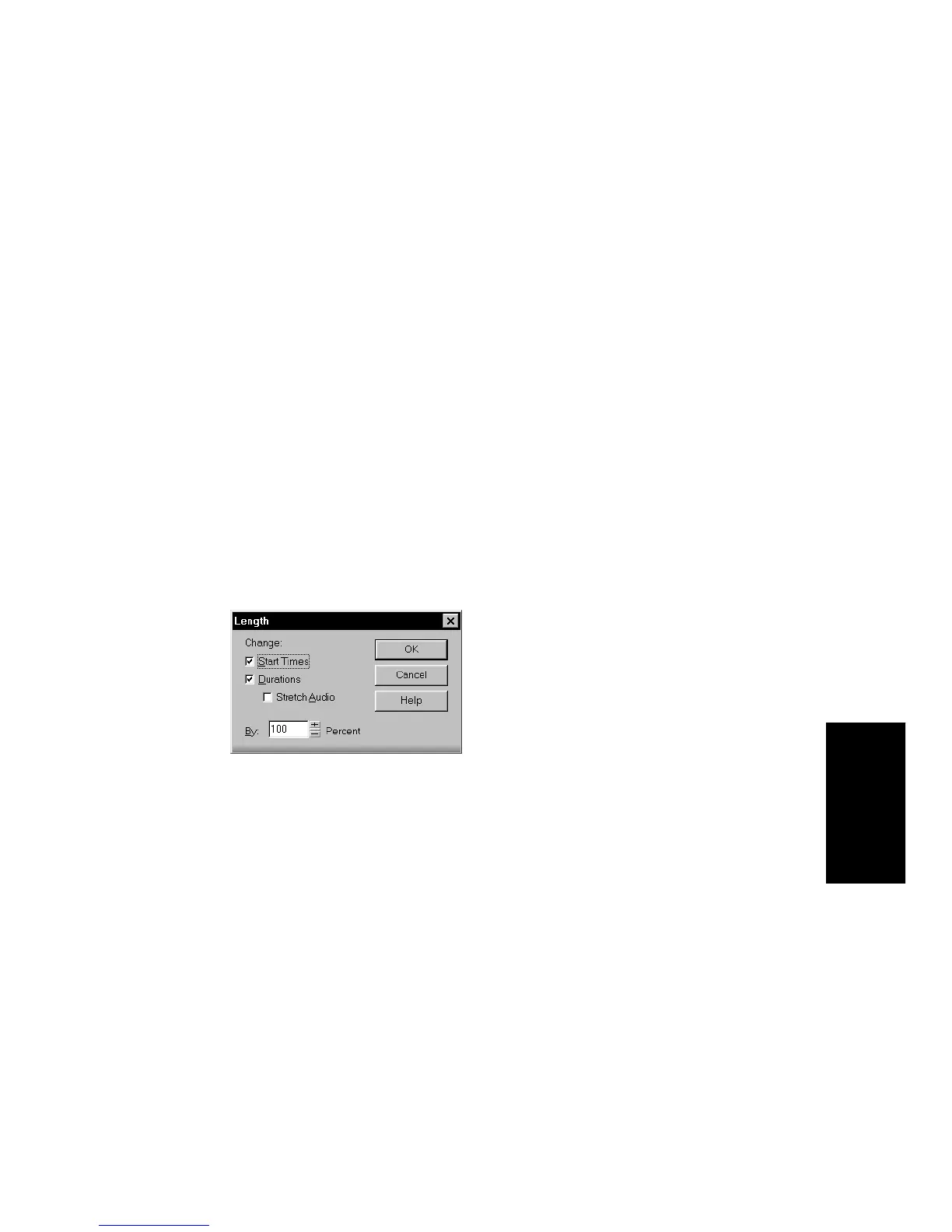
You can also use the Edit-Length command to alter only the start times
or the durations of notes. For example, changing the durations of notes
to 50 percent of their original length can create a staccato effect.
To Stretch or Shrink Using Percentages...
1. Select the events you want to change.
2. Choose
Edit-Length
to display the Length dialog box.
3. Choose to change the Start Times and/or Durations of selected
notes by checking the boxes.
4. If you want to stretch selected audio events, check the Stretch
Audio box.
5. Use the spinners or type in the desired percent change in length.
6. Click OK when you are done.
Pro Audio modifies the length of selected events.



 To Next Page