6-21
Editing Events
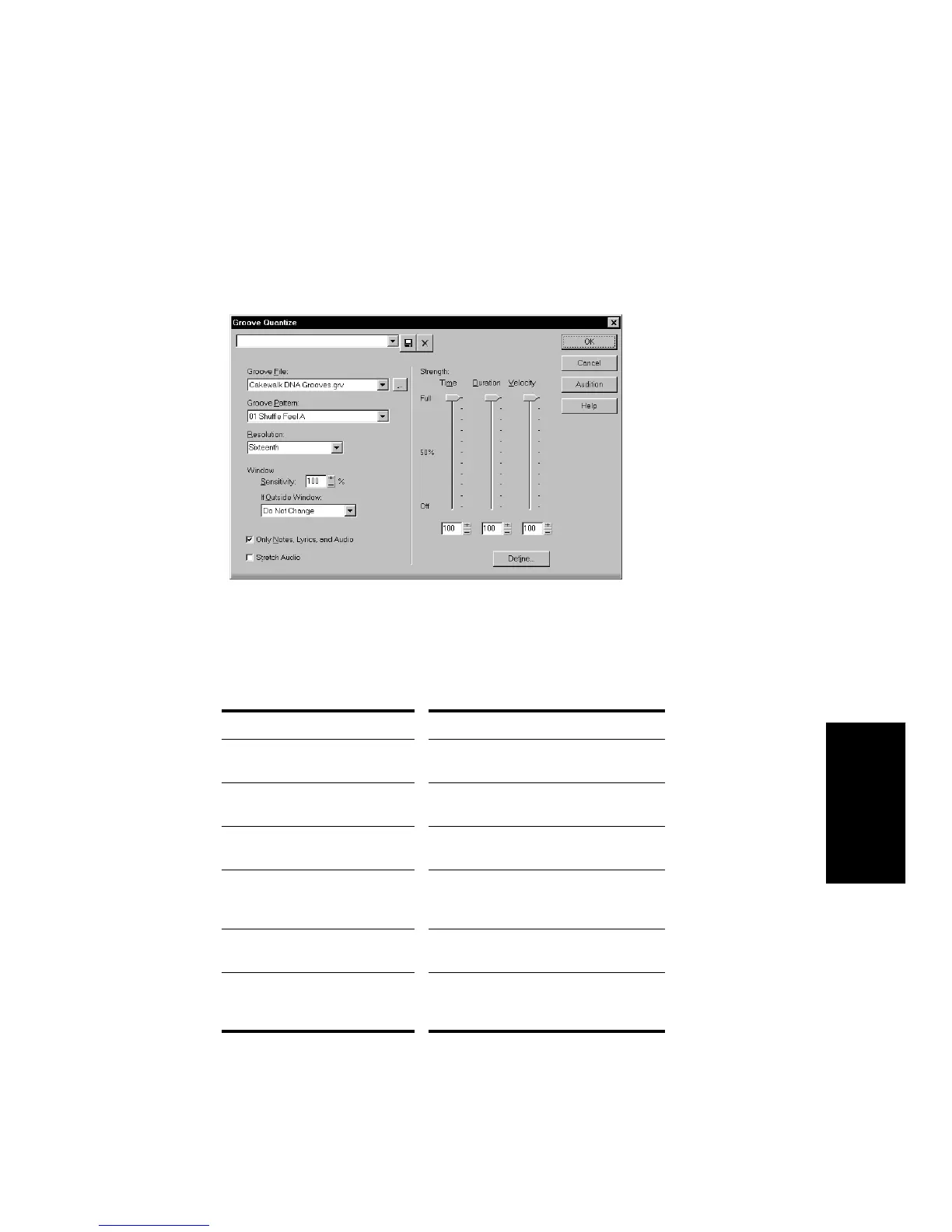
To Use the Groove Quantize Command…
1. Select the track or clip you want to quantize, using any of the
selection tools and commands.
2. Choose
Edit-Groove Quantize
to display the Groove Quantize
dialog box.
3. Choose a groove file from the Groove File field.
4. Choose a groove pattern from the Groove Pattern field.
5. Use the following fields to configure your pattern:
Setting… What to do…
Resolution Choose a note size or enter the
number of clock ticks
Window Sensitivity Enter the window sensitivity value
(percentage)
If Outside Window Choose what should happen to
events outside the window
Only Notes, Lyrics and Audio Check to prevent MIDI controller,
aftertouch, and xRPN data from being
adjusted
Stretch Audio Check to stretch audio clips to adjust
their duration
Strength Use the sliders or enter values for
Note strength, Duration strength, and
Velocity strength



 To Next Page