1-5
Introduction
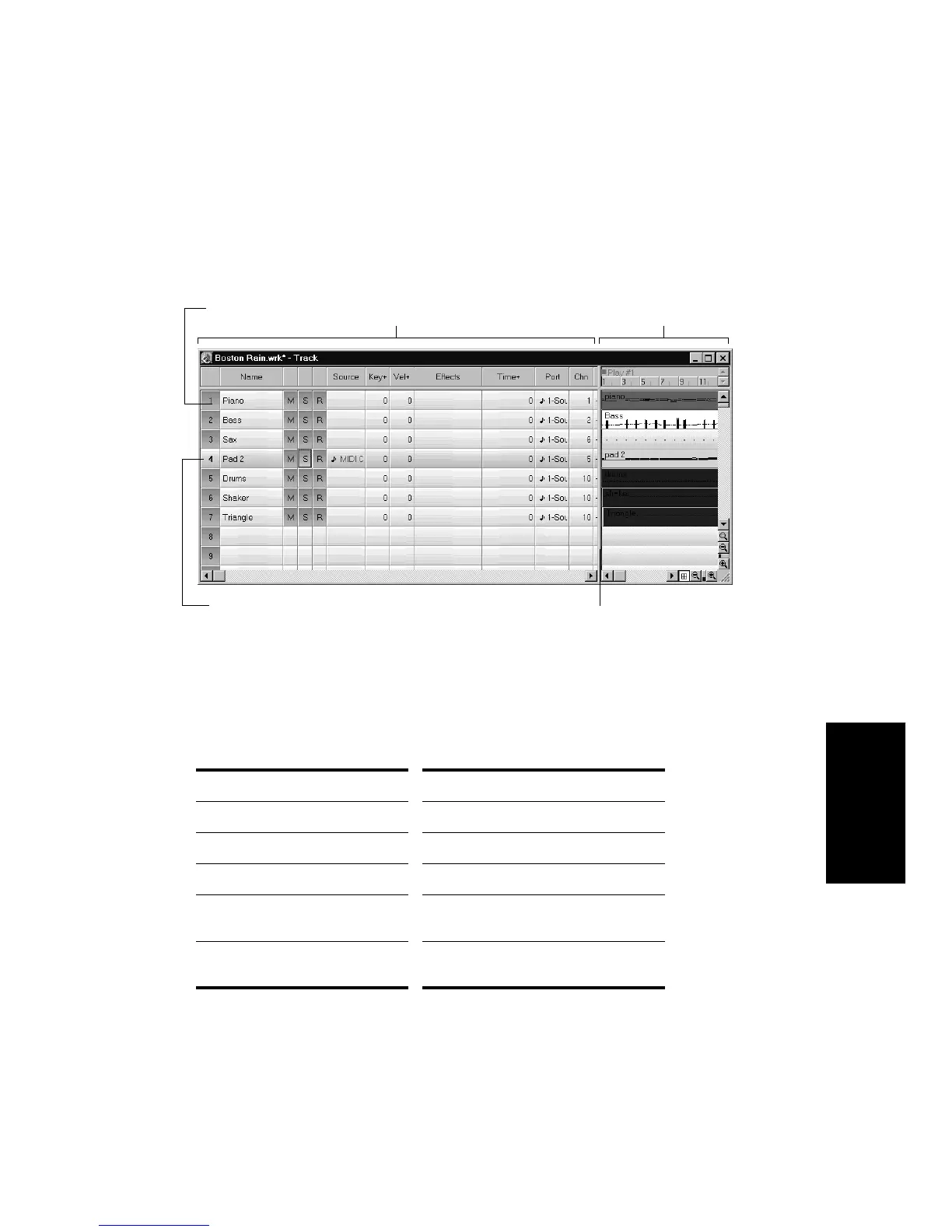
The Track view is divided into two sections: the Track pane and the
Clips pane. You can change the size of the two panes by dragging the
vertical splitter bar that separates the two panes.
The Track pane lets you see and change the initial settings for each
track. One trackÑthe current trackÑis always displayed in color or
marked by a rectangle around one cell. To change the current track,
move the highlight using the mouse or the keyboard as follows:
Key… What it does…
Arrow Moves one cell in any direction
Page Down Displays the next page of tracks
Page Up Displays the previous page of tracks
Home Moves the highlight to track the first
track (track 1).
End Moves the highlight to the last track
(track 256).
Current Track
The Clips paneThe Track pane
Each row is a track
Splitter bar



 To Next Page