7-13
Editing Audio
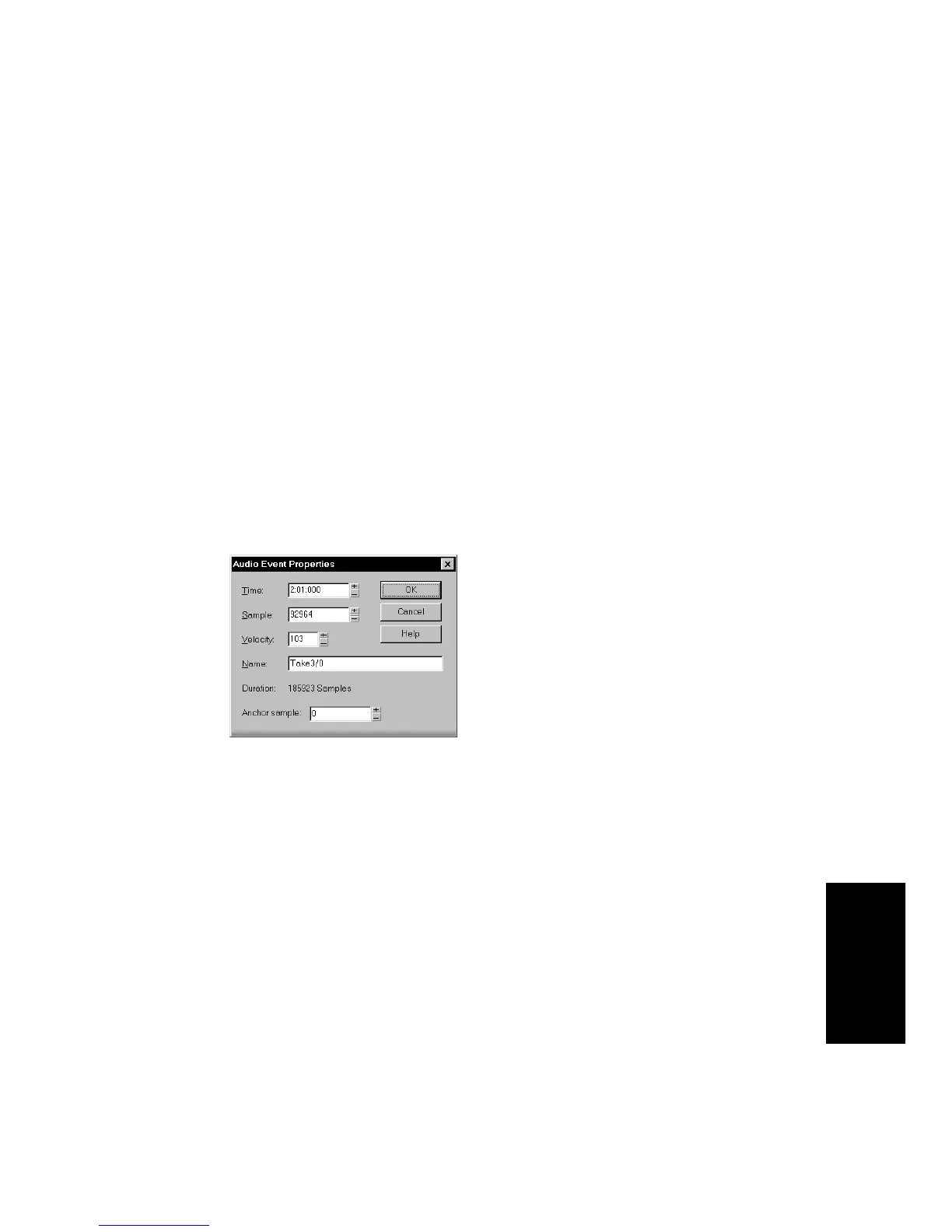
its volume. The velocity of an audio event is a number between 0 and
127, with a velocity of 103 corresponding to the natural loudness of the
waveform. Higher velocities increase the volume, lower values decrease
the volume. The default relationship between velocity and volume (in
decibels) is as follows:
dB = 103(Velocity)
x .75
Changing the event velocity does not change the audio waveform data.
Rather, Pro Audio uses the velocity as a scaling factor during playback.
To Change an Audio Event’s Name...
1. Position the pointer over the left portion of the name (the pointer
changes to an I-beam), then click.
2. Type a new name and press Enter. Press Esc if you want to cancel
the change.
OR
1. Right-click the audio event and choose
Event Properties
.
2. Type a new name in the Name box.
3. Click OK.
The Audio view displays the new event name in the upper left corner
of the event.
To Change the Velocity of an Event...
1. Right-click the audio event and choose
Event Properties
.
2. Enter a new velocity in the Velocity box.
3. Click OK.
Pro Audio will use the new velocity to determine the audio event
volume during playback.



 To Next Page