7-15
Editing Audio
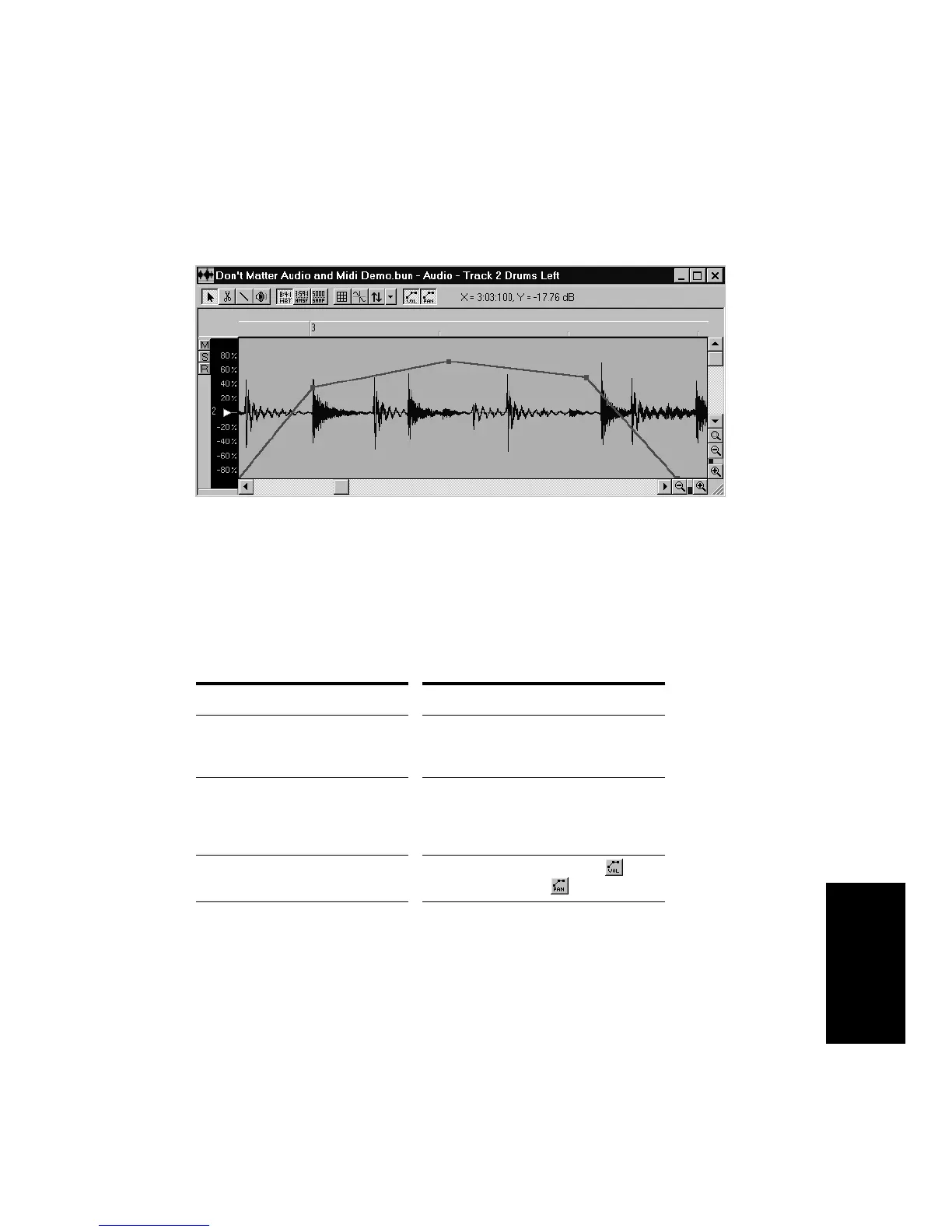
To make alignment of envelopes with audio data easier, the envelope is
superimposed on the audio event in the Audio view, as shown here:
To set up a volume or pan envelope, you must:
¥ Create an envelope
¥ Create intermediate points
¥ Drag points and line segments to shape the envelope as desired
These operations are described in the following table:
To do this... Do this...
Create a new envelope Right-click the event and choose
Envelope-Create Volume
or
Envelope-
Create Pan
Delete an envelope Right-click the event and choose
Envelope-Delete Volume
or
Envelope-
Delete Pan
, or right-click the envelope
and choose
Delete Envelope
Show or hide envelopes Click Show Volume Envelopes or
Show Pan Envelopes
Add a new envelope node Double-click on an envelope line
segment, or right-click the envelope and
choose
Add Node



 To Next Page