7-36
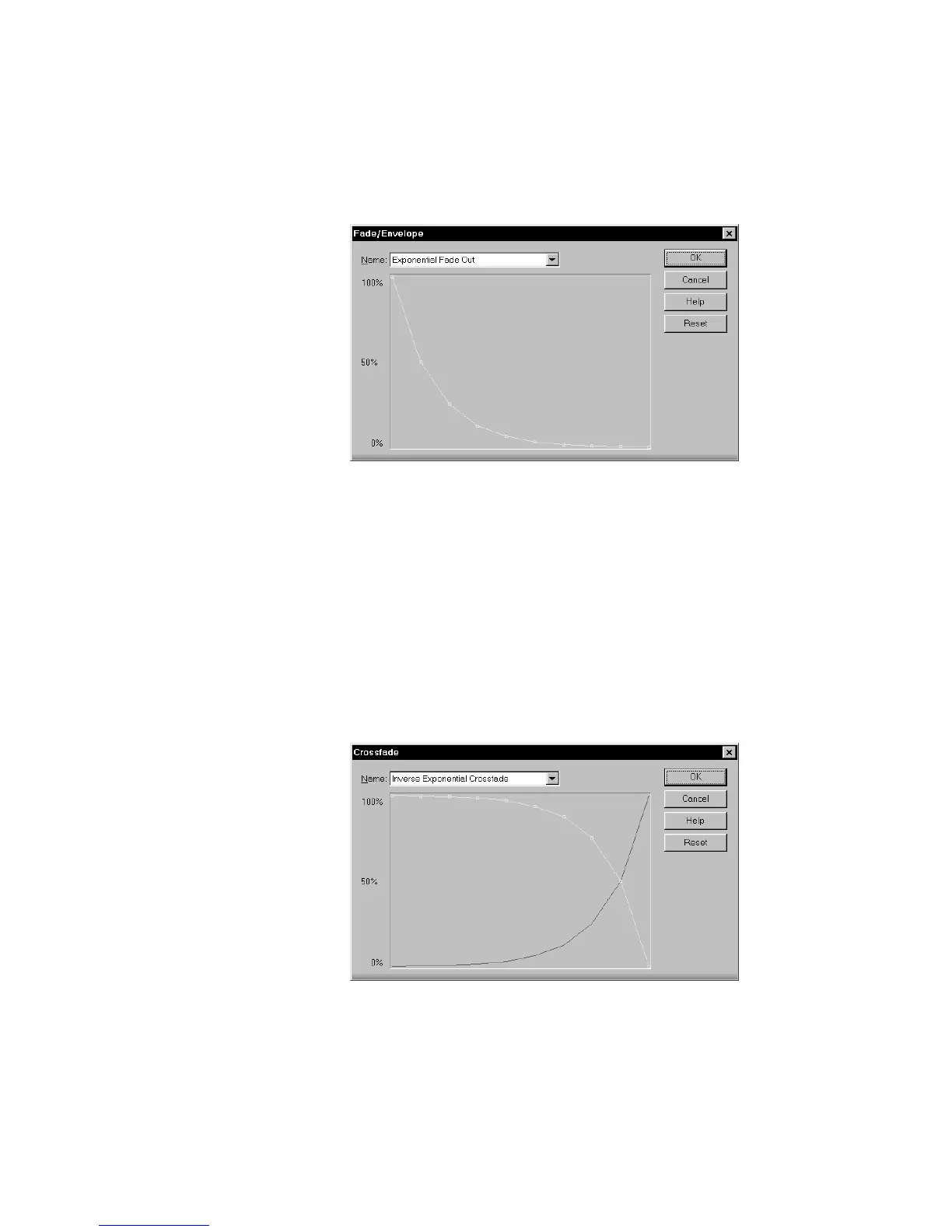
3. Select an envelope from the dropdown list.
4. If desired, manipulate the curve as described in the table above.
5. Click OK.
Pro Audio applies the fade to the selected audio data.
To Crossfade Two Overlapping Events...
1. Select two overlapping audio events. They need not be on the
same track, but they must overlap in time for the command to
have any effect.
2. Choose
Edit-Audio-Crossfade
, or right-click and choose
Crossfade
from the menu, to open the Crossfade dialog box.
3. Select an envelope from the dropdown list.



 To Next Page