8-26
Expression text is italicized in the Staff view. Standard dynamic
markings also appear bold.
To Add an Expression Mark...
1. Click the Draw tool .
2. Select the Expression tool .
3. Position the pointer below the lowest note in the staff. (The
pointer changes to a pencil when you are in a legal position.)
4. Click to open an insertion box.
5. Type the expression mark text. Press Esc to abort the operation.
6. Press Enter, or press Tab or Shift-Tab to move to the next or
previous mark, respectively.
Pro Audio inserts the new expression mark below the staff.
To Edit an Expression Mark...
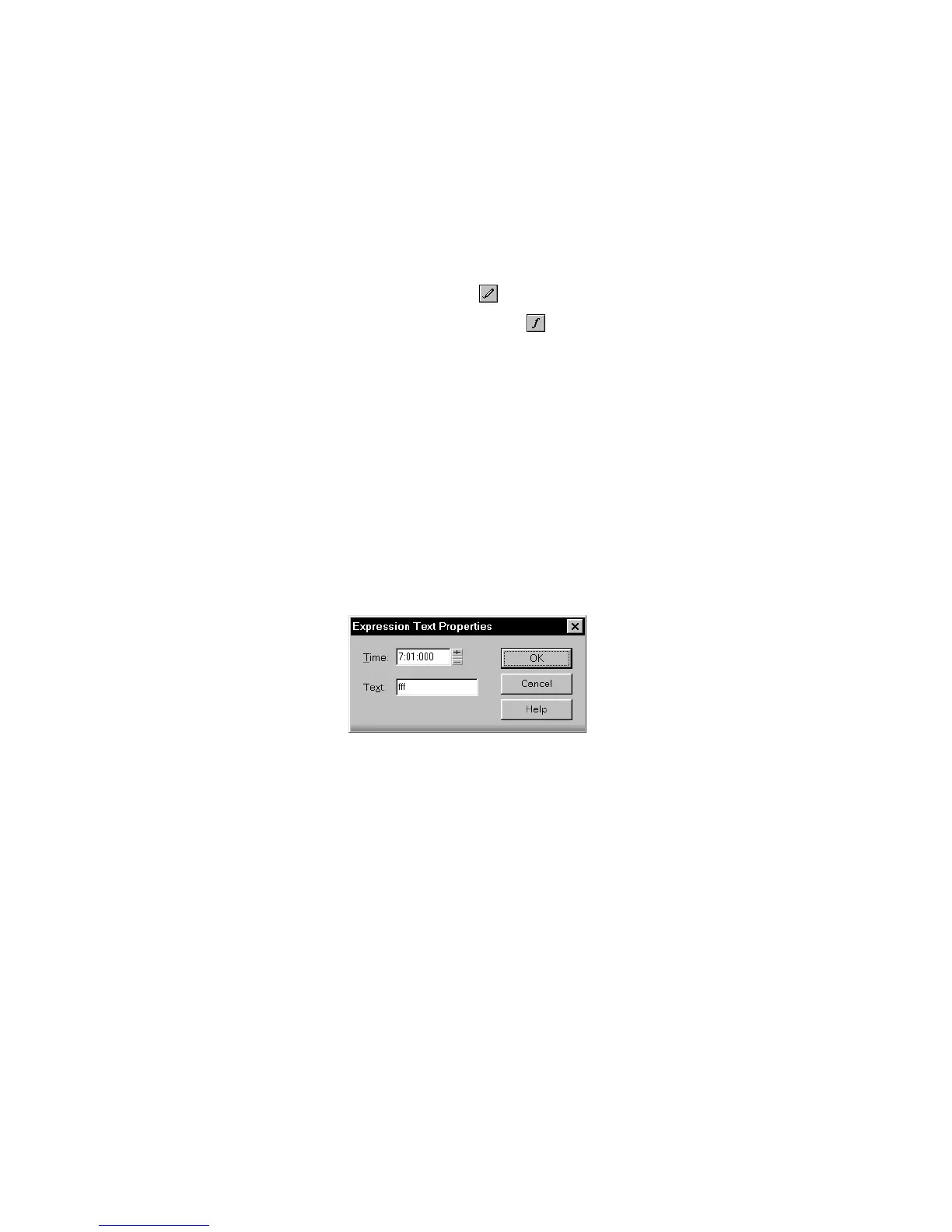
1. Right-click the expression mark to open the Expression Text
Properties dialog box.
2. Edit the time and text of the expression mark as desired.
3. Click OK.
The Staff view displays the expression mark with the new text,
including moving it to a new time if necessary. You can also use the
Draw tool and click on an expression mark directly to change its text.



 To Next Page