10-3
Instruments
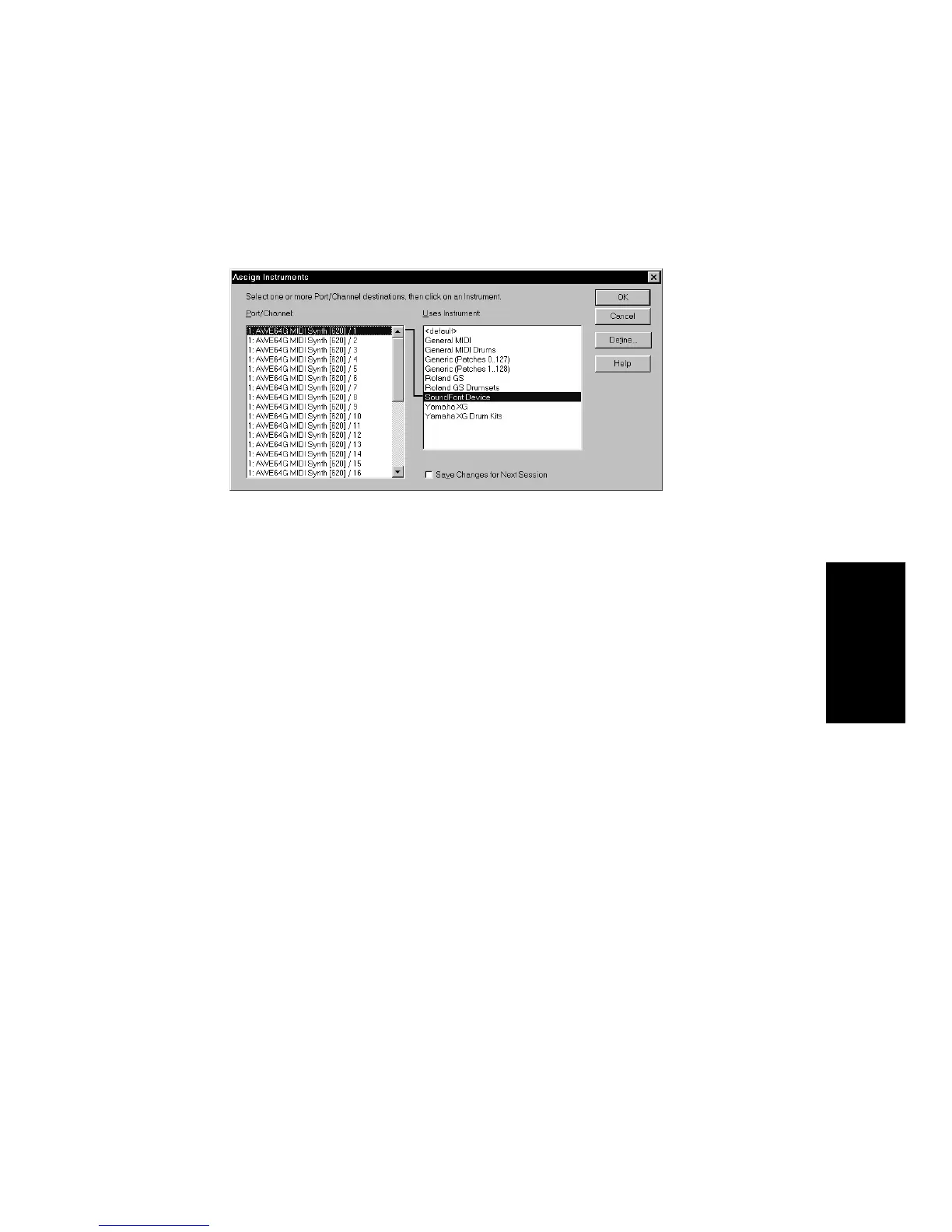
To Assign Instruments to MIDI Ports and Channels…
1. Choose
Options-Instruments
to display the Assign Instruments
dialog box.
2. Select one or more MIDI ports and channels from the Port/
Channel list (use Shift-click and Ctrl-click to select multiple ports
and channels).
3. Choose the instrument to which the selected ports and channels
should be assigned from the Uses Instrument list. A black line
connects the two lists.
4. To save these changes permanently, check the Save Changes for
Next Session box.
5. Click OK when you are done.
From now on, the bank, patch, controller, and note names from the
assigned instrument are used throughout Pro Audio.
To Clear Instrument Assignments…
1. Choose
Options-Instruments
to display the Assign Instruments
dialog box.
2. Select the MIDI ports and channels whose assignments you want
to remove from the Port/Channel list.
3. Choose <default> from the Uses Instrument list. A black line
connects the two lists.
4. Click OK when you are done.
From now on, the default bank, patch, controller, and note names are
used throughout Pro Audio.



 To Next Page