11-21
StudioWare
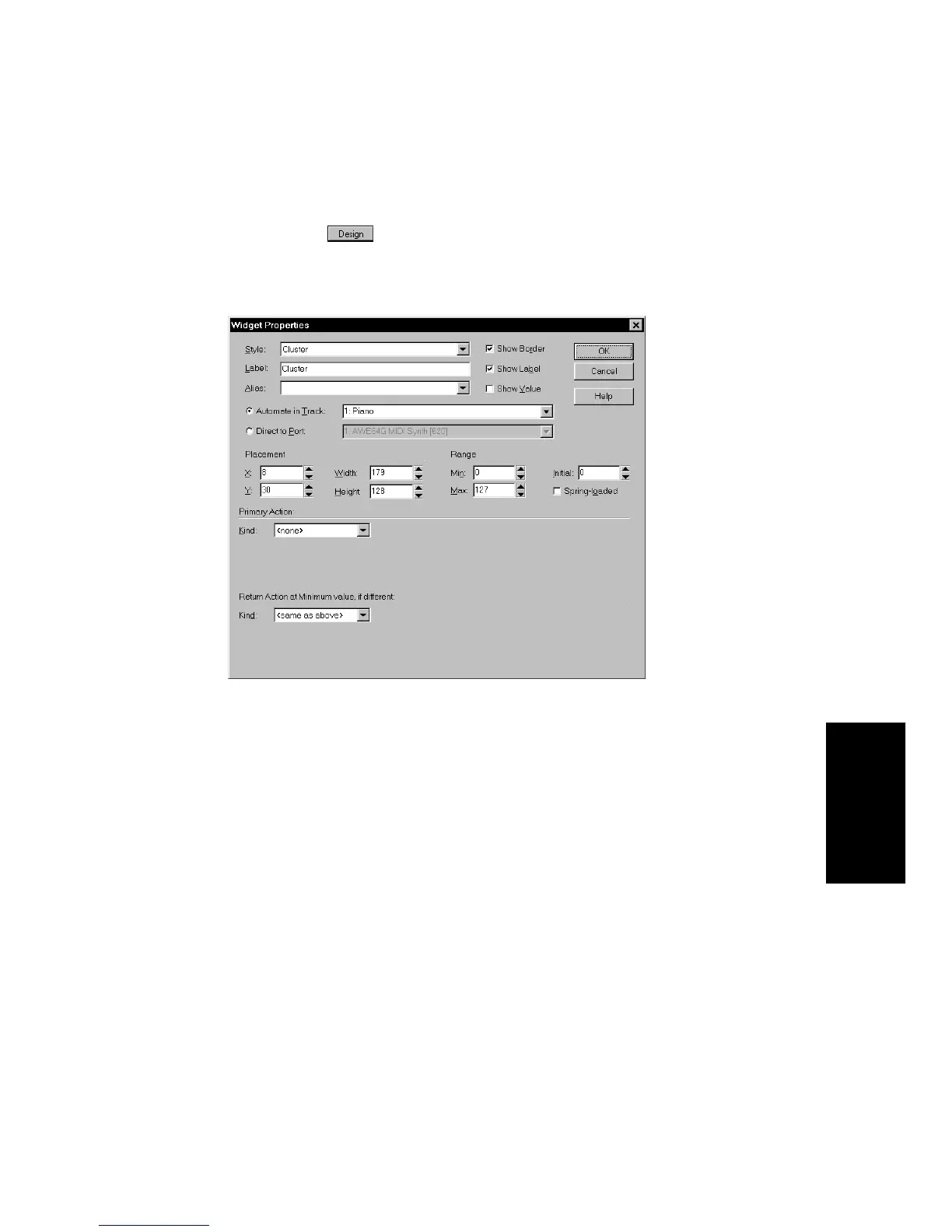
To Change a Widget’s Functional Settings...
1. Make sure the button is pressed so you are in Design
mode.
2. Double-click on a widget, or right-click and choose
Properties
from the menu.
3. Choose either the Automate in Track or Direct to Port option.
4. Choose the Track or Port number from the drop-down list.
5. Choose a Primary Action from the list, and then fill in the required
fields for that action type according to the instructions in the
following section.
6. If desired, enter an alias for the widget.
7. Click OK when you are done.
Pro Audio modifies the widget settings as you indicated.



 To Next Page