3-14
The following parameters apply only to MIDI tracks:
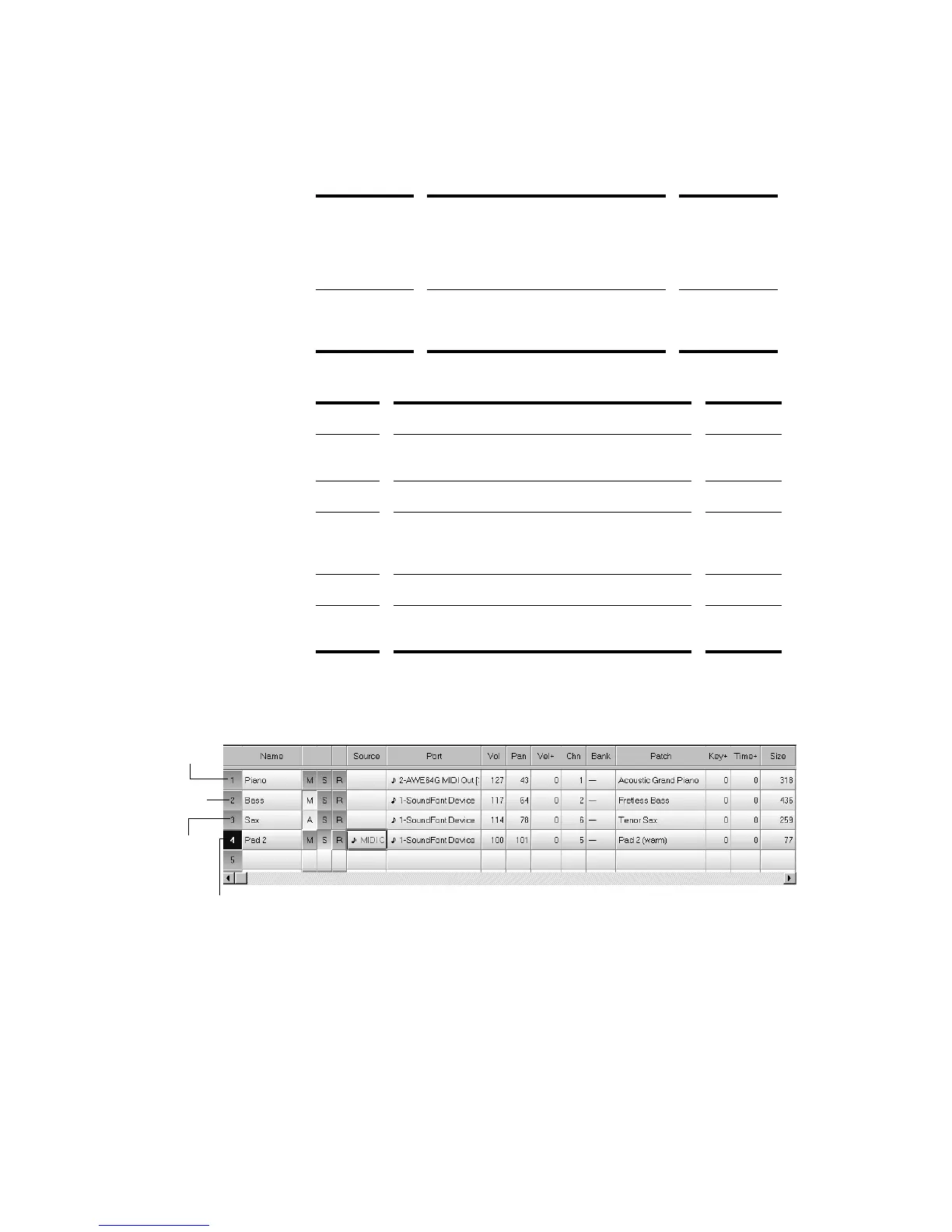
Track settings are shown in the Track paneÑthe left half of the Track
view. HereÕs what the Track pane looks like:
Pan The stereo distribution of the output,
ranging from 0 (hard left) to 127 (hard
right); a value of 64 indicates sound that
is centered left-to-right. On stereo
tracks, pan acts as balance.
3-23
Vel+ The change in velocity (volume) that will
be applied to notes in this track on
playback; ranges from –127 to +127
3-27
Setting... What it means... See page...
Channel The MIDI channel through which the notes will be
played
3-24
Bank The set of patch names available for the track 3-20
Key+ The number of steps by which the notes in the
track are transposed on playback (e.g., 12 to
transpose up one octave)
3-26
Size The total number of MIDI events stored in the track
Time+ An offset applied to the start time of the events in
the track
3-28
Normal
track
Muted
track
Archived
track
Solo track



 To Next Page