• Windows 98/Windows 2000/Windows XP: A window appears allowing you to
select an application program to start.
Windows Me: The Scanners and Cameras Wizard starts. Click [Cancel] to
close the Wizard.
• For instructions on how to start ZoomBrowser EX and download still images to
the computer, see Downloading Still Images (ZoomBrowser EX)
(OJ
13). .
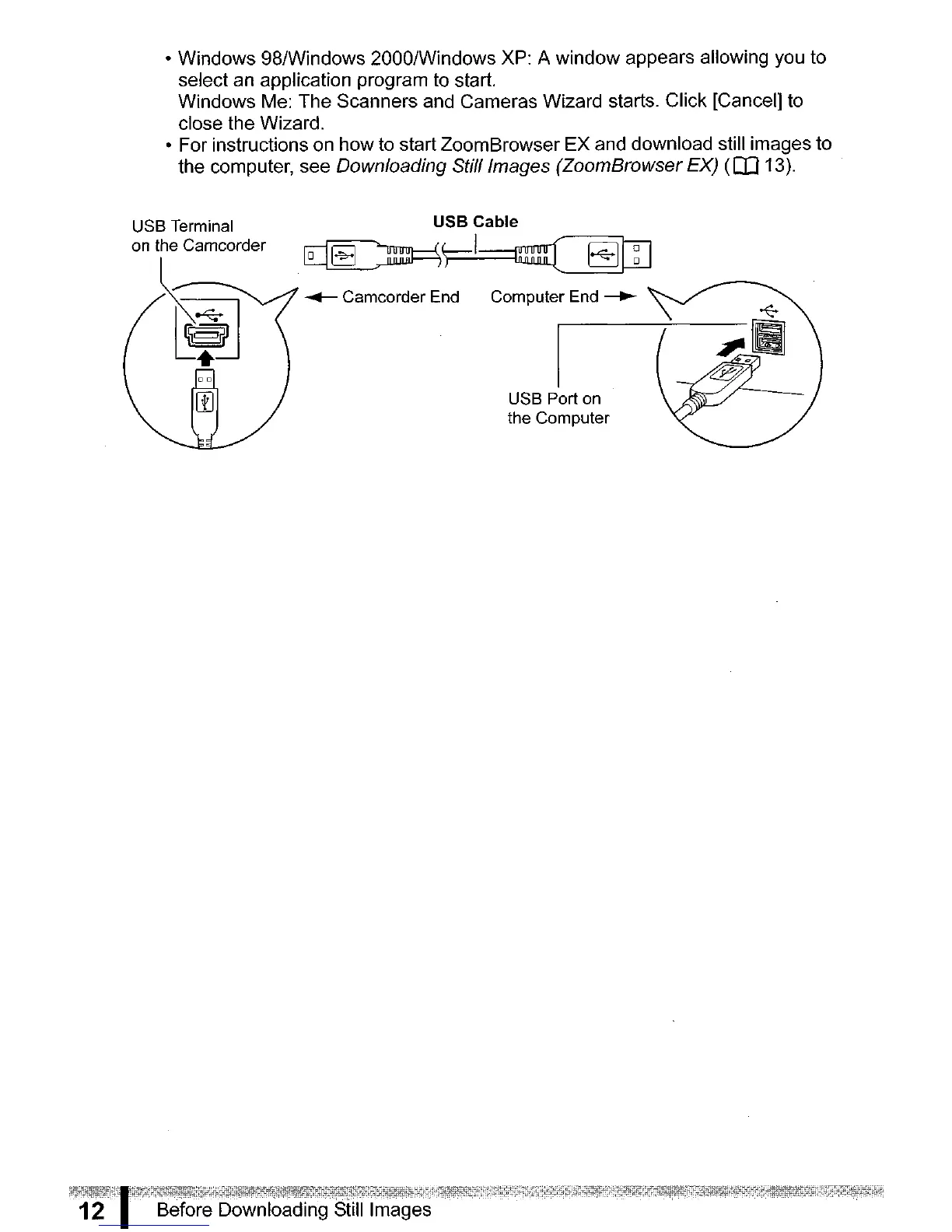
USB Terminal
on the Camcorder
~
USB Cable
~~
~
Camcorder End Computer End
~
USB Port
on
the Computer



 To Next Page