Av
Using
the
Aperture-Priority
AE
Mode
Q"
ZiO $ 4 4
50
You
can select an aperture value, and the camcorder automatically sets the shutter speed
most appropriate for the subject. Use low aperture values (large aperture) to blur the
background for a portrait, or high aperture values (small aperture) to achieve a broad
depth of field for recording landscapes.
Aperture values:
1.8,2.0,2.4,2.8,3.4,4.0,4.8,5.6,6.7,8.0,9.5,11,14,16
1.
Set the camcorder to a recording mode
«(CAMERA·
-,.)
or
(CAMERA·
O})
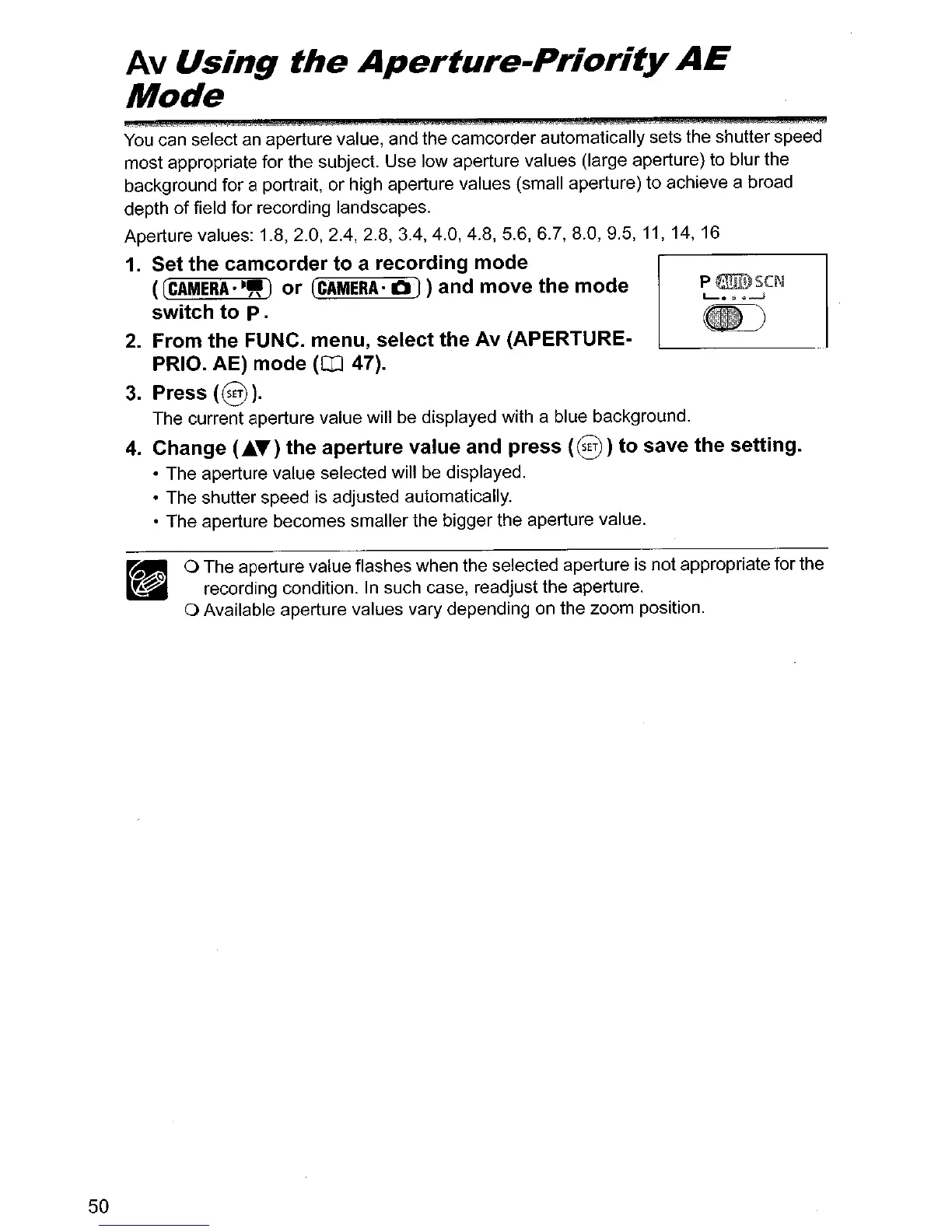
and move the mode
switch to
p.
2. From the FUNC. menu, select the Av (APERTURE·
PRIO. AE) mode
(rn
47).
3.
Press
(§
).
The current aperture value will be displayed with a blue background.
4.
Change
(.ltt.T)
the aperture value and press
(0)
)to save the setting.
• The aperture value selected will
be
displayed.
• The shutter speed
is
adjusted automatically.
• The aperture becomes smaller the bigger the aperture value.
o The aperture value flashes when the selected aperture
is
not appropriate for the
recording condition.
In
such case, readjust the aperture.
o Available aperture values vary depending on the zoom position.



 To Next Page