Tv
Using
the
Shutter-Priority
AE
Mode
You
can select a shutter speed, and the camcorder automatically sets the aperture setting
most appropriate for the subject.
~
Select a high shutter speed for recording fast moving subjects, and a slow shutter speed
to add a motion blur to moving objects, enhancing the feel
of
movement
of
the image.
Guidelines
for
selecting the
shutter
speed
(CAMERA·
-"
)
(CAMERA·QJ
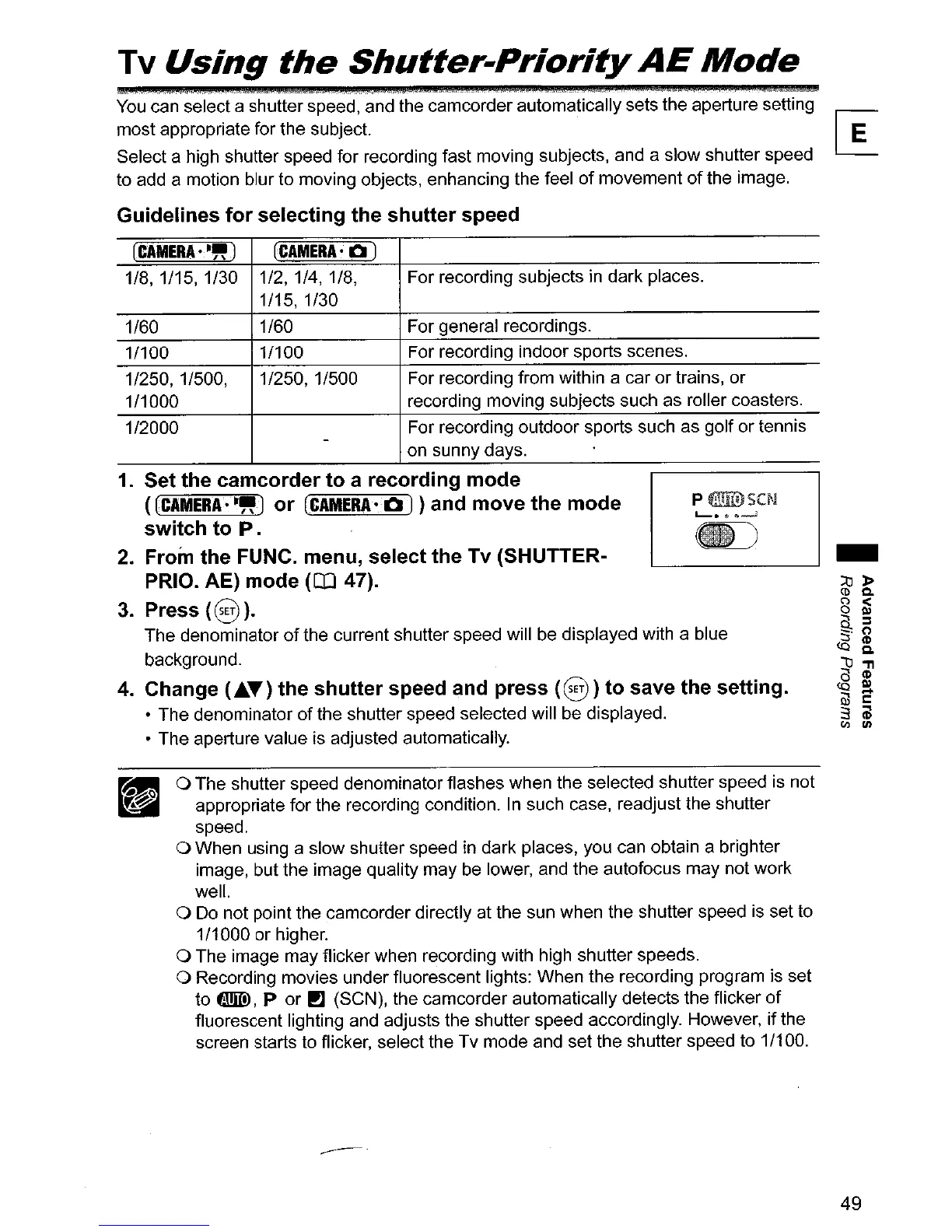
1/8, 1/15, 1/30 1/2, 1/4, 1/8, For recording subjects in dark places.
1/15, 1/30
1/60
1/60 For general recordings.
1/100
1/100 For recording indoor sports scenes.
1/250, 1/500,
1/250,1/500 For recording from within a car
or
trains, or
1/1000
recording moving subjects such as roller coasters.
1/2000
For recording outdoor sports such as golf
or
tennis
-
on sunny days.
1.
Set the camcorder
to
a recording
mode
«(CAMERA·-,,)
or
(CAMERA·
a )}and move
the
mode
switch
to
P.
2.
From the FUNC. menu, select the Tv (SHUTTER-
PRIO. AE)
mode
(CO
47).
3.
Press
(§
).
The denominator
of
the current shutter speed will be displayed with a blue
background.
4.
Change (.6.T)
the
shutter
speed and press
(8)
to
save
the
setting.
• The denominator
of
the shutter speed selected will be displayed.
• The aperture value is adjusted automatically.
o The shutter speed denominator flashes when the selected shutter speed is not
appropriate for the recording condition. In such case, readjust the shutter
speed.
o When using a slow shutter speed in dark places, you can obtain a brighter
image, but the image quality may be lower, and the autofocus may not work
well.
o Do not point the camcorder directly at the sun when the shutter speed is set to
1/1000 or higher.
o The image may flicker when recording with high shutter speeds.
o Recording movies under fluorescent lights: When the recording program is set
to
EmID,
P or
rJ
(SeN), the camcorder automatically detects the flicker
of
fluorescent lighting and adjusts the shutter speed accordingly. However,
if
the
screen starts to flicker, select the Tv mode and
set
the shutter speed to 1/100.
49



 To Next Page