MENU
Step
5:
Changing
the
Display
Language
The language used in the camcorder displays and menu items can be changed to
German, Spanish, French, Italian, Russian, Simplified Chinese, Traditional Chinese,
Korean or Japanese.
~~~)
~
DISPLAY
SETUP
[~[L-L_AN_G_UA_G_E_®_';
_
1.
Turn
on the camcorder (CAMERA or PLAY).
2.
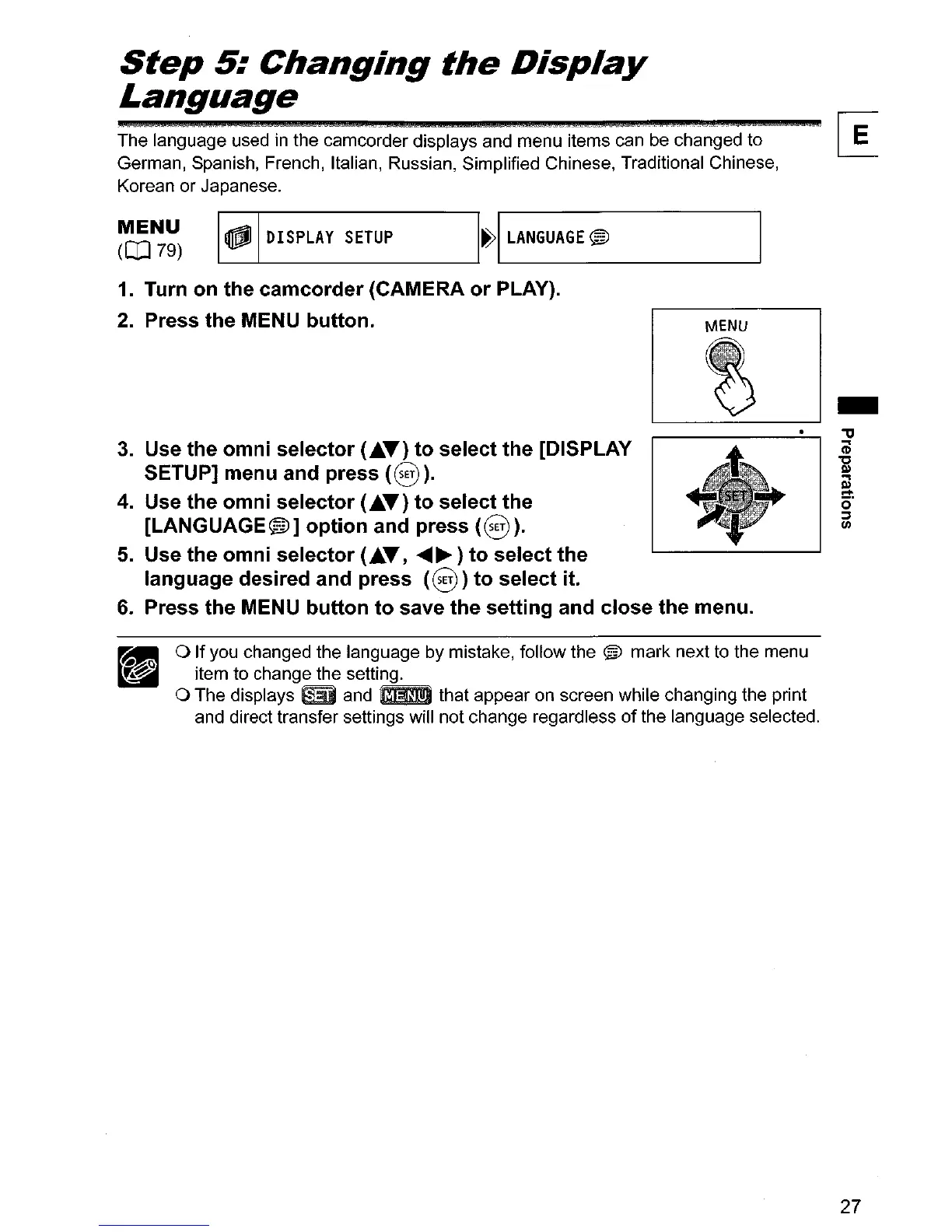
Press the MENU button.
3.
Use the omni selector (
....
T)
to select the [DISPLAY
SETUP] menu and press
(8
).
4. Use the omni selector (
....
T)
to select the
[LANGUAGE@]
option and press
(8).
5.
Use the omni selector (
....
T,
....
~)
to select the
language desired and press
(8)
to select it.
6.
Press the MENU button to save the setting and close the menu.
o If you changed the language by mistake, follow the ® mark next to the menu
item to change the setting.
o The displays
mD
and mIm that appear on screen while changing the print
and direct transfer settings will not change regardless
of
the language selected.
-
"'tI
Cil
"C
III
a
o'
::J
11I
27



 To Next Page