Erasing
Still
Images
24.$4
You can erase still images recorded on the memory card or on the disc (DVD-RW only),
one at a time
or
all at once.
II
Be
car~ful
when erasing images. Erased images cannot be recovered.
~
Protected images on the memory card and images on a protected
disc
cannot be
~
erased.
E;tao~~~a""Slp,gJ,£t~J!llaige"";'~;;:o!iEE'0!N"',"#~;j;;J;"iij.""~,,r;~";i':d;M';";r7if"·EF£ili'&Y";i1"cWc:,c,·,n;;"=7i~.i;i"n',,:,,,;;s~CC%;'¥i
Still images recorded on the disc: This option is only available with DVD-RW discs
recorded in VR mode.
~UNC)
1
/~
1"1
IMAGE
ERASE
(0]59)
.
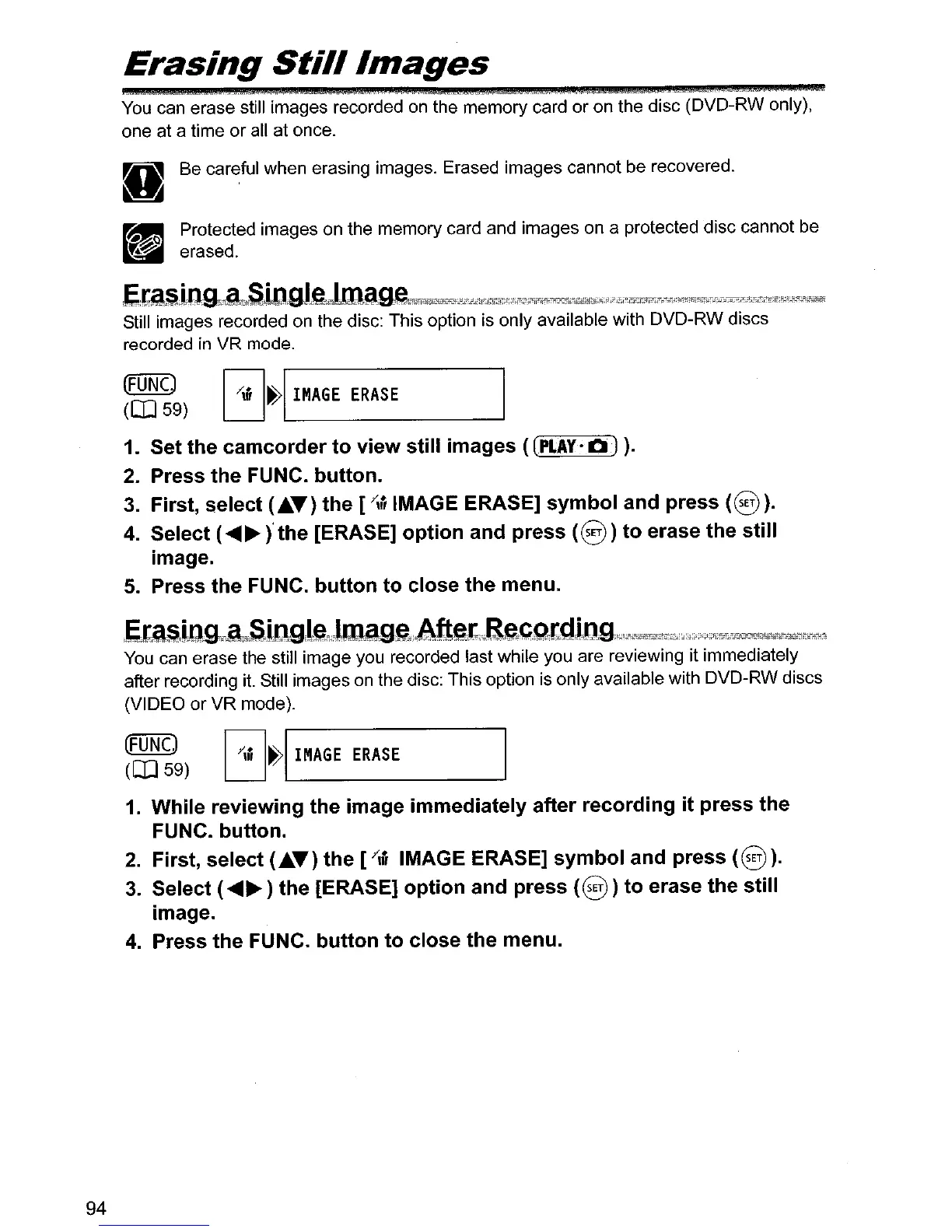
1. Set the camcorder to view still images
«(PLAY·OJ
).
2.
Press the FUNC. button.
3.
First, select
(£.T)
the
[""
IMAGE ERASE] symbol and press
(8).
4.
Select (
........
)'
the [ERASE] option and press
(8)
to erase the still
image.
5.
Press the FUNC. button to close the menu.
EIa§ix),gc~cSJ!1.Qilg.;!ttlagei:Aftet;Ji~C;Qldi[l..Q;l;;;;i;;C"~,""±j;i.it,";"';~'"''u·i"BG~tk=,
You
can erase the still image you recorded last while you are reviewing it immediately
after recording it. Still images
on
the disc: This option is only available with DVD-RW discs
(VIDEO or VR mode).
(FUNC.)
(0]59)
~"I
I~AGE
ERASE
94
1.
While reviewing the image immediately after recording it press the
FUNC. button.
2.
First, select
(£.T)
the [/," IMAGE ERASE] symbol and press (@).
3.
Select (
........
) the [ERASE] option and press
(@)
)to erase the still
image.
4.
Press the FUNC. button to close the menu.



 To Next Page