fJ:a&JDQuAll",lmagg'§"fof:C'ctC""";<:'","U:",t,,,,,,,*,,",,,,,,::,,,,,,,,",;:l'f:U::';C::s.'!0::,,::,t:,,':::/;,W;::ff',':/:;:,,;''''':'''tf,v:,l,m::C'!t:100::",'ill:i'»:
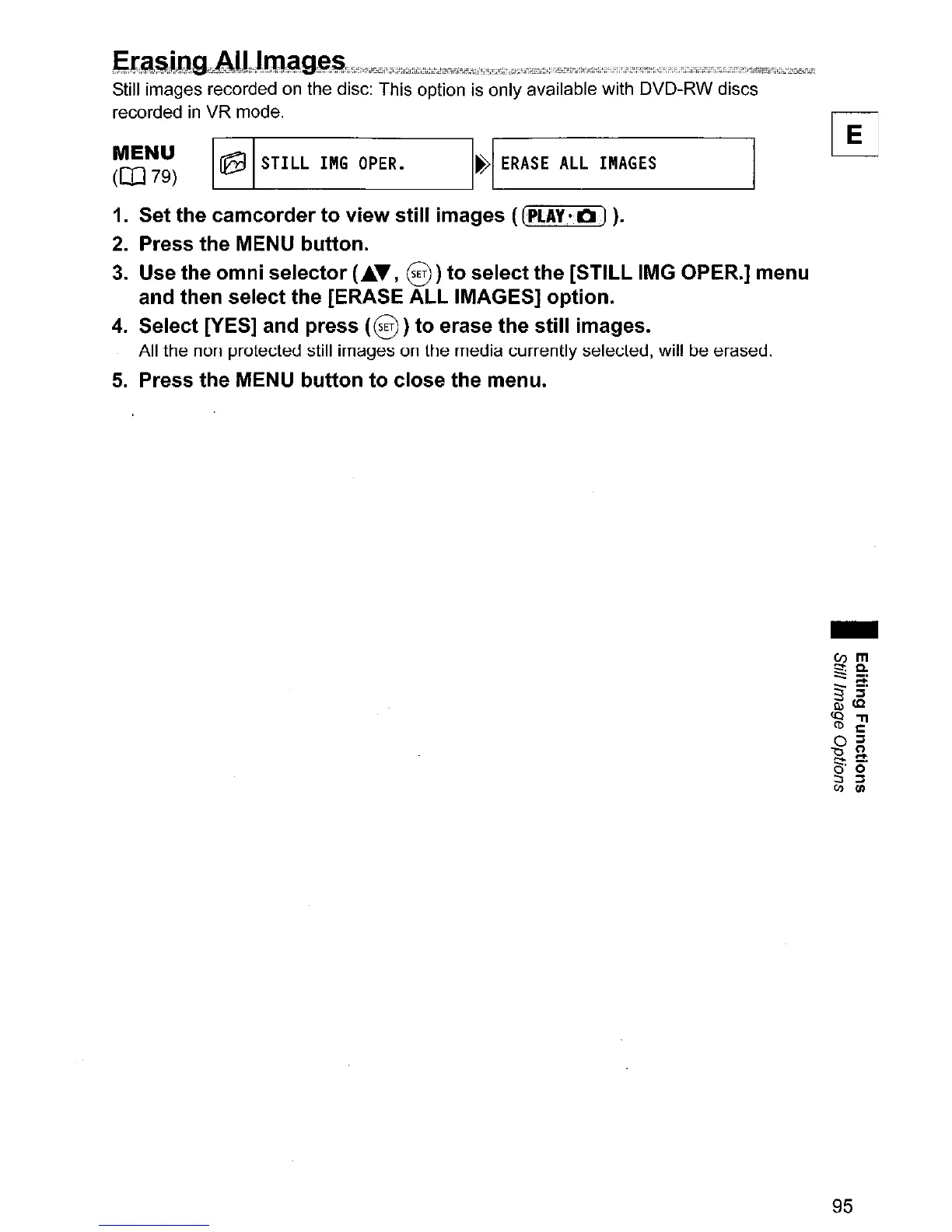
Still images recorded on the disc: This option is only available with DVD-RW discs
recorded
in
VR mode.
~~~
~
STILL
1"6
OPER.
I~I
ERASE
ALL
I"A6ES
1. Set the camcorder to view still images
((PLAy-a)
).
2.
Press the MENU button.
3.
Use the omni selector (...... ,
§)
to select the [STILL IMG OPER.] menu
and then select the [ERASE ALL IMAGES] option.
4. Select [YES] and press
(§
)to erase the still images.
All the non protected still images
on
the media currently selected, will be erased.
5.
Press the MENU button to close the menu.
-
95



 To Next Page