II
About
this
Manual
Thank you for purchasing the Canon DC20/DC10. Please read this manual carefully
before you use the camcorder and retain
it
for future reference. Should your camcorder
fail to operate correctly, refer to the Troubleshooting table (OJ 123).
o
II
:Precautions related to the camcorder operation.
o
~
:Additional topics that complement the basic operating procedures.
o
OJ
: Reference page number.
o Capital letters are used to refer to buttons
on
the camcorder or the wireless controller.
o [] are used to refer to menu items displayed
on
the screen.
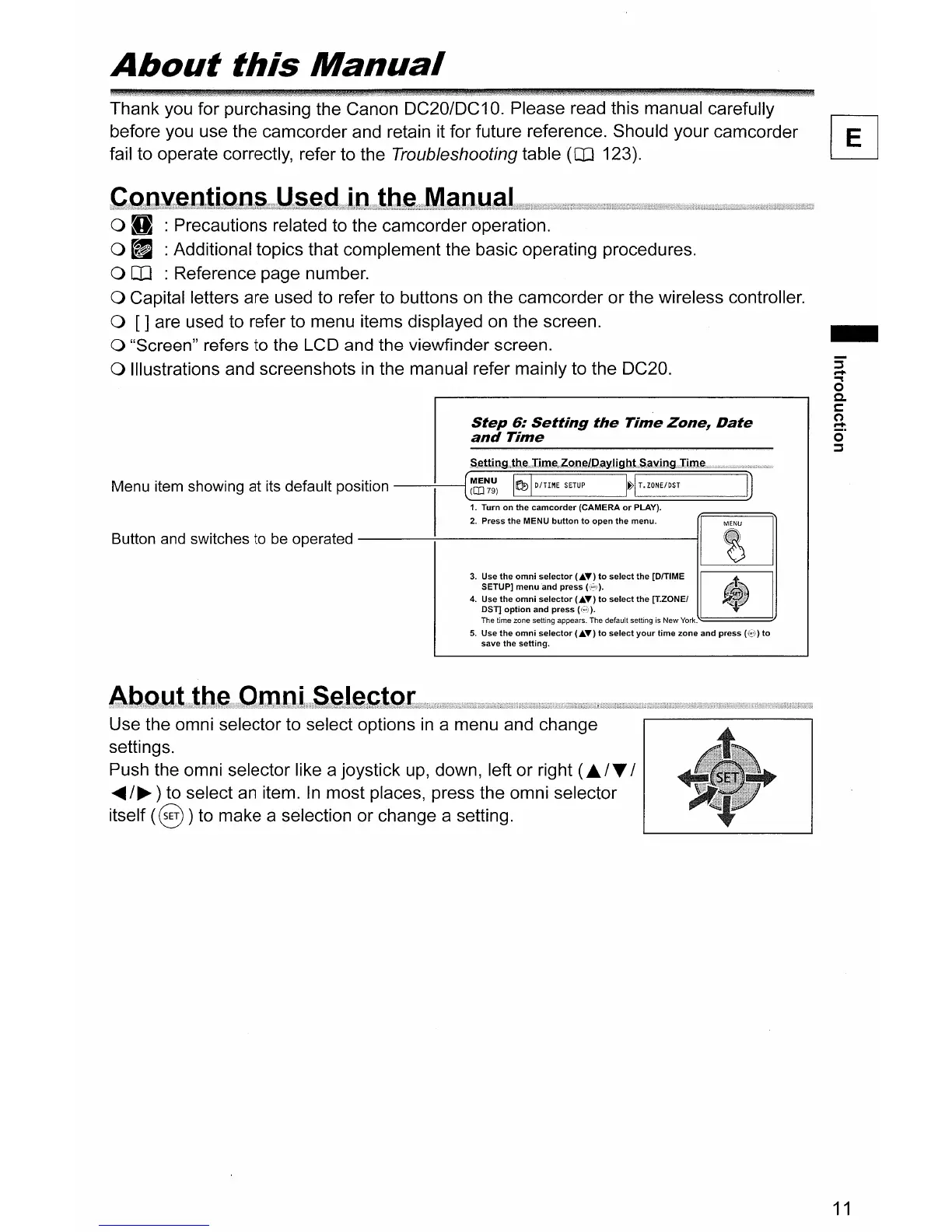
o "Screen" refers to the LCD and the viewfinder screen.
o Illustrations and screenshots
in
the manual refer mainly to the DC20.
Step
6:
Setting
the
Time
Zone~
Date
and
Time
Menu item showing at its default position
--:------i[~~~)
11f191
0
/
TIME
SETUP
I~IT.ZONE/OST
1. Turn
on
the
camcorder
(CAMERA
or
PLAY).
Button and switches to be operated
---;-.
__
2_.
_pre_ss_th_e_ME_NU_b_ut_ton_to_o_pe_nt_he_m_en_U'_--1[]]
3.
Use
the
omni
selector
CA."')
to
select
the [DITIME
II
I
SETUP]
menu
and
press
(C';'!).
4.
g~;t~~~:nn~~~I:~~~~
\~~~
to
select
the
[T.ZONEI
The time zone setting appears. The default setting
is
New
York.,,======l/
5.
Use
the
omni
selector
("'''')
to
select
your
time
zone
and
press
(C~'))
to
save
the
setting.
-
a
a
0-
C
~
o·
::::s
Use the omni selector to select options
in
a menu and change
settings.
Push the omni selector like a joystick
up,
down, left or right
(£./T
I
.....
/~)
to select
an
item.
In
most places, press the omni selector
itself
(8)
to make a selection or change a setting.
11



 To Next Page